
Resources
4 optionsSeparate controls for full health, oxygen, food and water.
View all resources →Keep survival meters full, make crafting easier, carry more equipment or explore from a new angle. In Subnautica, gather supplies and build a place to survive on an alien ocean world.
Start with free mods
Download Bytonian Mods for Windows and try these free features. Choose one to see how it works and any requirements.
Keep your survivor at full health while enabled, helping you explore without ordinary damage interrupting your trip.
Use a separate unmodified playthrough if you want to pursue achievements.
Browse carried items and creatures, then place a bounded selection in clear space nearby. Use Give Items instead when you want supported supplies delivered directly to your inventory.
Use a separate unmodified playthrough if you want to pursue achievements.
Keep your oxygen reserve full while diving, giving you more time to explore below the surface. Turning it off resumes normal oxygen use.
Use a separate unmodified playthrough if you want to pursue achievements.
Keep the water meter full so you can concentrate on exploring and building. Food, oxygen and health remain separate controls.
Use a separate unmodified playthrough if you want to pursue achievements.
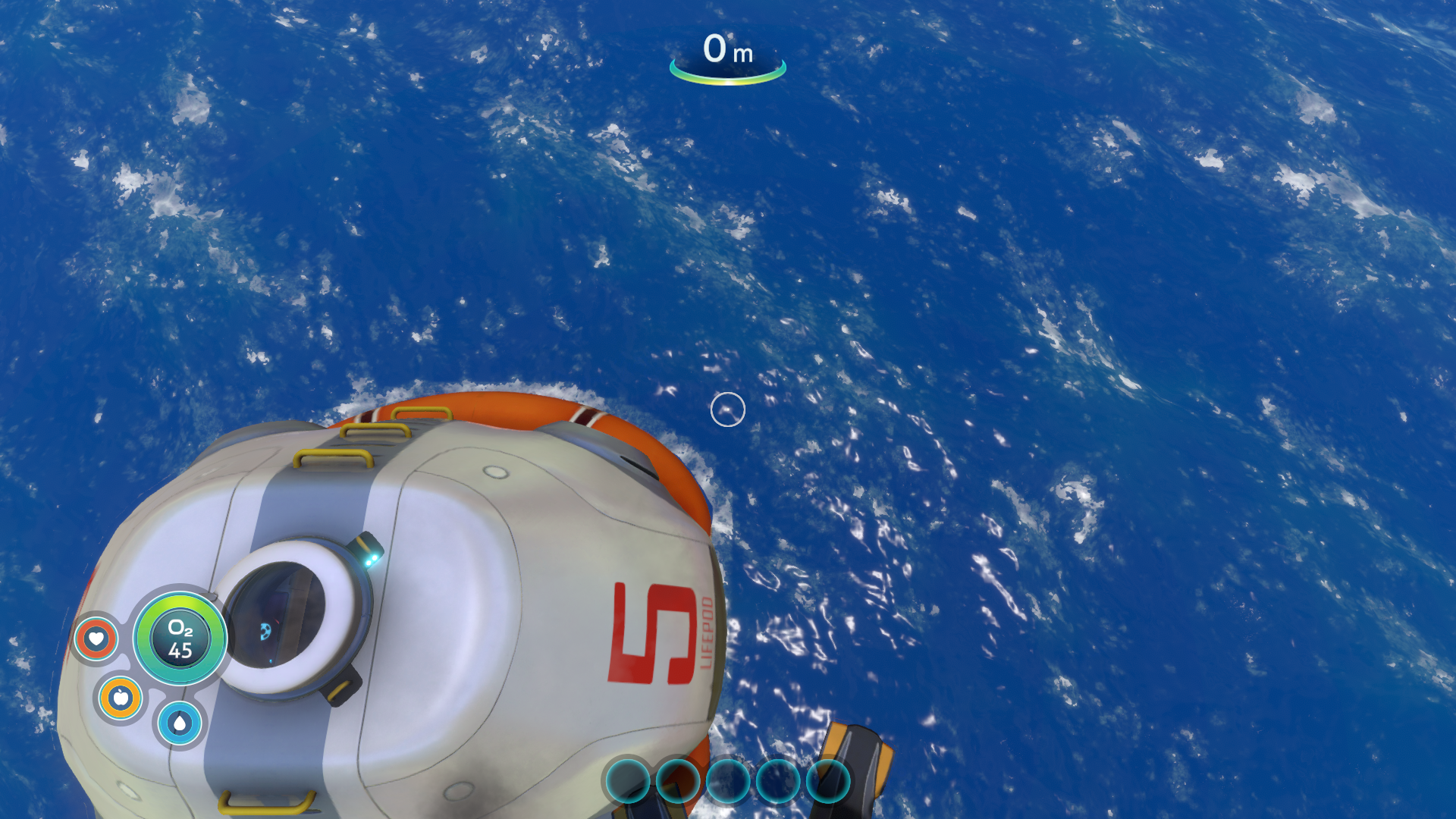
A new view above the escape pod
Explore Subnautica at your own pace with survival, crafting and movement tools for single-player. Fly offers an aerial view of the escape pod and surrounding ocean.
Health, food, water and oxygen have separate controls. You can ease one pressure without turning the whole adventure into a different game. Blueprint access, material costs and fabricator power are also separate choices.
Movement brings Fly, Free Walk and Board together in one control. Give Items puts supported supplies in your inventory, while Spawn places supported items or creatures in clear space nearby. Compact Inventory helps you carry larger equipment.
Install the Bytonian Mods Windows launcher, choose Subnautica and start the game. Enter single-player before enabling the controls you want. The individual categories explain each tool and its practical limits.
These tools use Subnautica's modified-game state. Keep a separate unmodified playthrough if you want to pursue achievements. This page covers the original Subnautica, rather than Below Zero or Subnautica 2.
Separate controls for full health, oxygen, food and water.
View all resources →Blueprint availability while enabled, with your learned discoveries preserved.
View unlocks →Separate crafting changes, less creature targeting and carried-item retention.
View all rule modifiers →Three movement styles with speed, handling, jump and binding controls.
View ability modifiers →Single-cell carried items with normal sizes restored when disabled.
View presentation modifiers →Direct inventory delivery and nearby item or creature spawning.
View game actions →Browse the Steam achievement names and descriptions for Subnautica. Choose and unlock achievements for free with Bytonian Mods in the Windows app.
View all achievements →Download the Windows app and follow the setup prompts.
Open Subnautica and select it in Bytonian Mods. Follow the app’s connection prompts.
Review the available options in the app and choose the ones that suit how you play.