

Resources
1 optionAdjust carried cash while keeping bank savings separate.
View resources →Plan your neighborhood market with control over the cash you carry. The free Cash card lets you read your current balance, choose a new amount, or add and subtract money during normal play.
Start with free mods
Download Bytonian Mods for Windows and try these free features. Choose one to see how it works and any requirements.
Read, set, add or subtract the cash you carry.
Load your game and close the pause menu. Refresh Cash before editing, then choose a whole-number amount between 0 and 1,000,000,000.
Bank savings are separate. Refresh again if your cash changes before the edit is applied.
Install Bytonian Mods on Windows, select Store Simulator and enable Cash. Load your game, close the pause menu and wait for the cash display to appear. Refresh the card before choosing an amount.
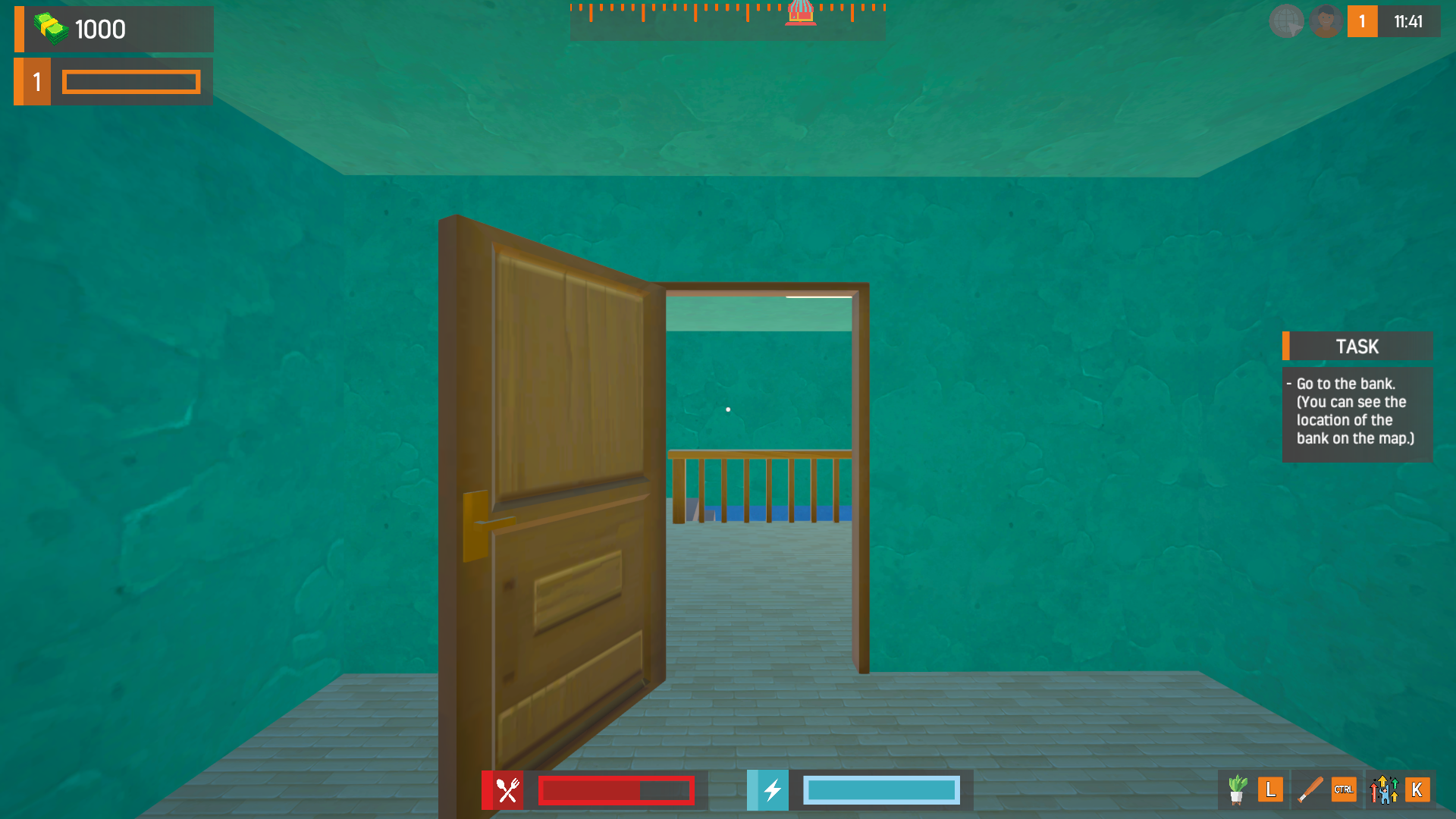
Choose your cash balance
Use the Cash card to adjust the money you carry during normal play.
Adjust carried cash while keeping bank savings separate.
View resources →Browse the Steam achievement names and descriptions for Store Simulator. Choose and unlock achievements for free with Bytonian Mods in the Windows app.
View all achievements →Download the Windows app and follow the setup prompts.
Open Store Simulator and select it in Bytonian Mods. Follow the app’s connection prompts.
Review the available options in the app and choose the ones that suit how you play.