

Game Actions
3 optionsRestore thirst, hunger or stamina individually.
View game actions →Restore thirst, hunger or stamina when you need a boost while exploring Starsand's desert. Choose each survival action separately as you gather, craft and build.

Start with free mods
Download Bytonian Mods for Windows and try these free features. Choose one to see how it works and any requirements.
Restore thirst to full when you need water during your desert journey.
Use the action while playing to restore this value once.
Restore hunger to full when you need food during your journey.
Use the action while playing to restore this value once.
Restore stamina to full when you need to recover energy.
Use the action while playing to restore this value once.
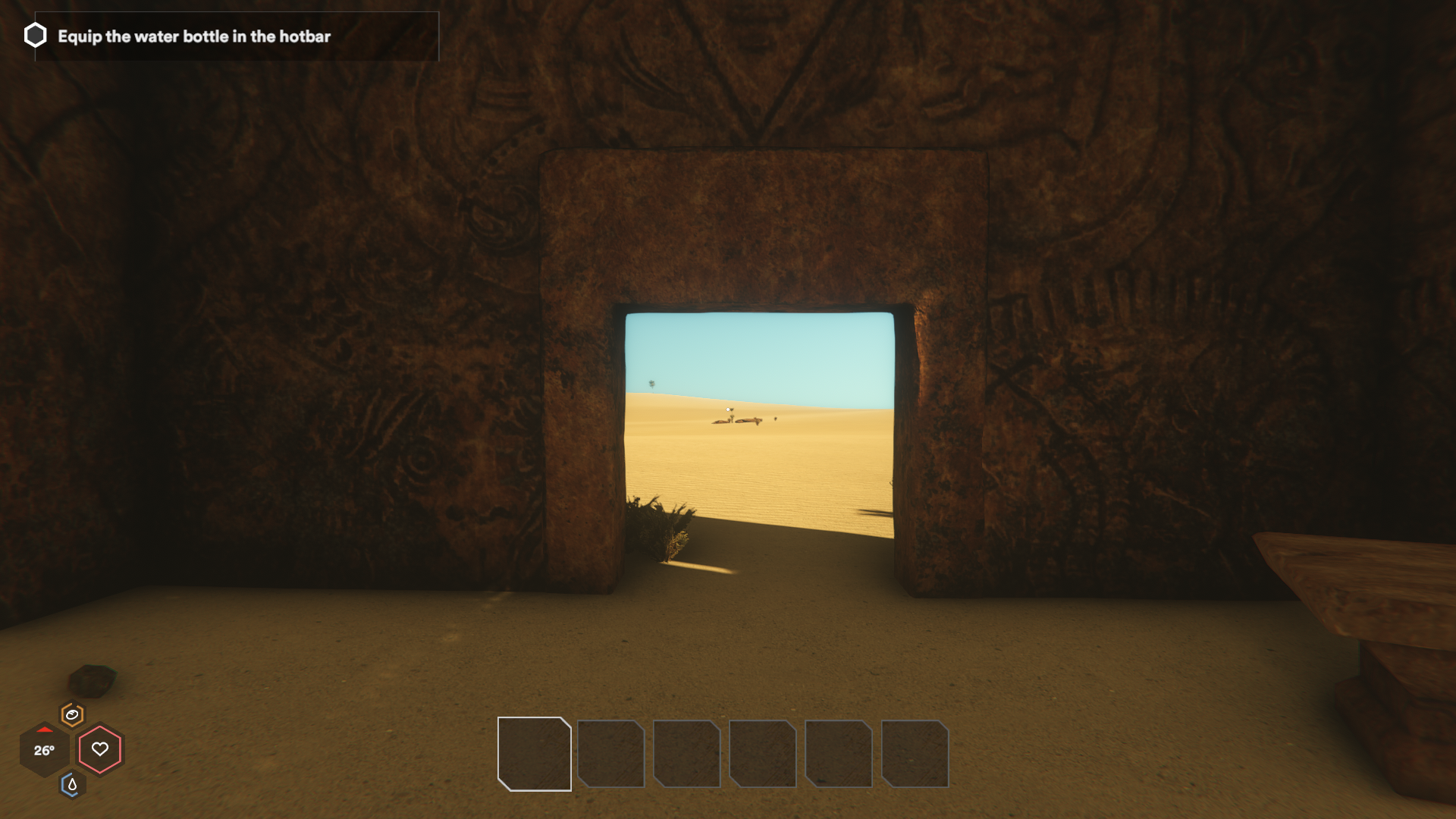
Shelter from the desert heat
The desert opens up beyond a stone shelter in Starsand. The survival HUD tracks thirst, hunger and temperature.
Restore thirst, hunger or stamina individually.
View game actions →Browse the Steam achievement names and descriptions for Starsand. Choose and unlock achievements for free with Bytonian Mods in the Windows app.
View all achievements →Download the Windows app and follow the setup prompts.
Open Starsand and select it in Bytonian Mods. Follow the app’s connection prompts.
Review the available options in the app and choose the ones that suit how you play.