

Presentation Modifiers
1 optionChoose a comfortable background music level.
View presentation modifiers →Set a comfortable background music level while you solve the box puzzles in Stack & Crack. Keep the game's sound effects at their usual level as you play.

Start with free mods
Download Bytonian Mods for Windows and try these free features. Choose one to see how it works and any requirements.
Adjust the background music level without changing sound effects.
Enable the control and choose a percentage.
After using the game's music switch, turn this control off and back on to reapply the selected level.
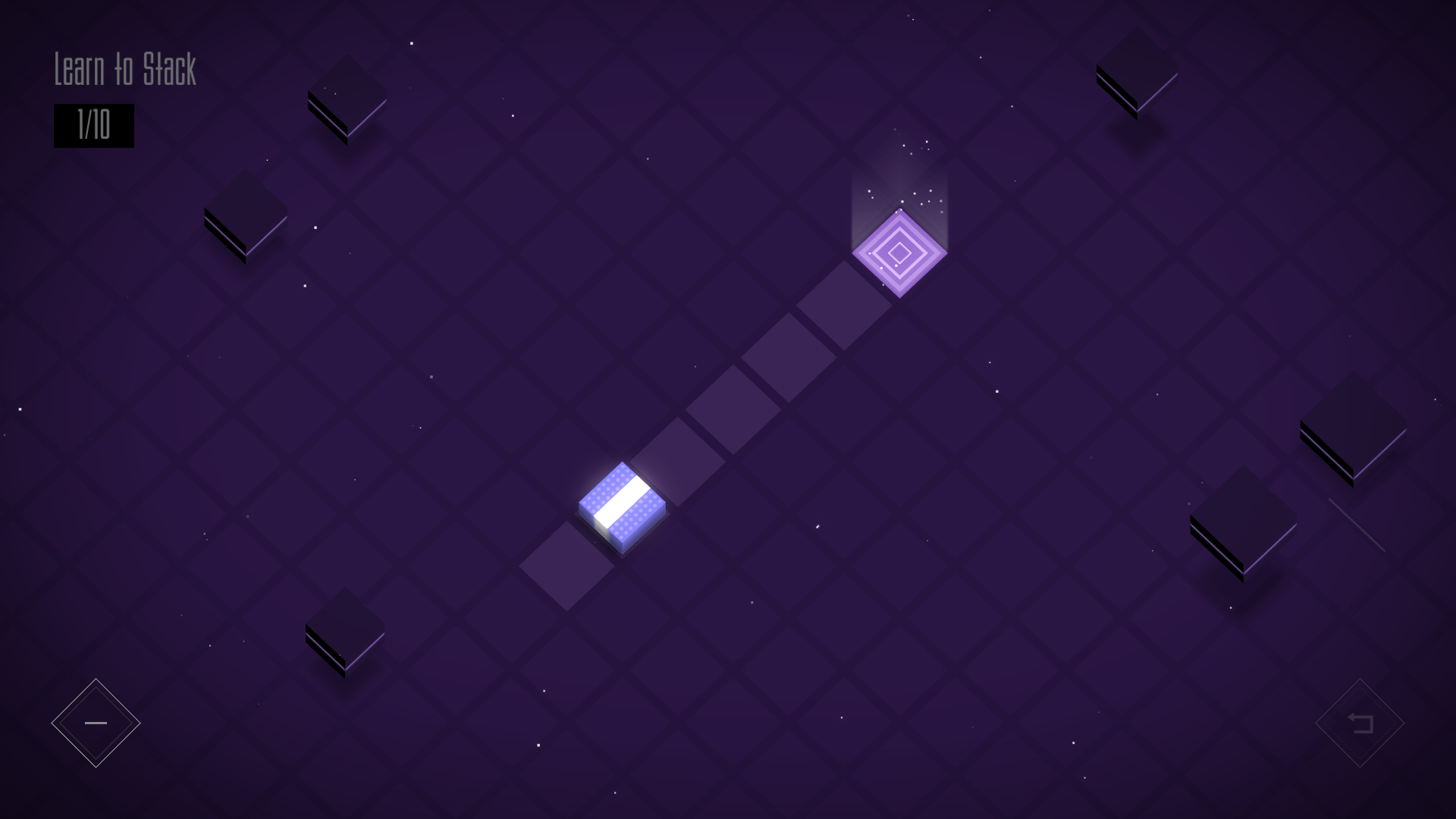
Explore a puzzle
Guide a box across the board toward its destination.
The free music volume control lets you choose a quieter or louder background track without changing sound effects.
Install Bytonian Mods for Windows, select Stack & Crack, then enable Music volume and choose a percentage.
Choose a comfortable background music level.
View presentation modifiers →Browse the Steam achievement names and descriptions for Stack & Crack. Choose and unlock achievements for free with Bytonian Mods in the Windows app.
View all achievements →Download the Windows app and follow the setup prompts.
Open Stack & Crack and select it in Bytonian Mods. Follow the app’s connection prompts.
Review the available options in the app and choose the ones that suit how you play.