

Presentation Modifiers
1 optionTurn camera shake off for a steadier view.
View presentation modifiers →Explore changing dungeons, choose your equipment and plan each encounter in Soulblight's single-player adventure. Use the free No Camera Shake option for a steadier view.

Start with free mods
Download Bytonian Mods for Windows and try these free features. Choose one to see how it works and any requirements.
Keep the camera steady during hit and earthquake effects.
Turn on No Camera Shake for a steadier view. Turn it off to restore normal camera effects.
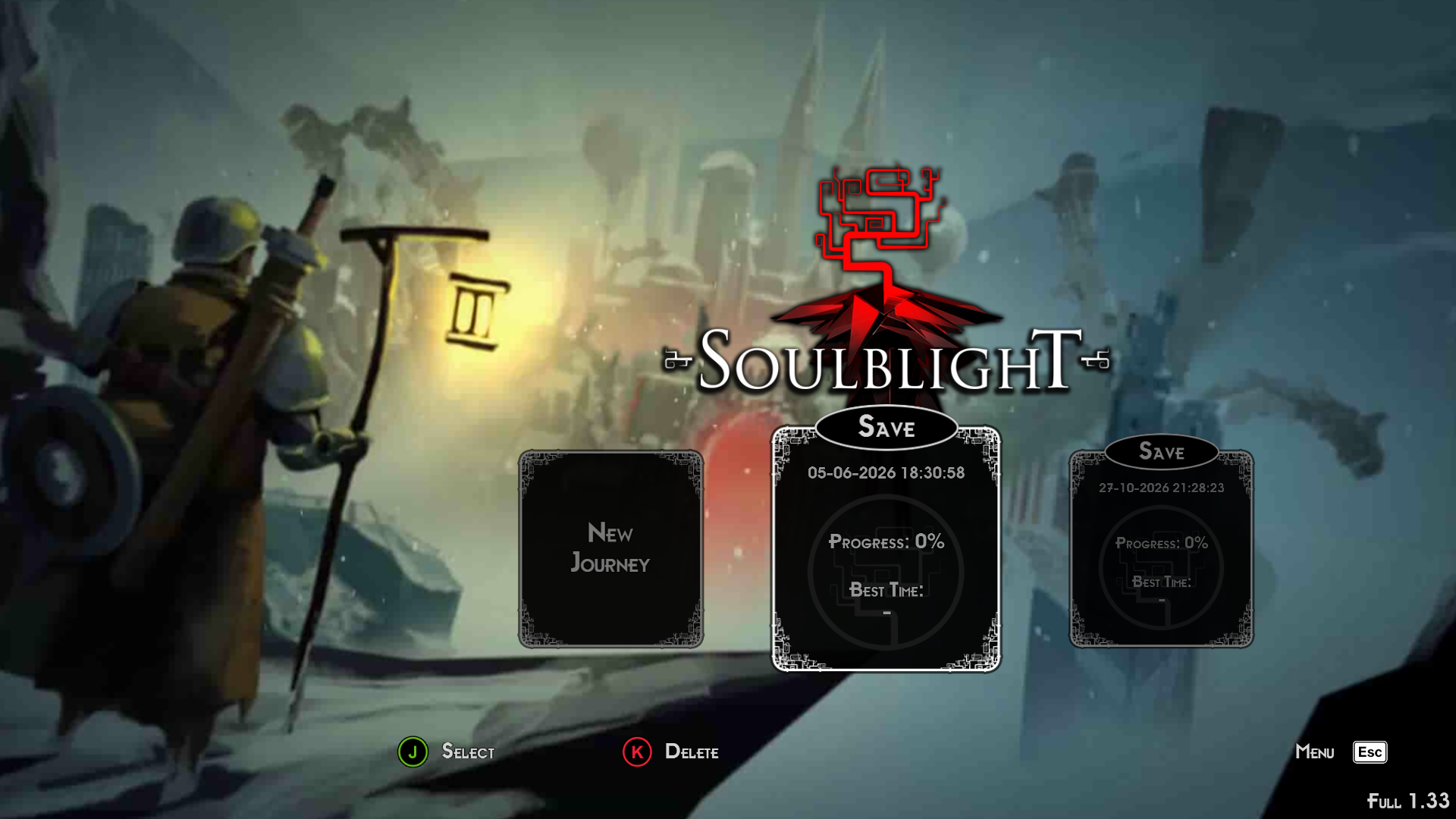
Soulblight title screen
The title screen for Soulblight's dark fantasy adventure.
Soulblight combines tactical combat, equipment choices and randomly generated levels. Keep the camera steady when hit effects or earthquakes trigger.
Install Bytonian Mods for Windows, select Soulblight and turn on No Camera Shake. Switch it off whenever you prefer the usual camera motion.
Turn camera shake off for a steadier view.
View presentation modifiers →Browse the Steam achievement names and descriptions for Soulblight. Choose and unlock achievements for free with Bytonian Mods in the Windows app.
View all achievements →Download the Windows app and follow the setup prompts.
Open Soulblight and select it in Bytonian Mods. Follow the app’s connection prompts.
Review the available options in the app and choose the ones that suit how you play.