

Tools and building actions
Equip original Bytonian Gear, finish placed book structures or clear space around camp with nearby tree and scrub controls.

Original Bytonian Gear
Equip the Physics Gun to handle suitable movable objects, or use the Tool Gun to freeze movable props and undo changes. Object duplication is unavailable in this game.
Pocket Pulse and Ranger Rifle add original weapons. Portal Gun creates linked viewing surfaces on suitable clear, flat ground. Use Gear in single-player or a game you host.
Finish placed blueprints
Finish blueprints completes the remaining materials for placed book structures. Turn on Auto finish to complete each blueprint after you confirm its placement, so you can still move and rotate the preview first.
Unrestricted placement and Unrestricted rope gun have separate cards under rules. Finishing a blueprint changes its completion, not where you can place it.
Clear space around camp
Trees and scrub around you lets you cut or remove nearby trees, regrow stumps or clear scrub. Choose a radius in Settings and use Stop to cancel remaining work.
Work runs gradually in short batches and skips trees supporting structures. Use these controls in single-player or a game you host.
Recover from blood, cold and fire
Use Clear blood, cold and fire to clean up, warm up and extinguish flames with one action. Health and other survival reserves have their own resource cards.
Available game actions
AK47Free
Equip an automatic rifle with a 30-round magazine.
Choose AK47 in Bytonian Gear, then use its firing and reload controls.
Use in single-player or a game you host.
AWPFree
Equip a precision rifle with a fixed cosmetic scope.
Choose AWP in Bytonian Gear, then use its firing and reload controls.
Use in single-player or a game you host.
Bytonian GearFree
Equip original tools and weapons alongside your chosen movement style.
Open Spawn and choose Bytonian Gear to select equipment. Use the Gear controls for its actions.
Use in single-player or a game you host.
Clear blood, cold and fireFree
Clean blood, warm up and extinguish flames with one action.
Use Clear blood, cold and fire when you need to clean up, clear cold or stop burning.
Desert EagleFree
Equip a semiautomatic sidearm with a seven-round magazine.
Choose Desert Eagle in Bytonian Gear, then use its firing and reload controls.
Use in single-player or a game you host.
Finish blueprintsPremium
Complete the remaining materials for book blueprints you have placed.
Confirm the blueprint's placement, then use Finish blueprints. Enable Auto finish to complete later blueprints as you place them.
Book blueprints and freeform logs use separate controls. Enable Unrestricted placement when you also want to change where logs and blueprints can go.
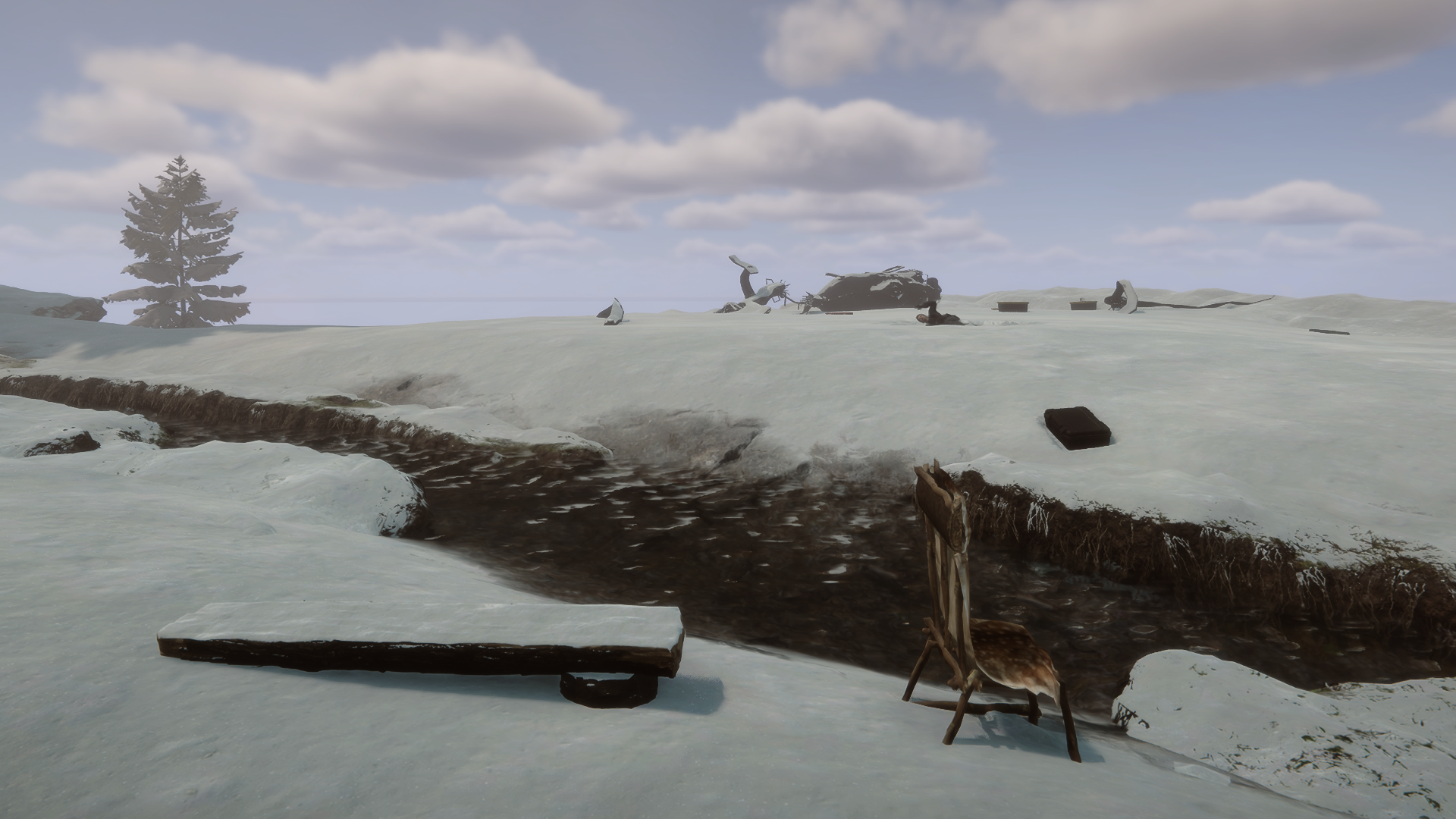
Finish your placed blueprints
Complete the materials for your active book blueprints. A bench and chair stand beside the stream after using Finish blueprints.
Glock17Free
Equip a semiautomatic sidearm with a 17-round magazine.
Choose Glock17 in Bytonian Gear, then use its firing and reload controls.
Use in single-player or a game you host.
M4A4Free
Equip an automatic rifle with a 30-round magazine.
Choose M4A4 in Bytonian Gear, then use its firing and reload controls.
Use in single-player or a game you host.
MP5Free
Equip a compact automatic submachine gun with a 30-round magazine.
Choose MP5 in Bytonian Gear, then use its firing and reload controls.
Use in single-player or a game you host.
Physics GunFree
Lift suitable movable objects, pull them closer, rotate them and hold them in place.
Equip the Physics Gun from Bytonian Gear. Use the grab, distance and rotation controls to position a supported object.
Use in single-player or a game you host. Targets must support the tool's actions.
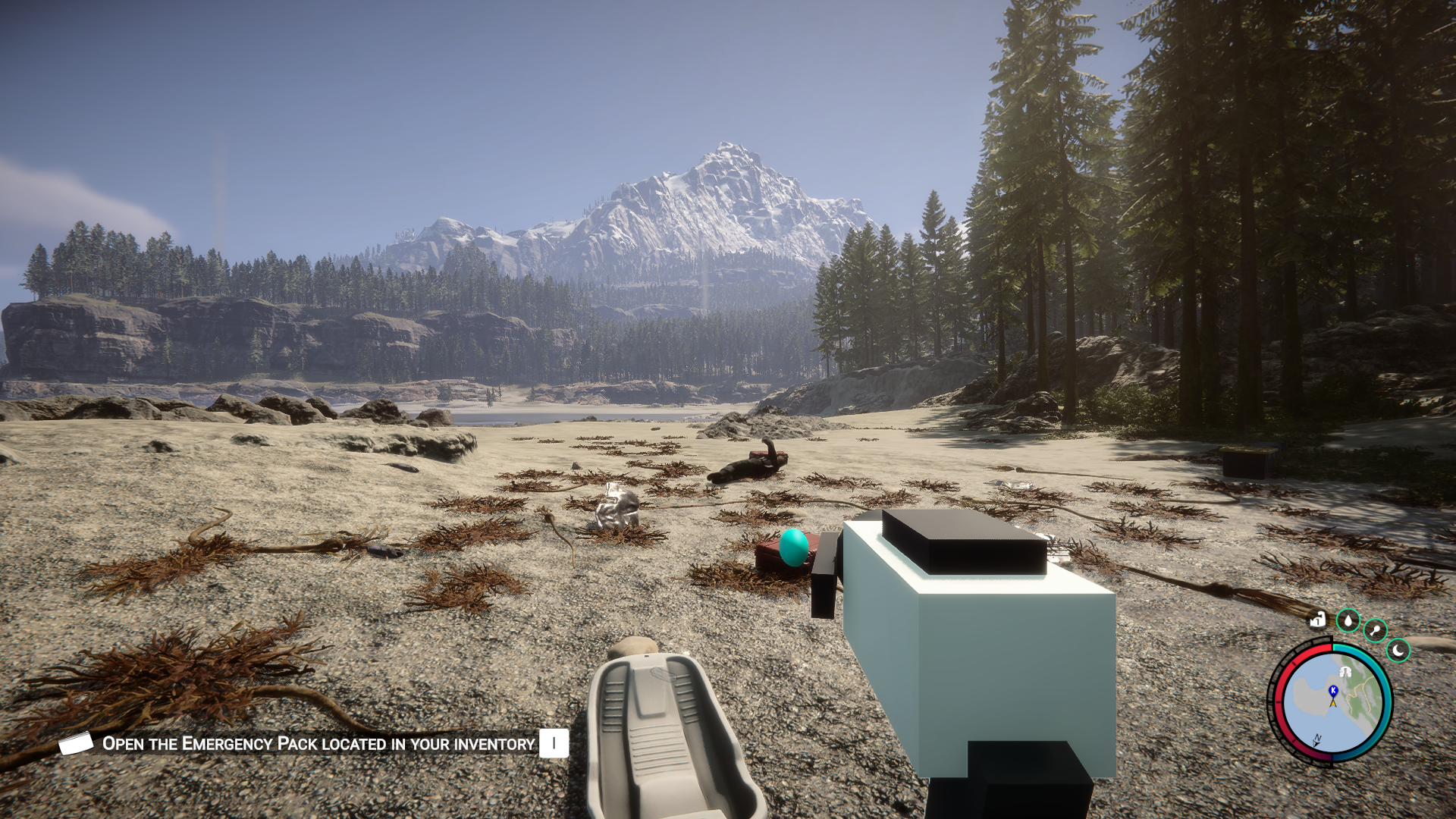
Tether on the island
Select Tether from Bytonian Gear to carry the original object-handling tool.
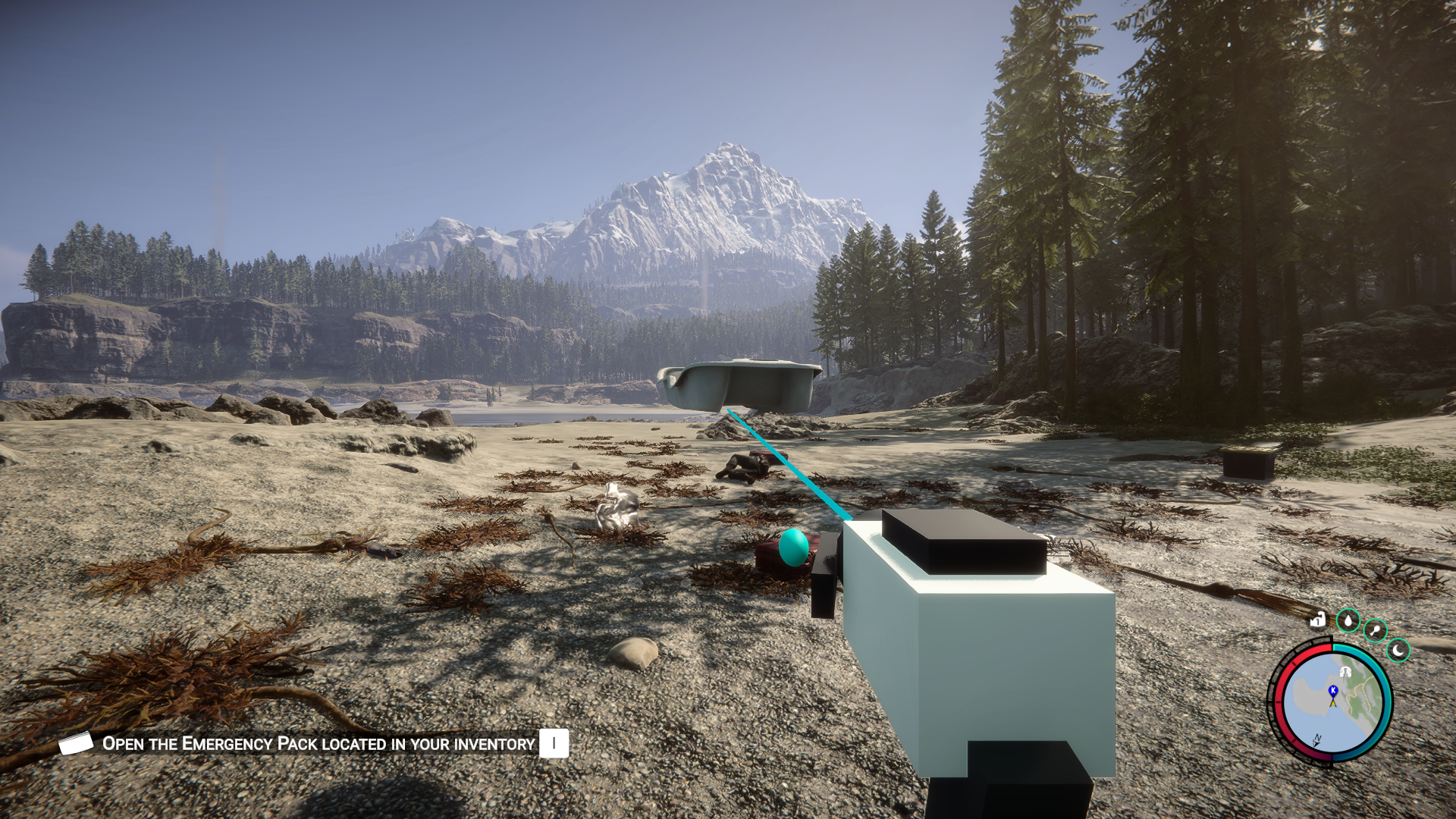
Lift a Sled with Tether
Use Tether to lift the Printed Sled and move it around in front of you.
1 / 2Pocket PulseFree
Aim and fire an original compact sidearm with quick reloads.
Equip Pocket Pulse from Bytonian Gear, then use its aiming, firing and reload controls.
Use in single-player or a game you host.
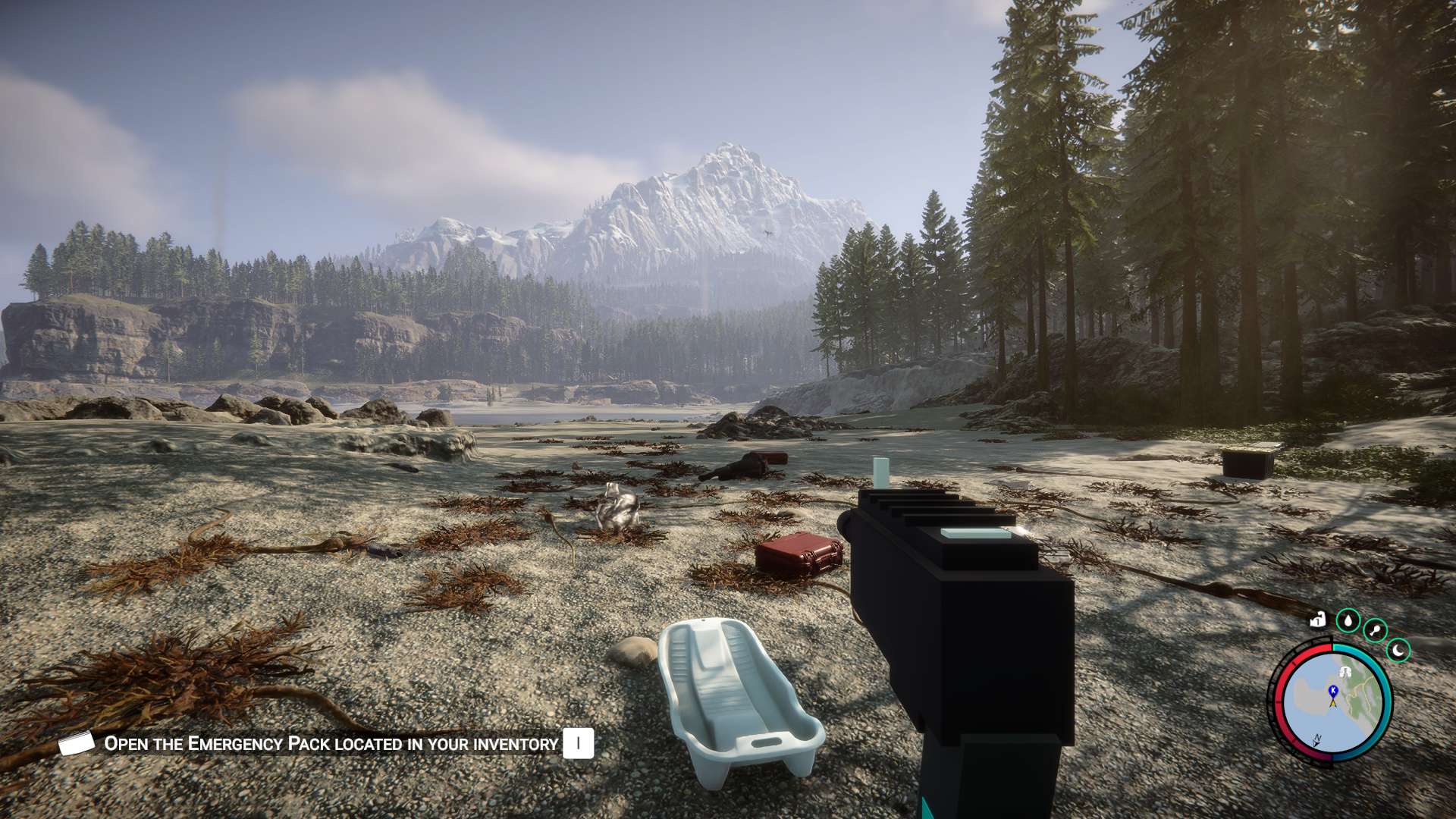
Pocket Pulse on the shoreline
Equip Pocket Pulse from the Bytonian Gear collection.
Portal GunPremium
Create two linked viewing portals to see the world through the other side.
Equip the Portal Gun from Bytonian Gear and place both openings on suitable flat surfaces with clear space.
Use in single-player or a game you host. Both openings need suitable clear placement.
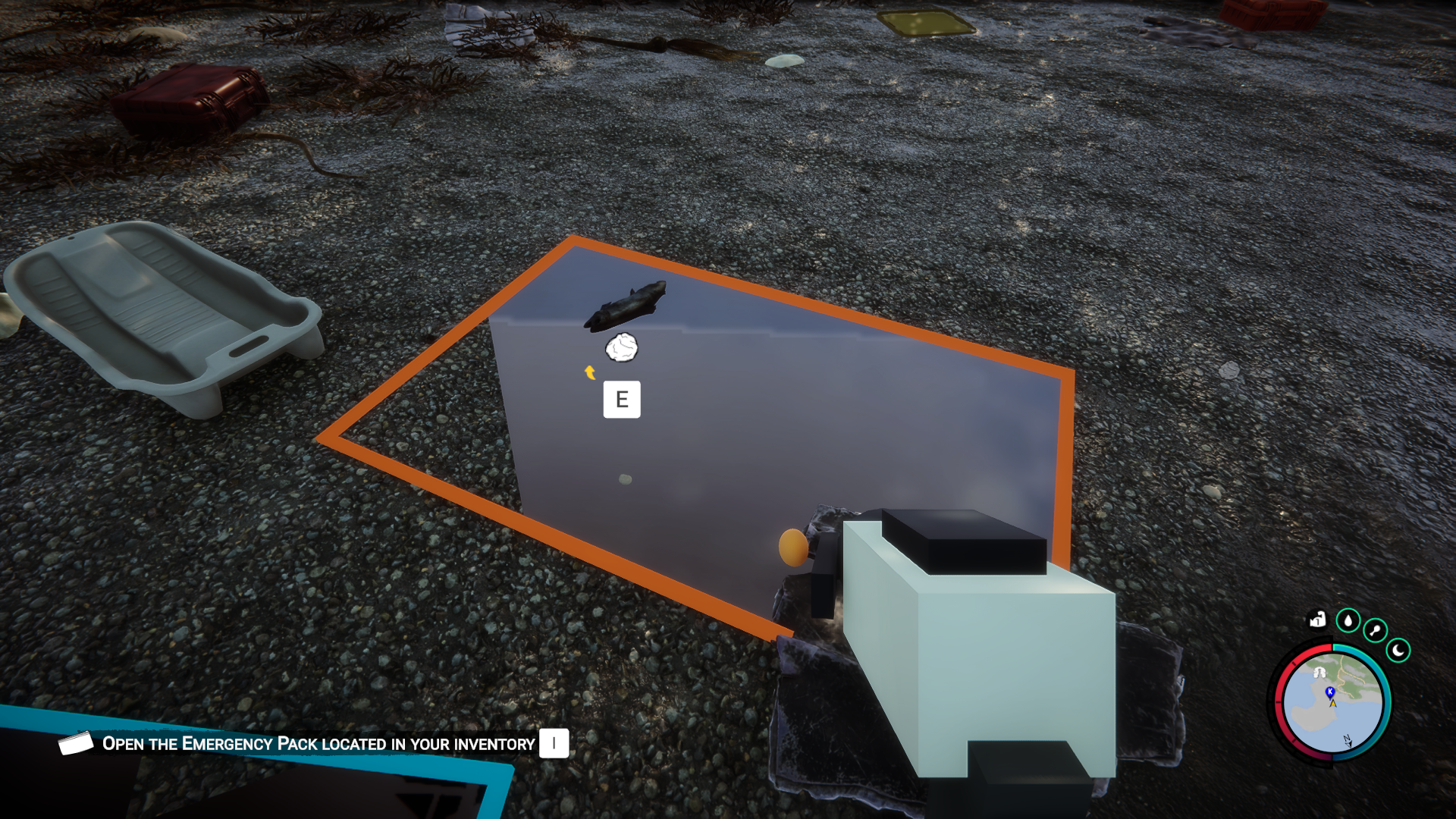
Twinway views across the beach
Place two linked view surfaces with Twinway on clear, flat ground.
Ranger RifleFree
Equip an original automatic rifle with controlled rapid fire.
Choose Ranger Rifle in Bytonian Gear, then use the firing and reload controls.
Use in single-player or a game you host.
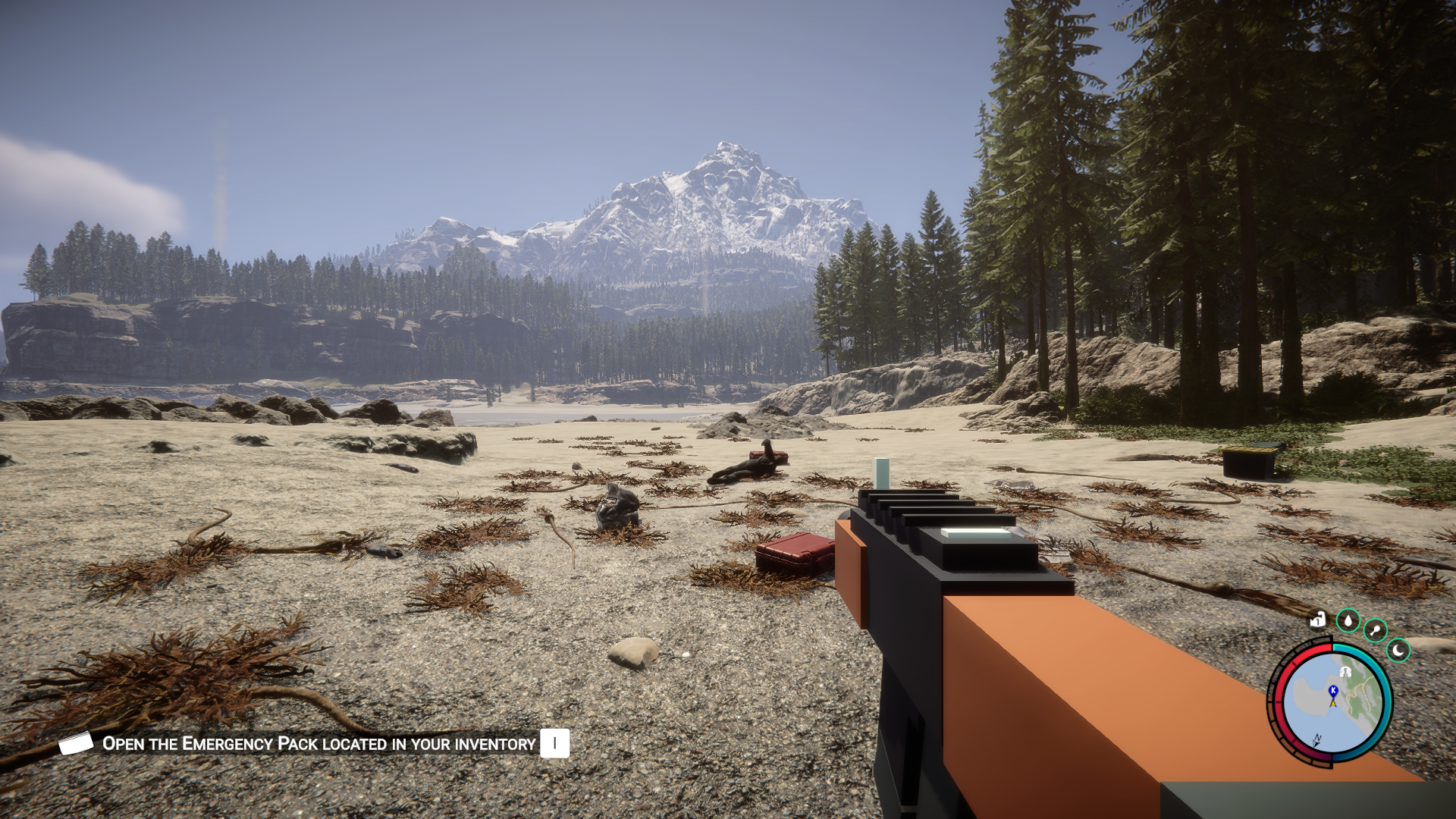
Ranger Rifle on the shoreline
Equip the Ranger Rifle from Bytonian Gear while exploring the island.
Tool GunFree
Freeze suitable movable props in place and undo your tool changes.
Equip the Tool Gun from Bytonian Gear and choose a supported movable prop.
Use in single-player or a game you host. Object duplication is unavailable in this game.
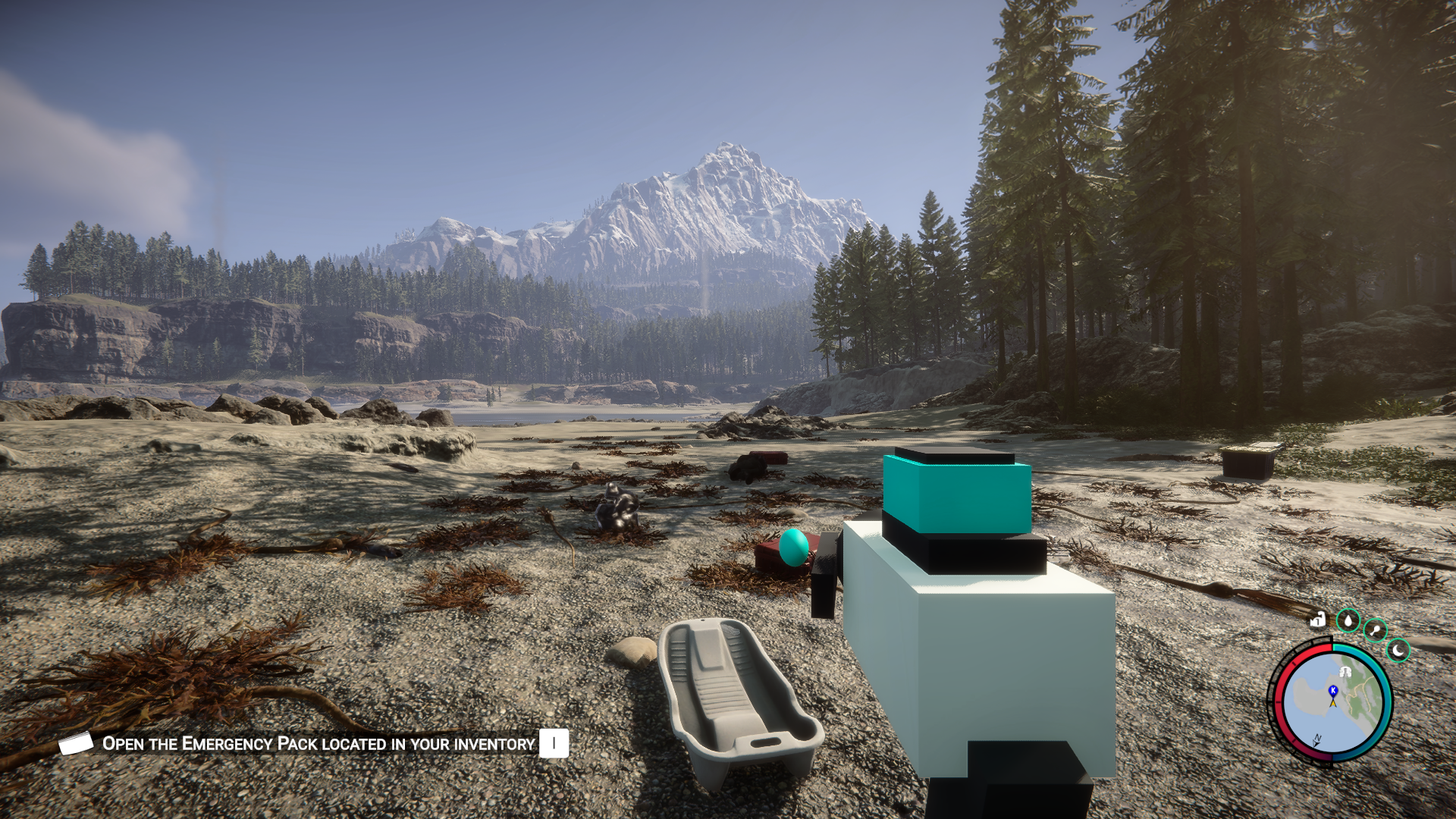
Workshop on the island
Equip Workshop to freeze movable props and undo your changes.
Trees and scrub around youPremium
Cut or clear nearby trees, regrow stumps and remove scrub in single-player or games you host.
Choose Cut, Remove, Regrow or Clear scrub on the card. Set the radius in Settings and use Stop to cancel remaining work.
Trees supporting structures are skipped. Scrub clearing does not remove terrain grass, rocks or buildings. Work runs gradually in short batches.
More ways to customise Sons Of The Forest
- Sons Of The Forest resources
Separate controls for survival reserves, rebreather air and equipment charge.
- Sons Of The Forest stat modifiers
Ordinary travel settings and equipped weapon damage.
- Sons Of The Forest rule modifiers
Building freedom, long ziplines, ammunition and material preservation, and survival protection.
- Sons Of The Forest ability modifiers
Eleven movement styles with shared controls.
- Sons Of The Forest presentation modifiers
An adjustable personal light for nearby surroundings.
- Sons Of The Forest world modifiers
Daylight, weather, seasons, enemy spawning, tree regrowth, water and creature activity.
- Sons Of The Forest utilities
World-object spawning, inventory supplies and Kelvin or Virginia controls.
Using these features
Choose the feature in the Windows app after connecting your game. Check its requirements before making a change.
Setup for Sons Of The Forest →