

Set the resources you need
Top up your health, choose a Newbucks balance or adjust the Slime Keys you carry. Each control changes a separate current value so you can choose what suits your next trip.

Health that respects your maximum
Use Health to recover before setting out. The amount is capped at your character's current maximum.
Choose your balances
Set Newbucks to the balance you want, and use Slime Keys to choose how many keys you carry. These controls leave you free to decide which resources to change.
About these tools
These independent, free tools are not approved or endorsed by Monomi Park. Slime Rancher and its artwork belong to Monomi Park, LLC. © Monomi Park LLC. Fan Content Policy: https://www.slimerancher.com/fan-content-policy/
Available resources

HealthFree
Set your current health up to your character's maximum.
Load your ranch, then set the amount of health you want.

Restore your health
Top up your health before heading back out from the ranch. The health control respects your character's current maximum.

NewbucksFree
Choose your current Newbucks balance.
Set a balance or add an amount using the Newbucks card.
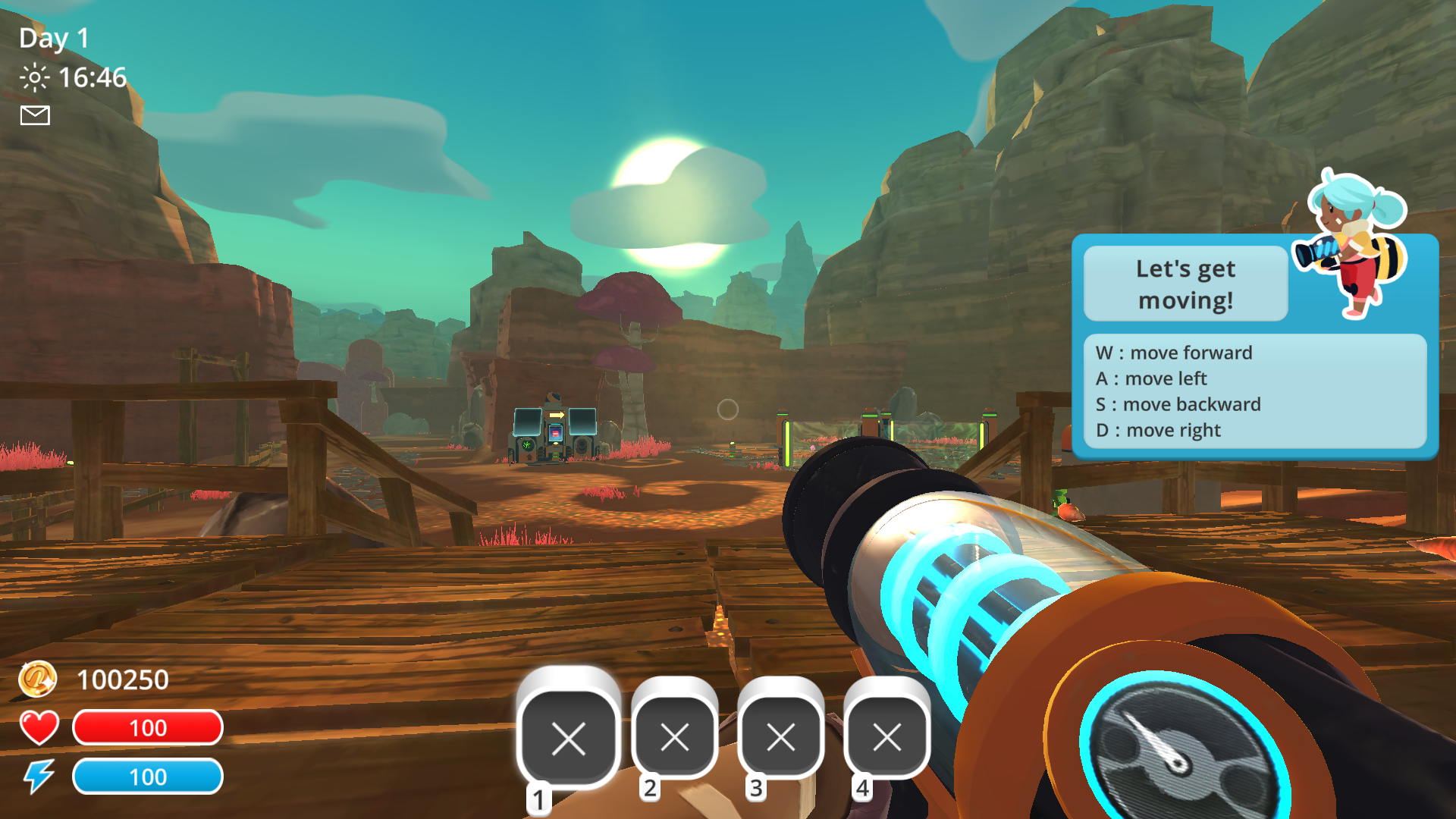
Build up your Newbucks balance
Choose your current Newbucks balance for ranch purchases and upgrades. The balance shown here is 100,250 Newbucks.

Slime KeysFree
Choose how many Slime Keys you carry.
Set the key balance you want before exploring.
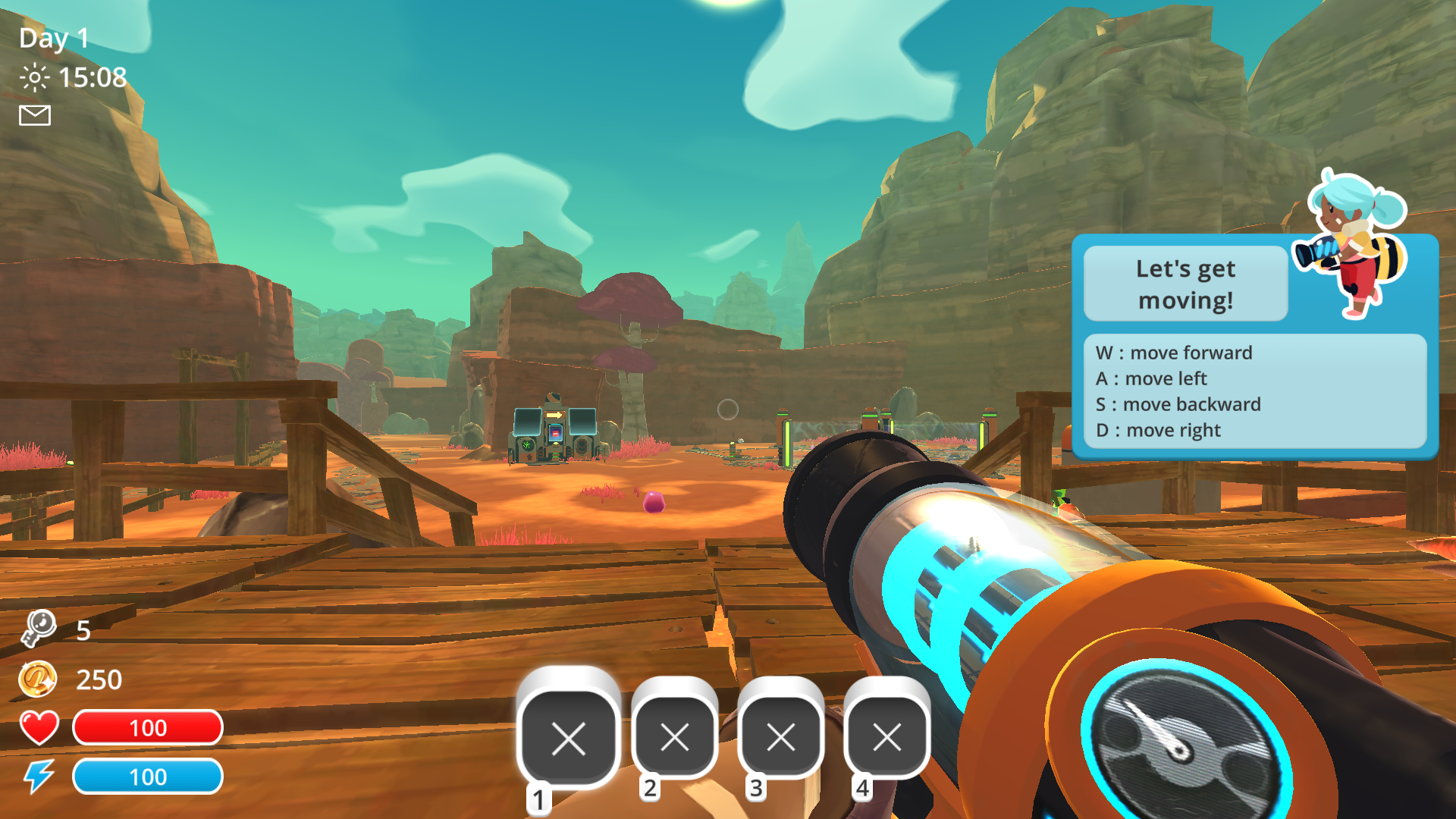
Keep Slime Keys ready
Set your current Slime Key balance before exploring further. Here, the balance has been raised to five keys.
More ways to customise Slime Rancher
- Slime Rancher rule modifiers
Choose Slime Rancher rules for sprinting, radiation, knockout prevention and Ancient Water.
- Slime Rancher ability modifiers
Switch between flight, grounded walking and a momentum board, with adjustable travel and handling.
- Slime Rancher utilities
Choose a listed Slime Rancher destination and teleport there during normal main-world gameplay.
Using these features
Choose the feature in the Windows app after connecting your game. Check its requirements before making a change.
Setup for Slime Rancher →