
Rule Modifiers
2 optionsKeep the game running while another window has focus, or hide the HUD, icons, and objective text.
View rule modifiers →Keep your stealth mission running while you switch windows, or clear the HUD for a view of Shadow Gambit's Lost Caribbean.
Start with free mods
Download Bytonian Mods for Windows and try these free features. Choose one to see how it works and any requirements.
Keep the game running when you switch to another window.
Turn on Keep Playing in Background, then choose Continue if a pause menu is open. Switch it off to restore normal focus pausing.
The pause menu and loading pauses still work normally.
Use Keep Playing in Background to continue the game when another window has focus. Hide HUD and Icons removes the gameplay interface and objective text when you want a clear view of the scenery.
Launch Shadow Gambit: The Cursed Crew through Bytonian Mods, then turn on the change you want. If a pause menu is already open when you enable background play, choose Continue in the game. Switch a toggle off to restore its previous behavior.
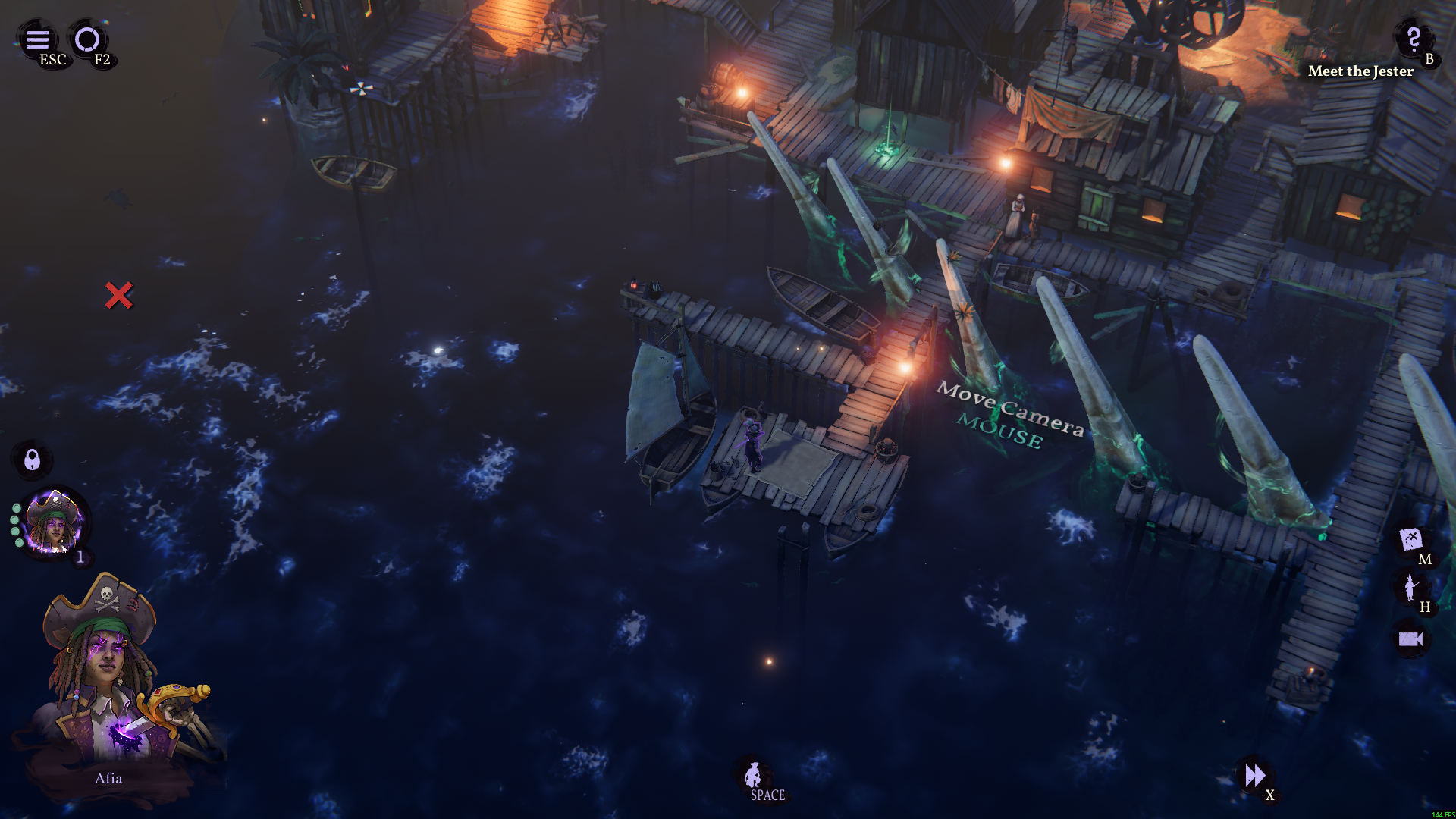
Afia at the harbour
Explore the harbour at the start of Shadow Gambit: The Cursed Crew.
Keep the game running while another window has focus, or hide the HUD, icons, and objective text.
View rule modifiers →Browse the Steam achievement names and descriptions for Shadow Gambit: The Cursed Crew. Choose and unlock achievements for free with Bytonian Mods in the Windows app.
View all achievements →Download the Windows app and follow the setup prompts.
Open Shadow Gambit: The Cursed Crew and select it in Bytonian Mods. Follow the app’s connection prompts.
Review the available options in the app and choose the ones that suit how you play.