

Resources
1 optionChange available Money with the Premium resource control.
View resources →Scratch tickets faster, set your Money balance or change upgrade costs as you work toward new tickets and prestige. Scritchy Scratchy turns scratch cards into an incremental climb through upgrades and unlocks.
Playing the demo? View Scritchy Scratchy Demo mods.
Start with free mods
Download Bytonian Mods for Windows and try these free features. Choose one to see how it works and any requirements.
Fully scratch a ticket as soon as you begin scratching it. The same effect instantly cleans plates during your day job.
Completes scratching; it does not guarantee a winning ticket.
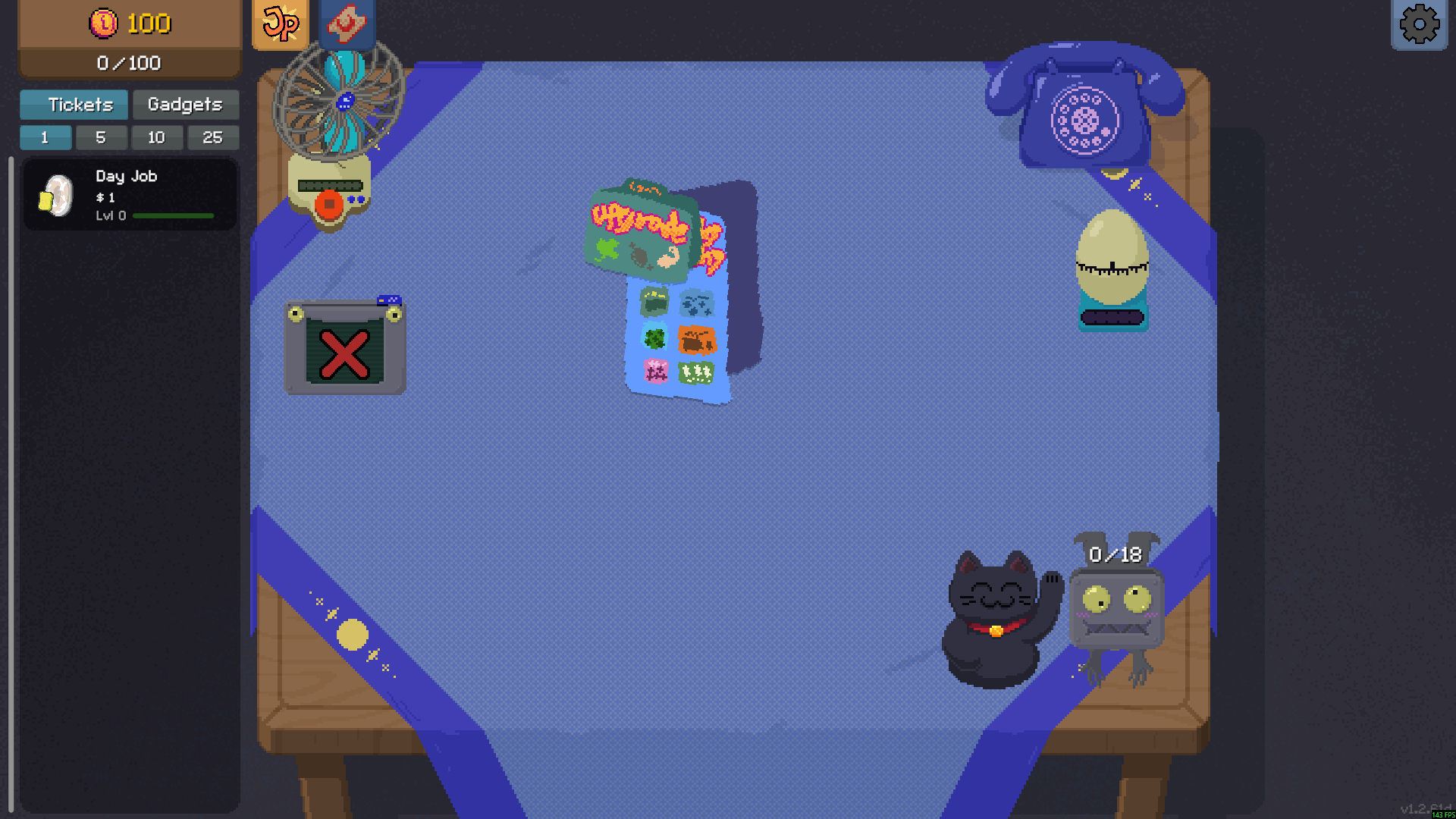
Your table in Scritchy Scratchy
Settle in at the table, choose a ticket or take a Day Job, and scratch your way toward the next unlock.
I Made Scratching Instant. The Game Still Won.
Instant Scratch speeds up tickets and Day Jobs in Scritchy Scratchy while the ticket results remain unchanged by faster scratching.
Resources contains the Money control for changing your available funds. Rule Modifiers brings together instant scratching, purchases without enough Money and free prestige upgrades. Each changes a different part of the ticket-and-upgrade loop.
Instant scratching is free. Money, always-affordable purchases and free prestige upgrades are Premium options.
Open Bytonian Mods, select Scritchy Scratchy and follow the app's setup instructions for your installed game. Choose Resources or Rule Modifiers, then select the option you want to use. These options are listed for the full Windows game.
Change available Money with the Premium resource control.
View resources →Free instant scratching plus Premium controls for Money purchases and prestige upgrade costs.
View rule modifiers →Browse the Steam achievement names and descriptions for Scritchy Scratchy. Choose and unlock achievements for free with Bytonian Mods in the Windows app.
View all achievements →Download the Windows app and follow the setup prompts.
Open Scritchy Scratchy and select it in Bytonian Mods. Follow the app’s connection prompts.
Review the available options in the app and choose the ones that suit how you play.