
Stat Modifiers
1 optionChoose how far away you can interact.
View stat modifiers →Find a way out of the house in this first-person stealth game, then choose tools that suit how you want to explore.
Start with free mods
Download Bytonian Mods for Windows and try these free features. Choose one to see how it works and any requirements.
Choose Fly, Free Walk or Board to explore at your preferred speed.
Turn Movement on, then choose a style and speed.
Browse game items and place one nearby.
Choose an item while standing near a clear floor.
Use Movement to explore the house and its surroundings, or adjust Interaction Reach when you want to reach an object from farther away.
The free Spawn menu lets you browse game items and place one nearby. Move to a clear area with a floor if there is not enough room.
Install the Bytonian Mods Windows app, select SchoolBoy Runaway and choose the features you want to use.
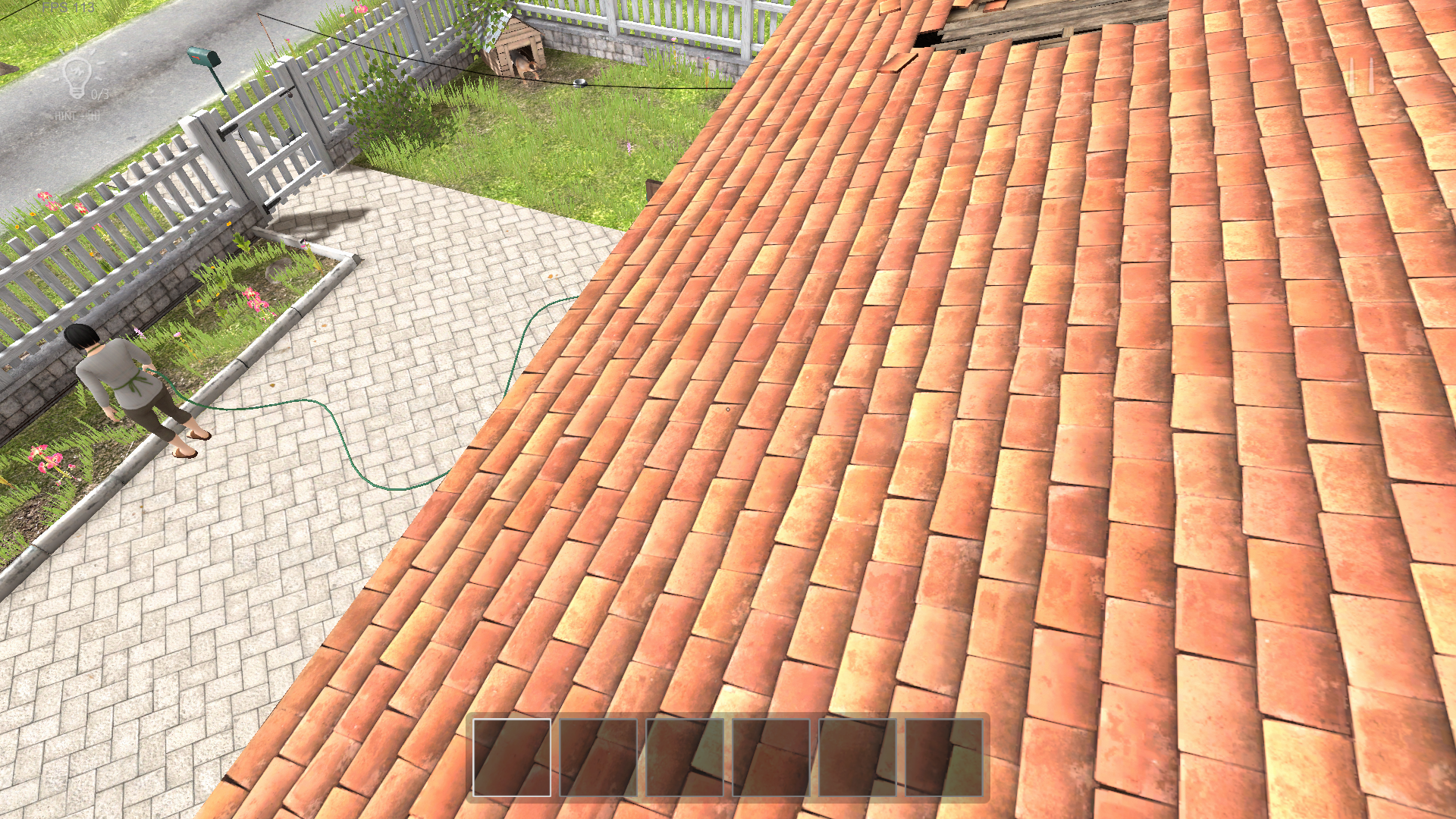
Explore SchoolBoy Runaway
Explore the house and its surroundings with movement and item tools.
Choose how far away you can interact.
View stat modifiers →Choose a movement style and speed.
View ability modifiers →Browse and spawn game items.
View game actions →Download the Windows app and follow the setup prompts.
Open SchoolBoy Runaway and select it in Bytonian Mods. Follow the app’s connection prompts.
Review the available options in the app and choose the ones that suit how you play.