
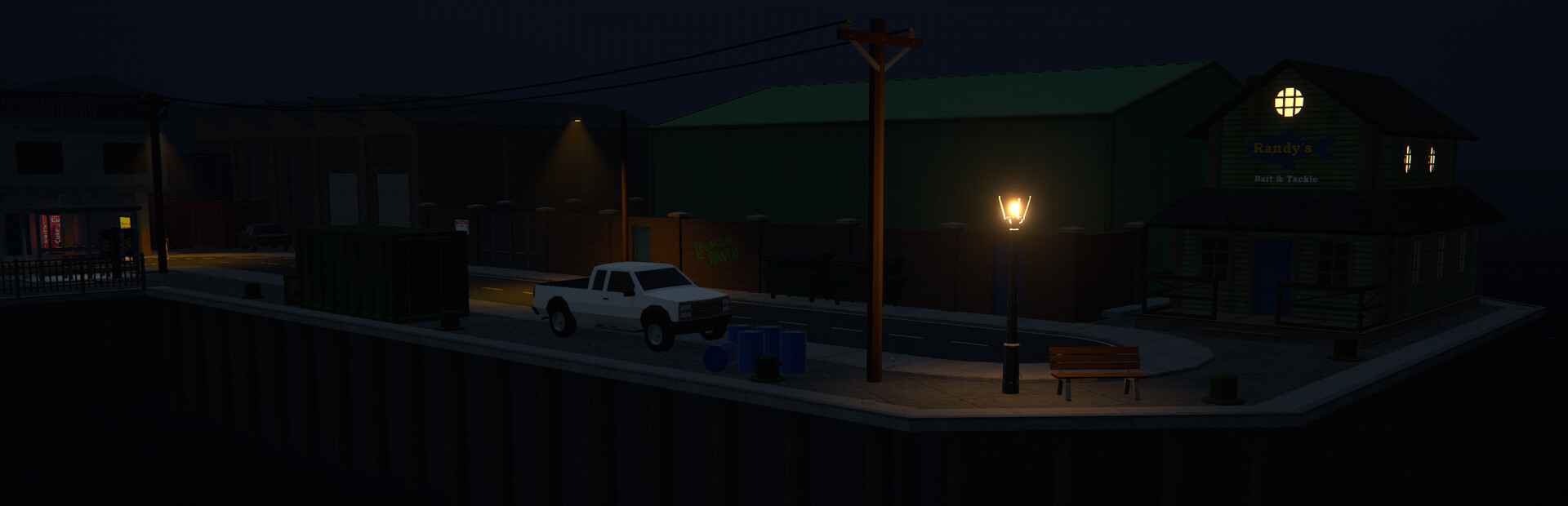
Movement styles for Schedule I: Free Sample
Take a different route through the demo with one movement style at a time.
Fly and Free Walk
Fly lets you move through ordinary scenery and change height. Free Walk keeps ground collision and gravity. The demo boundary remains enforced in every style.
Classic Board
Board builds speed as you push, keeps rolling when you release the movement keys and slows when you brake. Tune acceleration, steering and braking to suit your route.
Familiar controls
Use W, A, S and D to move or steer. Space rises in Fly or jumps on foot; Ctrl descends in Fly or brakes in Board. Shift uses your flight boost or walking sprint. Menus and vehicles return control to the game.
Available ability modifiers
MovementFree
Choose Fly, Free Walk or Board for on-foot exploration. Fly passes through ordinary obstacles, while the Free Sample map boundary stays in place. Board builds momentum as you steer and brake. Menus, tasks and vehicle controls take over when needed. Return to open ground before switching off.
Supported movement styles: Fly, Free Walk, Board
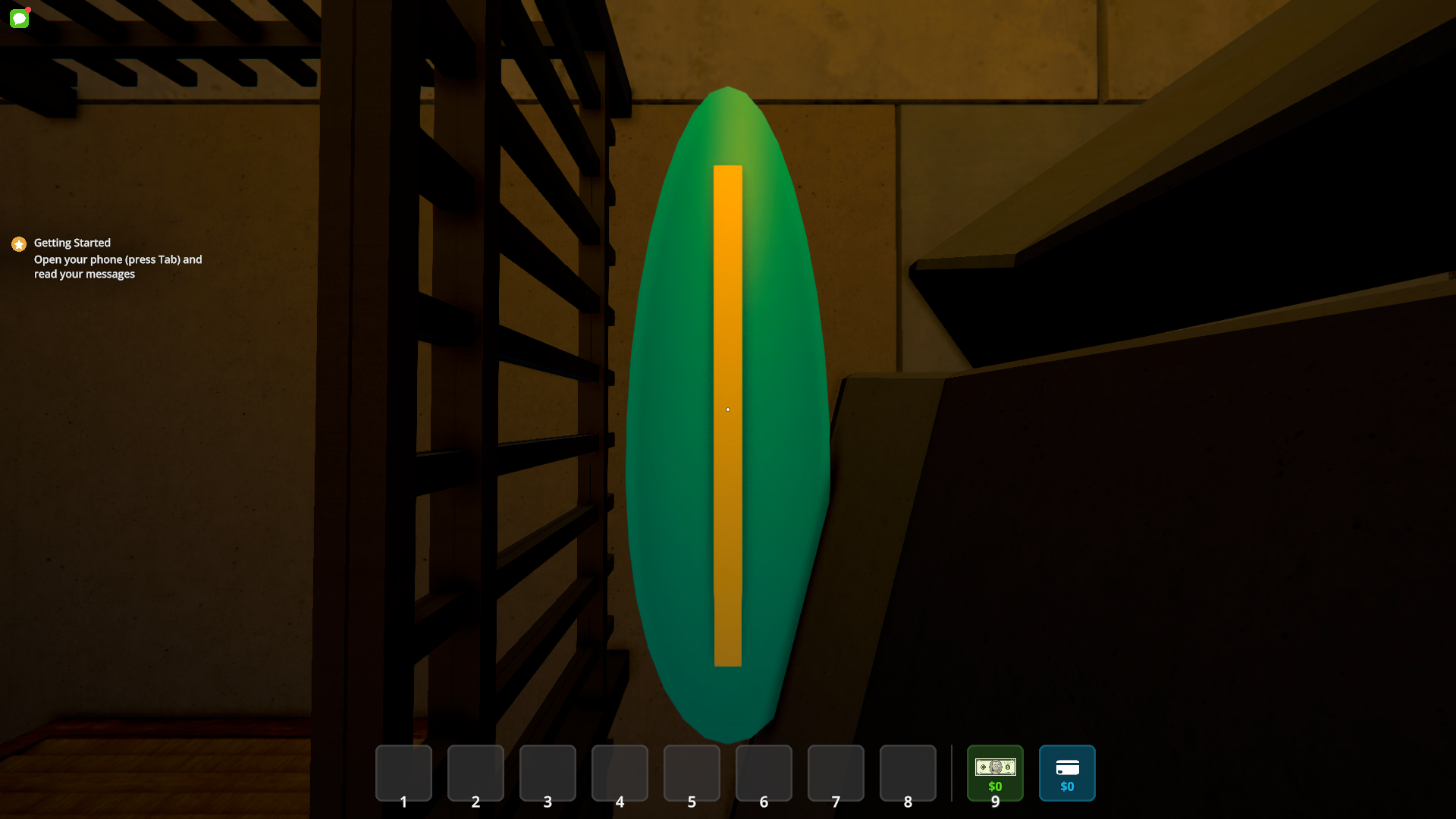
Classic Board style
Choose Board in Movement to ride with rolling momentum, steering and braking.
More ways to customise Schedule I: Free Sample
- Schedule I: Free Sample game actions
A direct save control for the host.
Using these features
Choose the feature in the Windows app after connecting your game. Check its requirements before making a change.
Setup for Schedule I: Free Sample →