

Ability Modifiers
1 optionSet the gameplay clock during active chapters and turn off the control to restore the usual pace.
View ability modifiers →Start a new job as an intern and learn to say no as strange requests pile up. Game Pace lets you choose a slower or faster pace during active chapter sequences.

Start with free mods
Download Bytonian Mods for Windows and try these free features. Choose one to see how it works and any requirements.
Slow down or speed up the gameplay clock in active chapter sequences.
Enable Game Pace and choose a setting between 50% and 150%. At 100% the gameplay clock runs at its usual speed.
The setting applies during active chapter sequences and respects the normal pause menu.
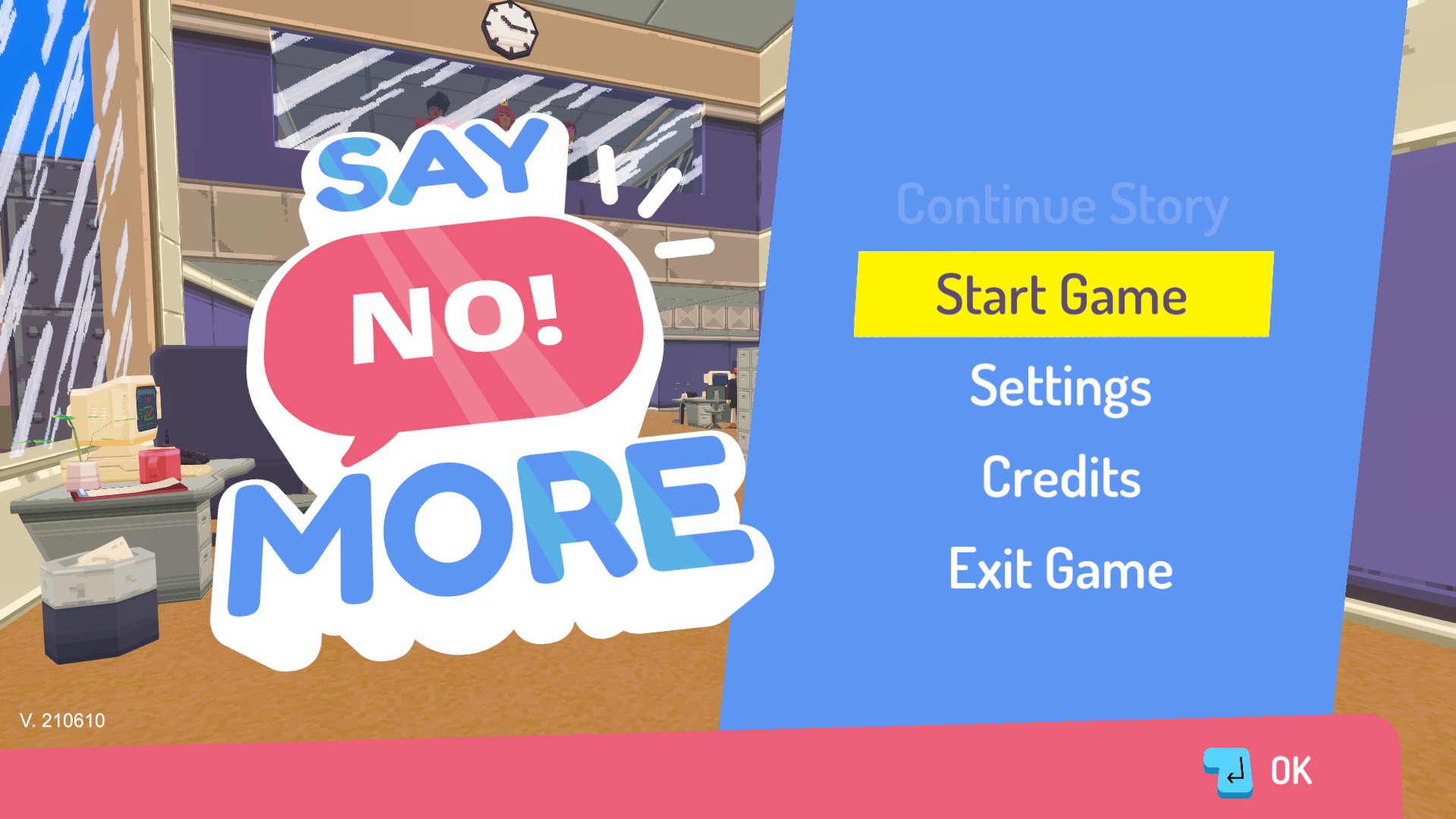
Ready for the first day
The title screen opens on a colorful office before the intern’s story begins.
Set the gameplay clock during active chapters and turn off the control to restore the usual pace.
View ability modifiers →Browse the Steam achievement names and descriptions for Say No! More. Choose and unlock achievements for free with Bytonian Mods in the Windows app.
View all achievements →Download the Windows app and follow the setup prompts.
Open Say No! More and select it in Bytonian Mods. Follow the app’s connection prompts.
Review the available options in the app and choose the ones that suit how you play.