

Game Actions
3 optionsRestore health, refill stamina or reduce hunger in a solo game.
View game actions →Restore health, refill stamina or reduce hunger as you explore Savage Lands on your own. Choose the recovery action you need while gathering resources and building shelter in the frozen wilderness.

Start with free mods
Download Bytonian Mods for Windows and try these free features. Choose one to see how it works and any requirements.
Restore your health in a solo game.
Cold reduces your current maximum health. This action does not revive a defeated player.
Refill your stamina in a solo game.
Hunger reduces your current maximum stamina.
Reduce your hunger in a solo game.
Hunger will continue to change during play.
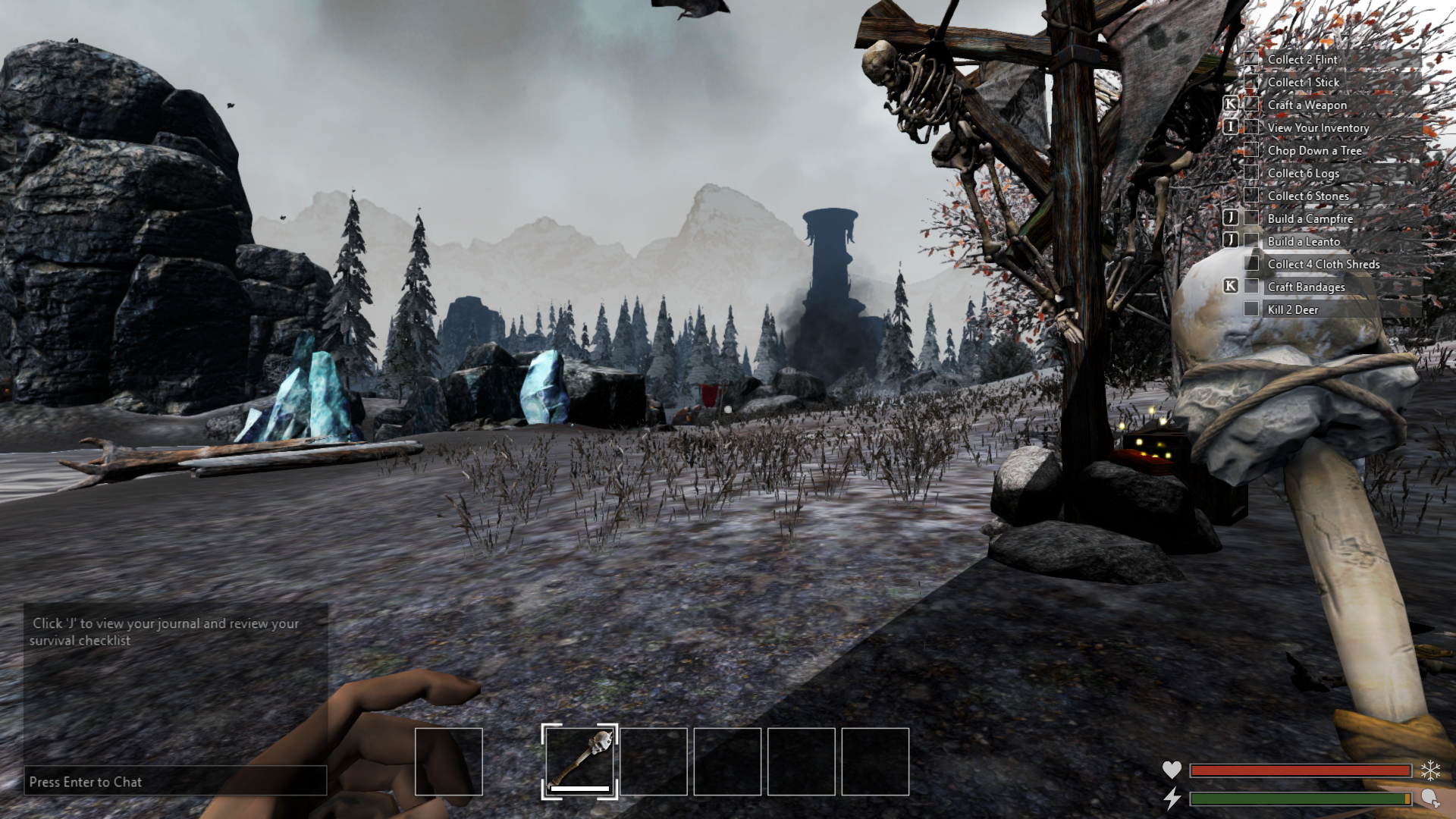
Explore the frozen wilderness
Survive the cold and explore the world of Savage Lands.
Open Bytonian Mods, select Savage Lands and choose the action you need during a solo game.
Cold reduces your available health, while hunger reduces available stamina. Warm up or reduce hunger to raise those limits.
Restore health, refill stamina or reduce hunger in a solo game.
View game actions →Browse the Steam achievement names and descriptions for Savage Lands. Choose and unlock achievements for free with Bytonian Mods in the Windows app.
View all achievements →Download the Windows app and follow the setup prompts.
Open Savage Lands and select it in Bytonian Mods. Follow the app’s connection prompts.
Review the available options in the app and choose the ones that suit how you play.