

Recover and adjust your current situation
Use four quick actions when you want to recover health or armor, increase your balance, or end your current wanted level. Each action applies when you are back in active play.

Choose the action you need
Restore Health uses the game's normal healing limit. Restore Armor refills armor. For Add Money, enter a whole-number amount before pressing the action.
Clear the current chase
Clear Wanted Level removes your current wanted stars. It does not prevent new offenses from attracting guards again.
Available game actions
Add MoneyFree
Add a chosen whole-number amount to your current money balance.
Enter an Amount, then press Add Money during active play.
Choose 1 to 100,000 per action. The resulting balance must stay at or below 1,000,000.
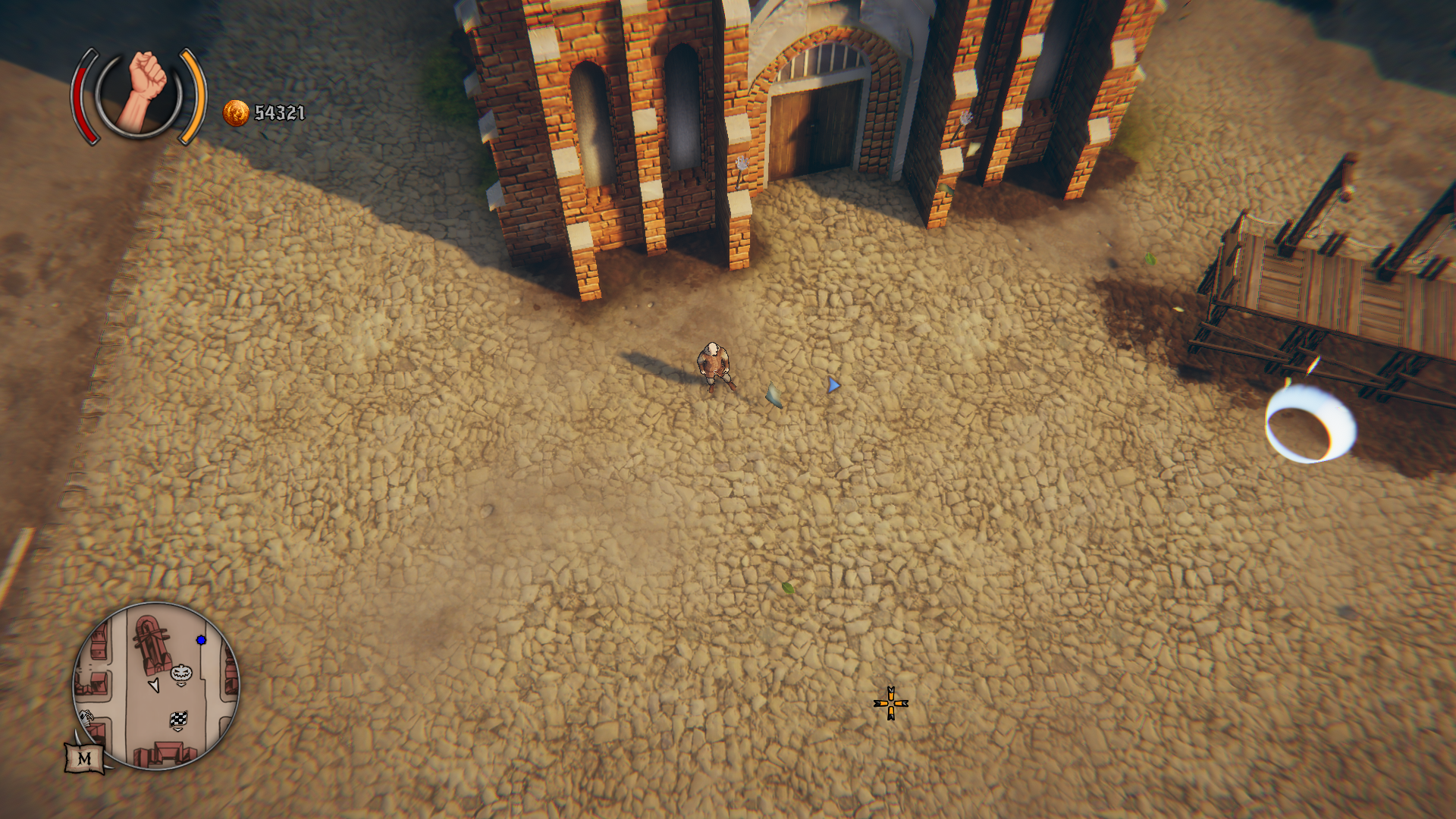
Add the amount of money you choose
Increase your current balance with a chosen amount during active play.
Clear Wanted LevelFree
Clear your current wanted stars and return to an unchased state.
Use Clear Wanted Level during active play.
New offenses can attract guards again.
Restore ArmorFree
Refill your armor during active play.
Press Restore Armor when you want to replenish your armor.
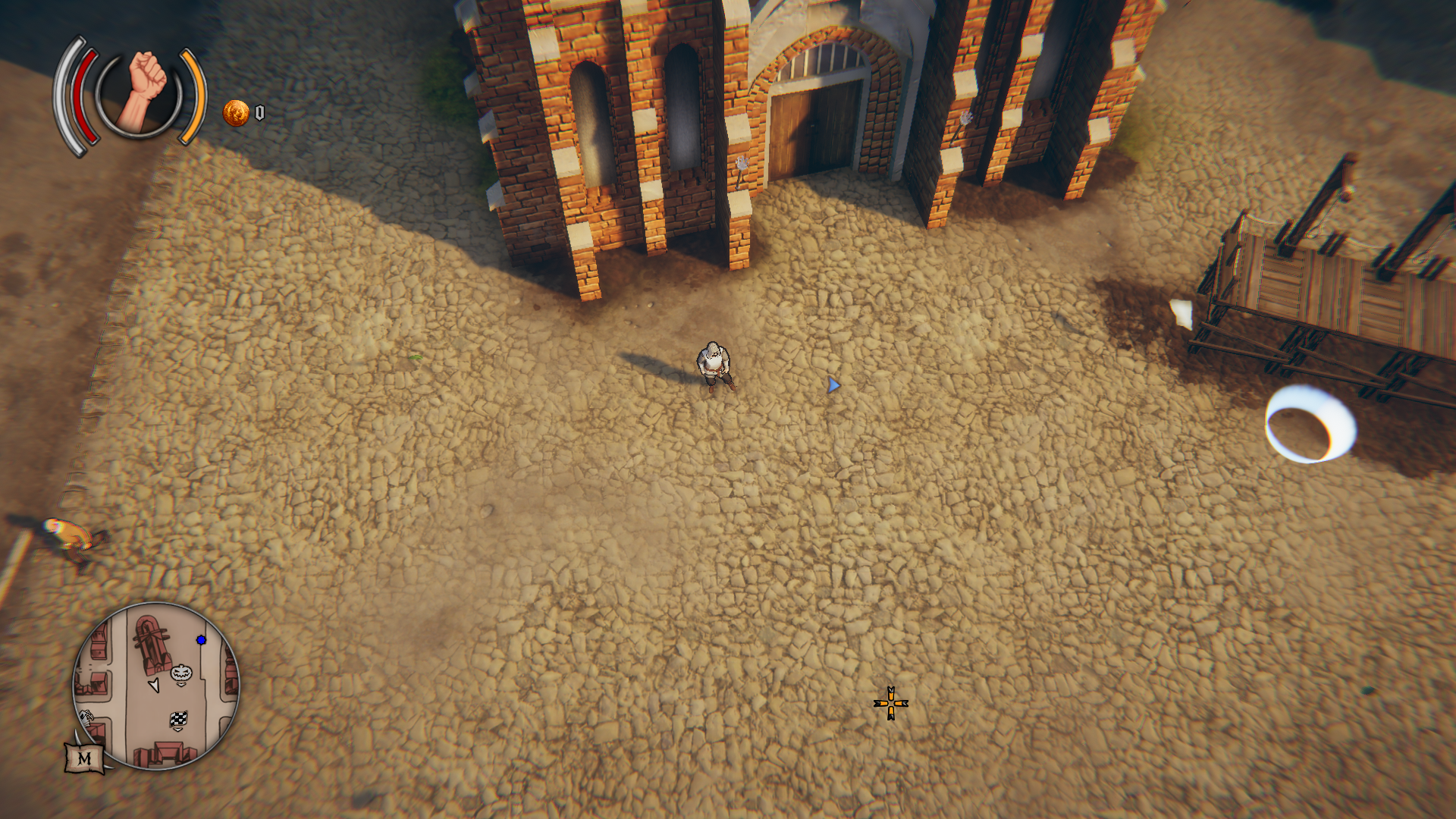
Refill your armor before the next encounter
Restore your armor during active play so you can continue with a fresh layer of protection.
Restore HealthFree
Restore your health using the game's normal healing limit.
Use Restore Health while alive and in active play.
This action does not revive a defeated character.
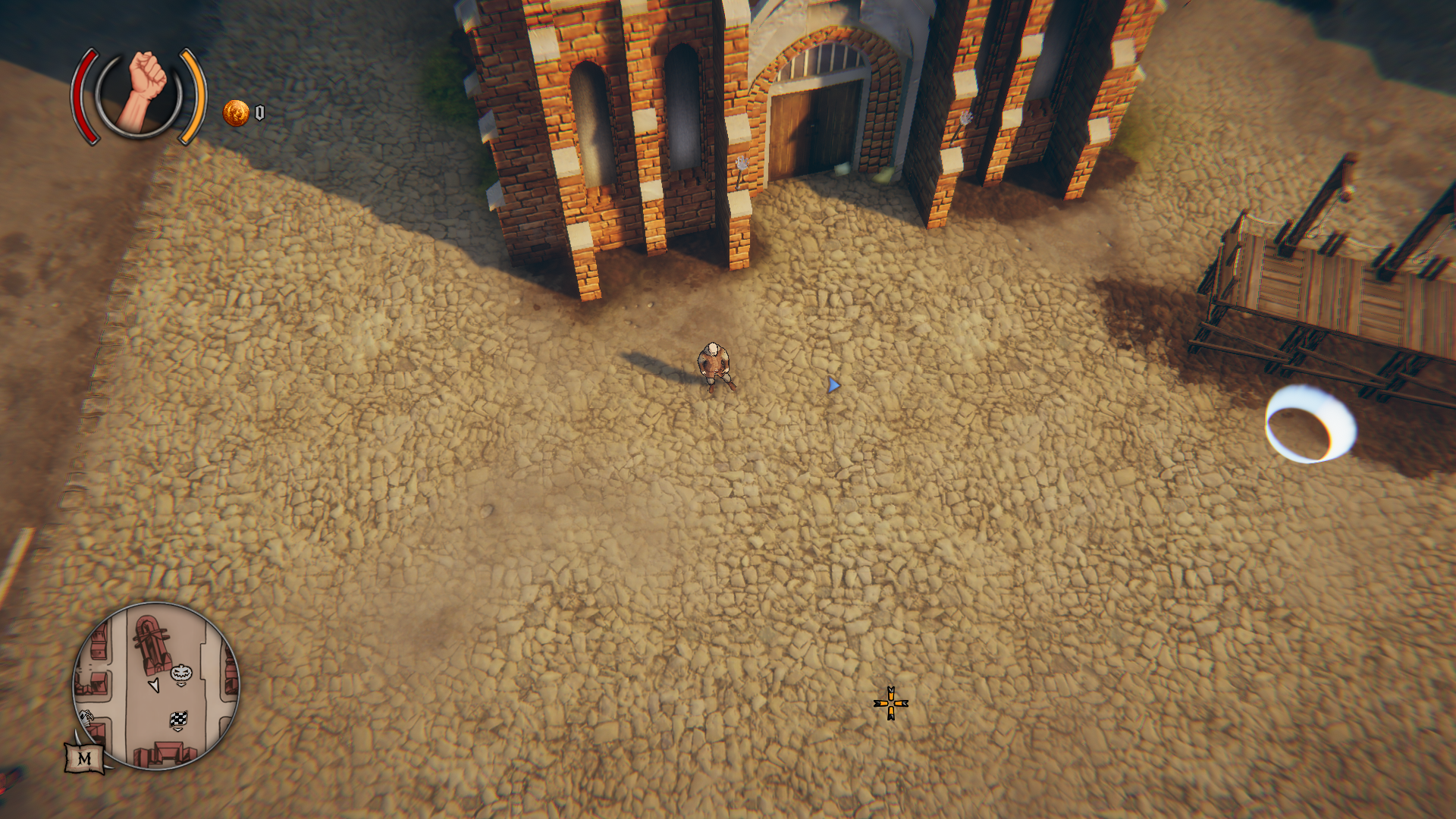
Restore your health before heading out
Recover your health during active play, then continue exploring the town.
More ways to customise Rustler (Grand Theft Horse)
- Rustler (Grand Theft Horse) stat modifiers
Adjust normal walking and running speed while on foot.
Questions about game actions
- Why does an action ask me to resume play?
- Actions are available during active play. Close menus or dialogue and wait for loading or cutscenes to finish before using them.
Using these features
Choose the feature in the Windows app after connecting your game. Check its requirements before making a change.
Setup for Rustler (Grand Theft Horse) →