

Choose your camera view
Widen your field of view to see more around your survivor, or narrow it for a closer view.

Adjust the viewing angle
Enable Camera View and choose the angle you prefer. Higher angles show a wider scene; lower angles bring the view closer. The game's camera effects can still take priority.
Available perspective modifiers
Camera ViewFree
Choose a wider or narrower field of view for your survivor's camera.
Adjust the field-of-view angle while enabled. Camera effects can still take priority.
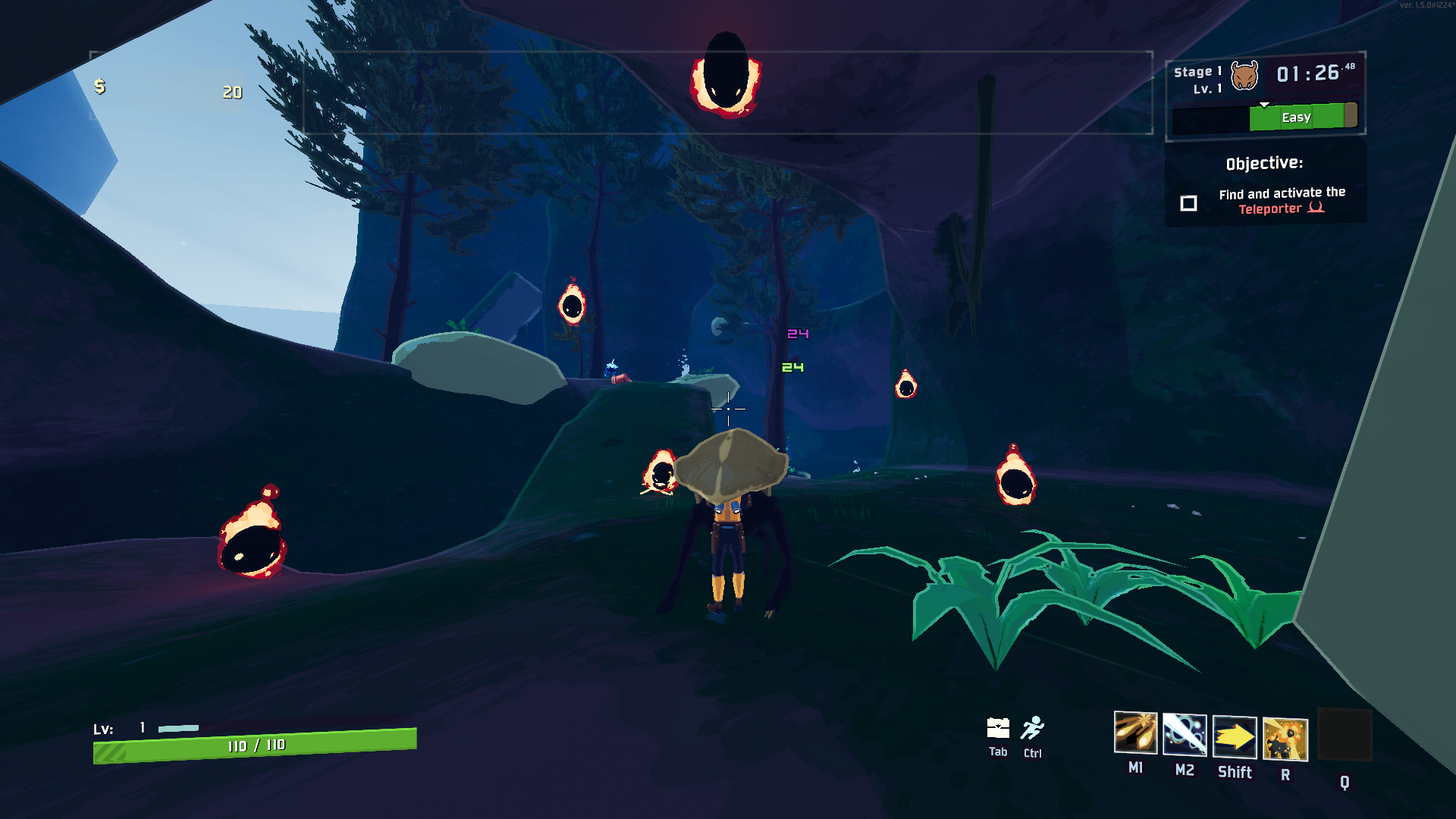
A wider view of the battlefield
Adjust the field of view to see more of your surroundings.
More ways to customise Risk of Rain 2
- Risk of Rain 2 stat modifiers
Tune damage, attack speed, critical-hit chance, and luck for Classic runs.
- Risk of Rain 2 rule modifiers
Adjust recharge and teleporter speed, or protect your survivor from fall damage.
- Risk of Rain 2 ability modifiers
Change your survivor’s speed and jumps, or choose a separate Movement style to explore the terrain.
- Risk of Rain 2 game actions
Spawn pickups, restore health or shield, add run money, or equip original tools.
Using these features
Choose the feature in the Windows app after connecting your game. Check its requirements before making a change.
Setup for Risk of Rain 2 →