

Resources
1 optionSet a money total, add funds or subtract an amount.
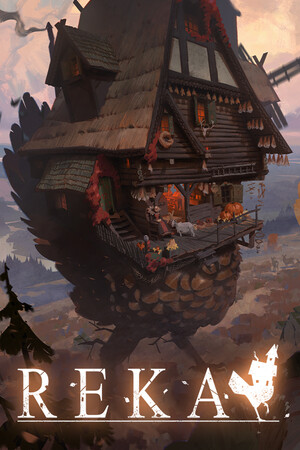
View resources →Choose your money balance and walking pace as you explore REKA's folklore-inspired woodlands and make a walking cottage your own as Baba Jaga's apprentice.
Start with free mods
Download Bytonian Mods for Windows and try these free features. Choose one to see how it works and any requirements.
Set your money balance, add funds or subtract an amount.
Return to normal gameplay and refresh the card before editing. Choose a balance from 0 to 1,000,000.
Using these controls disables achievements. Every save you touch before returning to the main menu is permanently marked as cheated.
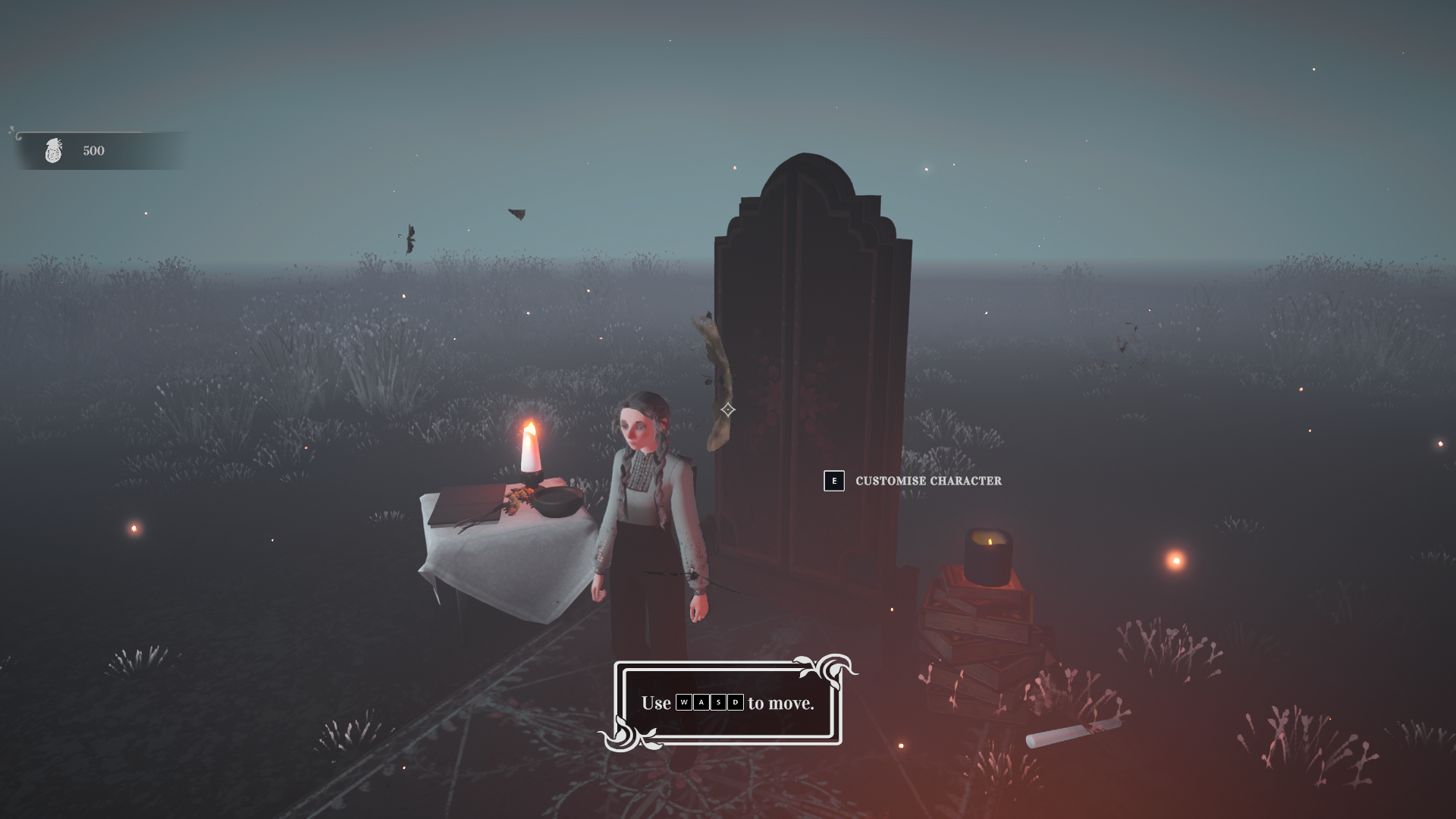
Money and walking pace in REKA
Choose your money balance and adjust your walking pace while exploring REKA. This scene shows 500 money beside the character-customization mirror. These controls keep the game's cheat marking: achievements are disabled, and every save touched before returning to the main menu is permanently marked as cheated.
Money lets you set a balance or add and subtract an amount. Walking Speed lets you choose a slower or faster pace for exploring.
Install the Bytonian Mods Windows app, select REKA and launch the game with mod support. Enter normal gameplay, then open the control you want to use.
Using these controls disables achievements. Every save you touch before returning to the main menu is permanently marked as cheated.
Set a money total, add funds or subtract an amount.
View resources →Choose a slower or faster walking pace from 50% to 300%.
View stat modifiers →Browse the Steam achievement names and descriptions for REKA. Choose and unlock achievements for free with Bytonian Mods in the Windows app.
View all achievements →Download the Windows app and follow the setup prompts.
Open REKA and select it in Bytonian Mods. Follow the app’s connection prompts.
Review the available options in the app and choose the ones that suit how you play.