

Explore the neighbourhood with flight
Rise above houses, gardens and cleaning areas with Fly in Movement. Hover for a closer look or hold your boost key to cover more ground.

Choose Fly in Movement
Open Movement in Bytonian Mods, choose Fly and turn movement on. The default controls are V to toggle movement, WASD to move, Space to rise, Ctrl to descend and Shift to boost. You can change the bindings and both speeds in the app. Return to a clear landing spot before turning movement off.
Available ability modifiers
MovementPremium
Fly above the neighbourhood with adjustable movement speed and a faster boost.
Enter your game, choose Fly in Movement and turn movement on. Use your configured controls to travel, rise and descend.
Return to a clear landing spot before disabling Fly.
Supported movement styles: Fly
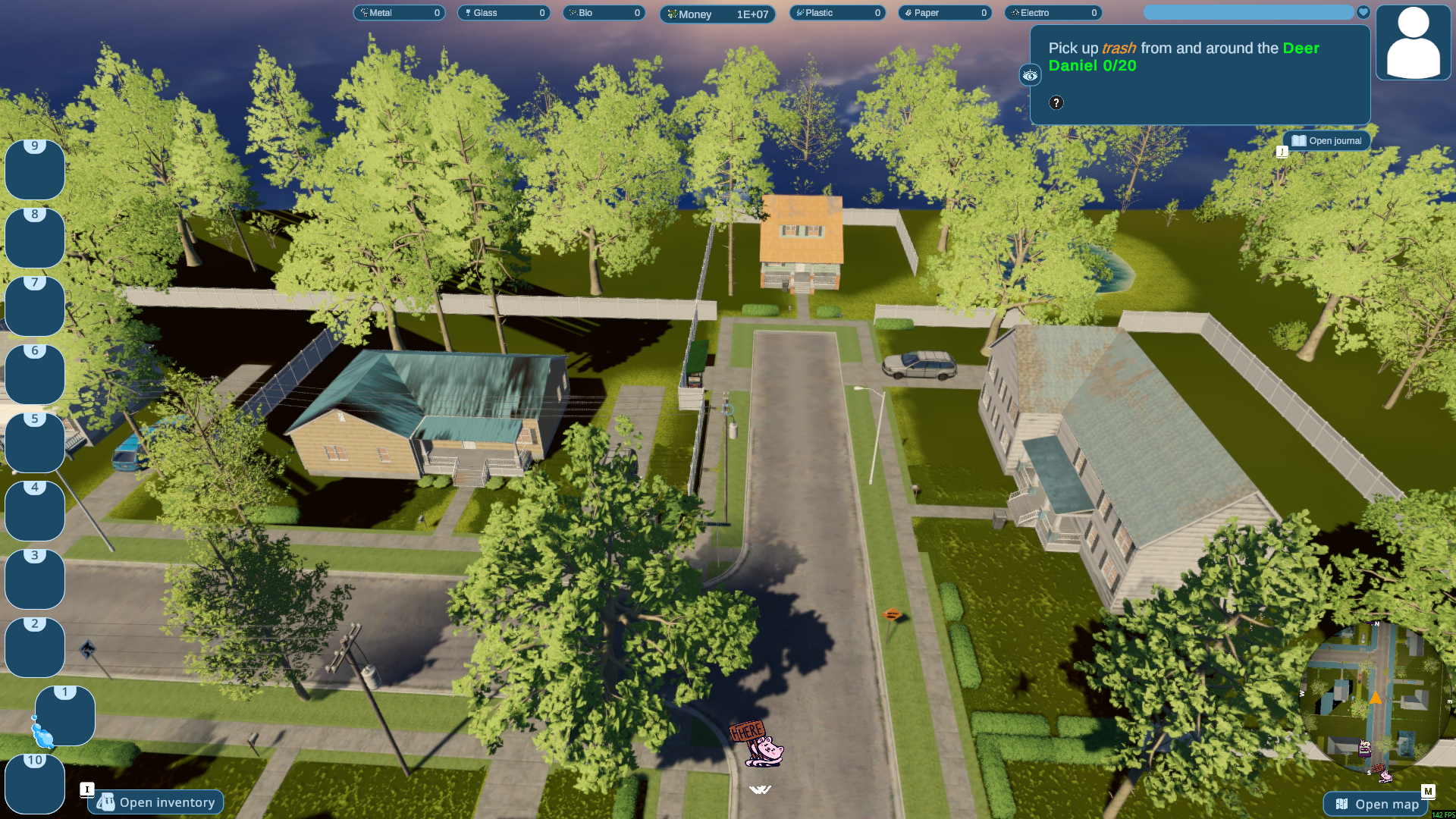
Fly above the neighborhood
Rise above the rooftops and look down over the streets with Fly enabled.
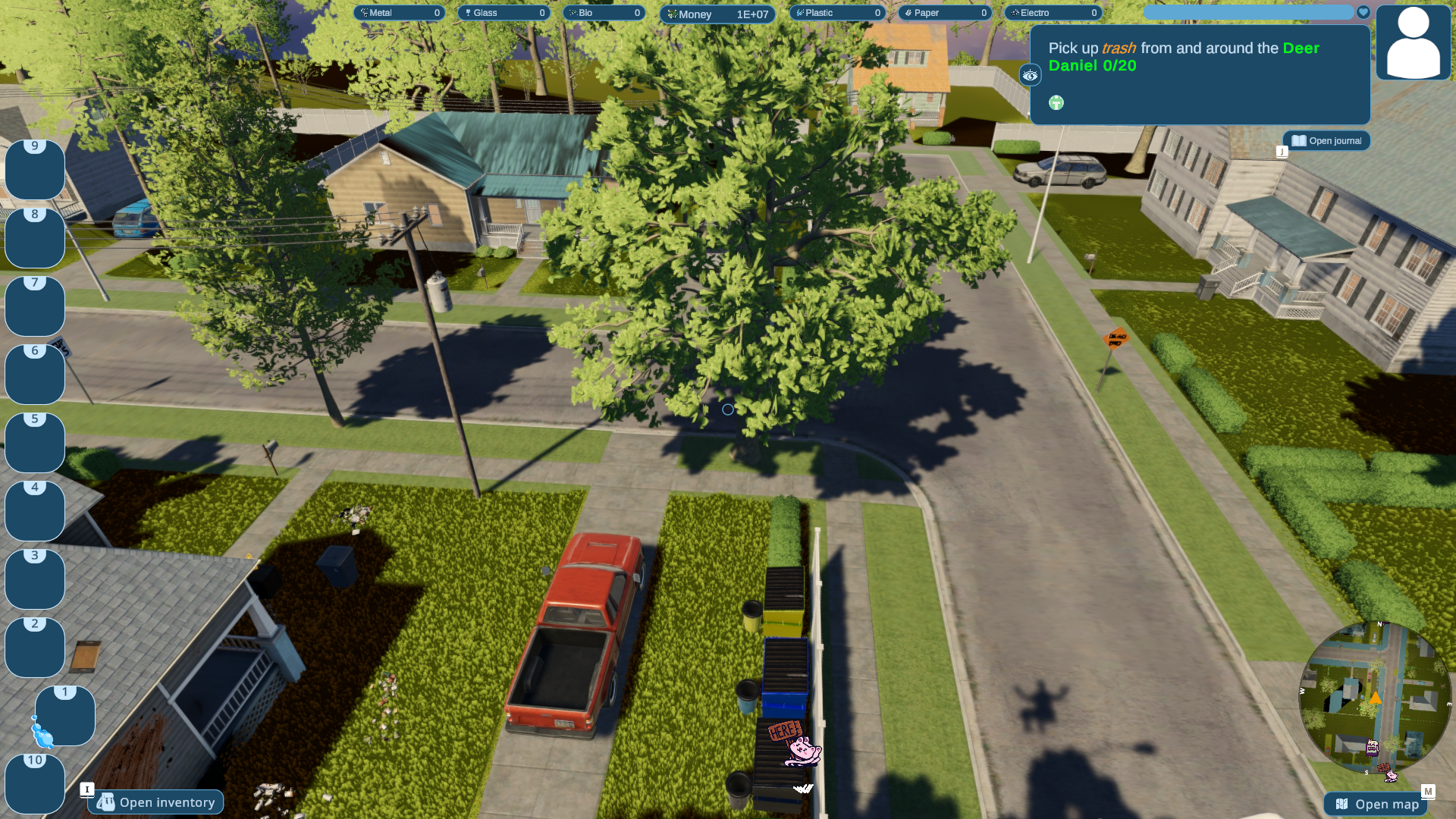
Fly over the neighbourhood
Rise above the streets and gardens with adjustable flight speed.
1 / 2
More ways to customise Purrrifiers: Cleaning Chaos
- Purrrifiers: Cleaning Chaos resources
Six material balances plus host-only Money.
Using these features
Choose the feature in the Windows app after connecting your game. Check its requirements before making a change.
Setup for Purrrifiers: Cleaning Chaos →