
Presentation Mods
Turn on Hide CRT Scanlines in Mods to clear the horizontal scanlines from the retro monitor. Turn it off to bring back the original display effect.
Works with the Steam version of the game.

Available presentation modifiers
Hide CRT ScanlinesFree
Remove the horizontal CRT scanlines so the retro menu text is easier to read.
Turn on Hide CRT Scanlines in Mods. Open Settings on the title screen to see the change.
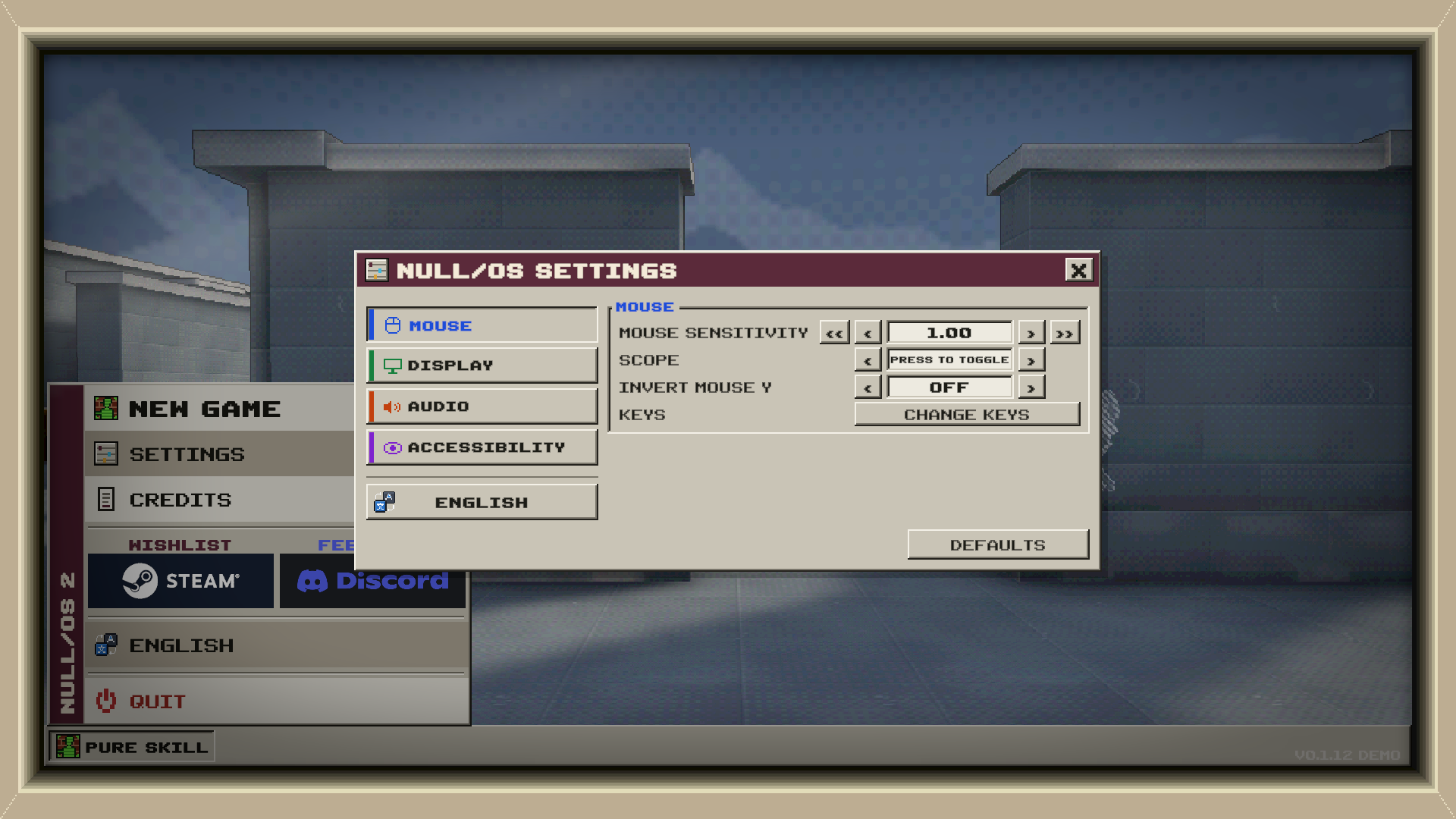
Retro Settings without scanlines
Hide the horizontal scanlines so the retro monitor’s menus are easier to read.
Using these features
Choose the feature in the Windows app after connecting your game. Check its requirements before making a change.
Setup for Pure Skill Demo →