
Perspective Modifiers
1 optionChange the closest camera distance.
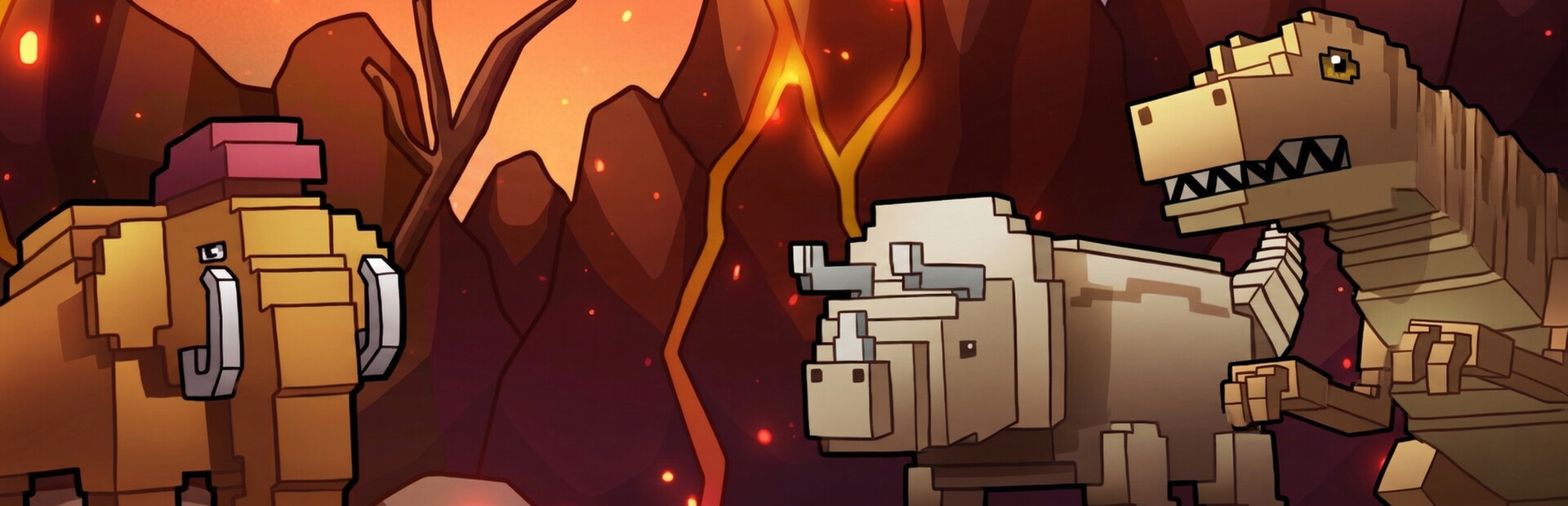
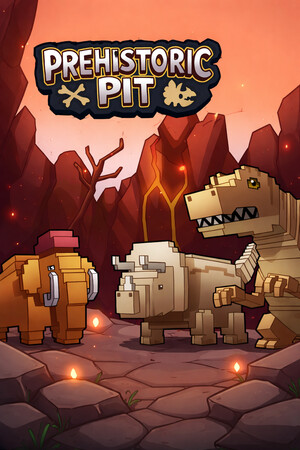
View perspective modifiers →Fight through waves of creatures as a dinosaur in Prehistoric Pit, a roguelite where you build your arsenal during each run. Bring the camera closer for a different view of the action.
Start with free mods
Download Bytonian Mods for Windows and try these free features. Choose one to see how it works and any requirements.
Bring the camera closer to your dinosaur.
Enable the feature and adjust Maximum zoom to set the closest camera distance.
Use Closer Zoom to bring the camera nearer to your dinosaur. Adjust the maximum zoom to choose how close the camera can go.
Change the closest camera distance.
View perspective modifiers →Browse the Steam achievement names and descriptions for Prehistoric Pit. Choose and unlock achievements for free with Bytonian Mods in the Windows app.
View all achievements →Download the Windows app and follow the setup prompts.
Open Prehistoric Pit and select it in Bytonian Mods. Follow the app’s connection prompts.
Review the available options in the app and choose the ones that suit how you play.