

Ability Modifiers
1 optionFly, hover and adjust your movement from the Movement tab.
View ability modifiers →Hover around PowerWash Simulator jobs with adjustable flight speed as you clean vehicles and locations across Muckingham.
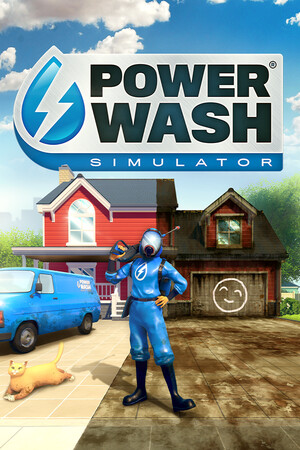
Open Movement and select Fly to move freely around the job. Set a normal speed for careful positioning and a faster speed for crossing the area.
Launch PowerWash Simulator through Bytonian Mods and load a job. Turn Movement on when you are ready, then switch it off in open space above safe ground to return to normal walking.
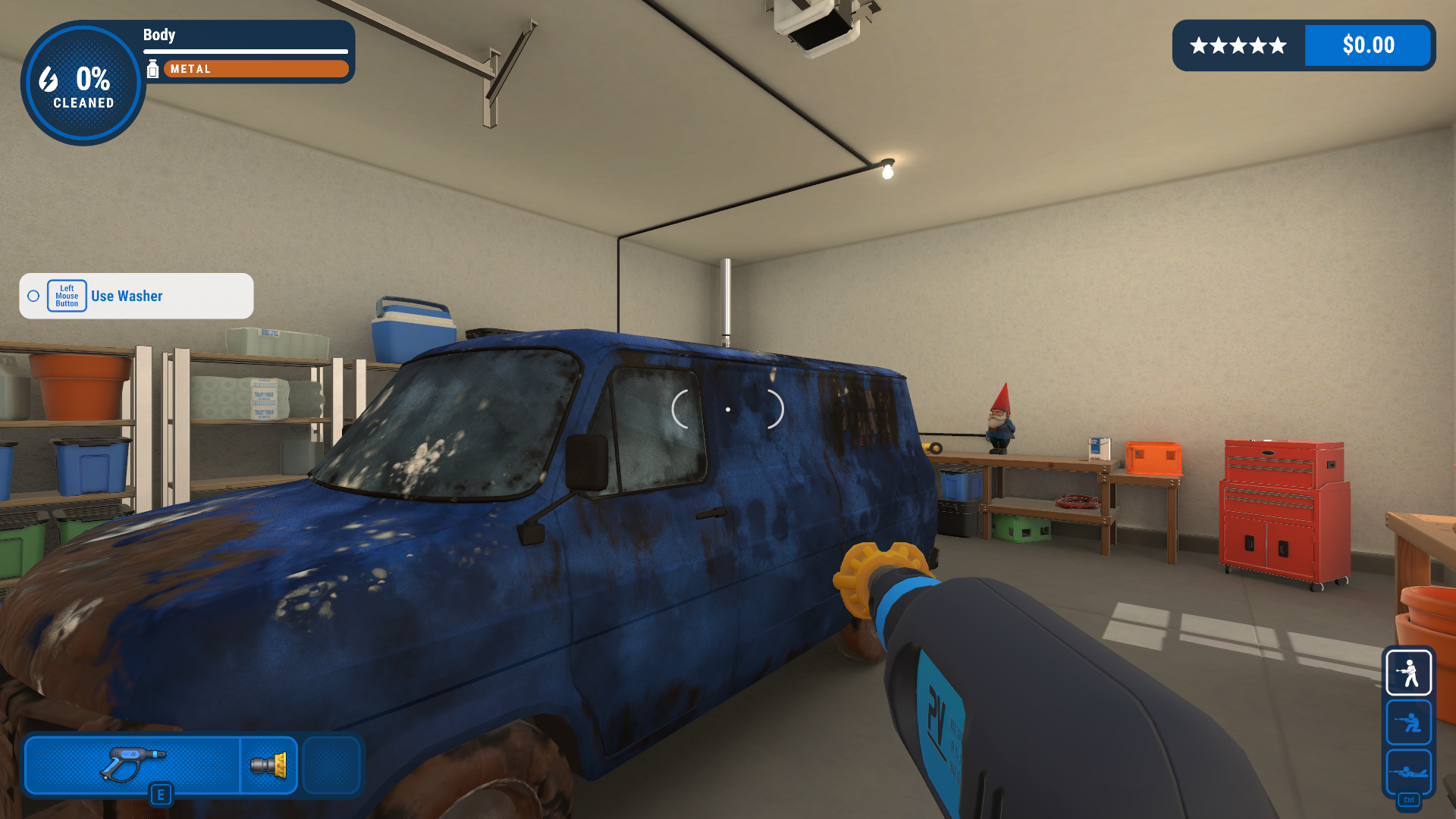
Ready to clean the van
A normal garage cleaning job with the van, washer and game HUD in view.
Fly, hover and adjust your movement from the Movement tab.
View ability modifiers →Browse the Steam achievement names and descriptions for PowerWash Simulator. Choose and unlock achievements for free with Bytonian Mods in the Windows app.
View all achievements →Download the Windows app and follow the setup prompts.
Open PowerWash Simulator and select it in Bytonian Mods. Follow the app’s connection prompts.
Review the available options in the app and choose the ones that suit how you play.