

Change the time in your duck pool
Skip the wait for your preferred part of the day. Set daytime brings the pool into the morning; Set nighttime moves it into the evening.

Set daytime
Choose Set daytime to return to the morning and see the pool's daytime lighting. The clock then continues through its usual cycle.
Set nighttime
Choose Set nighttime when you want the pool's after-dark lighting. You can switch back to daytime with the other action.
Resume your pool first
Both actions require a running single-player pool. Close the pause menu before using them. Seasonal effects can still shape how the scene looks.
Available game actions
Set daytimeFree
Switch your pool to daytime.
Resume a single-player pool, then choose Set daytime.
Changes the time once. The normal cycle continues, and seasonal fog can remain.
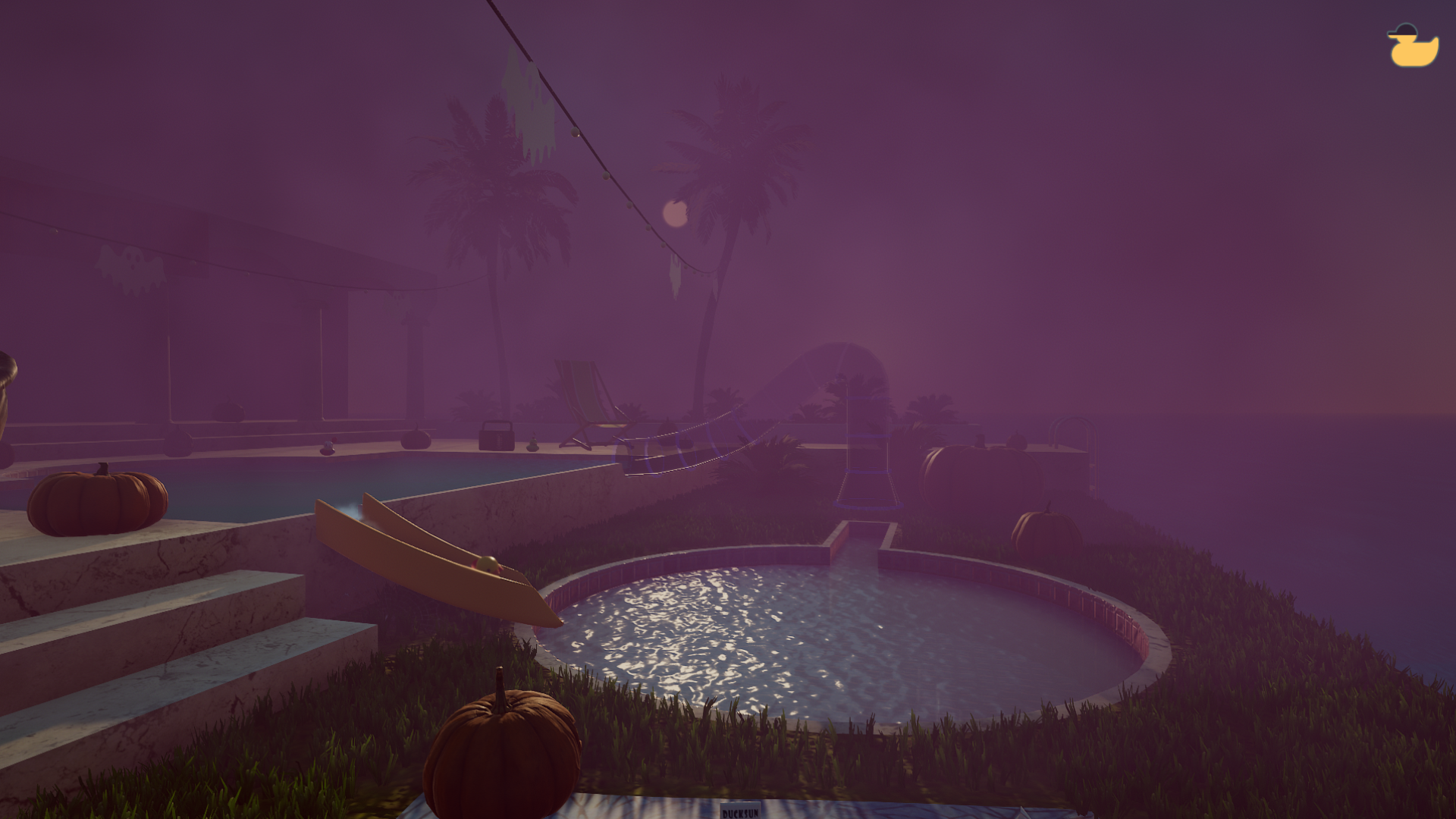
Bring daytime back to your duck pool
Switch your single-player pool to daytime whenever you want a change from the night.
Set nighttimeFree
Switch your pool to nighttime.
Resume a single-player pool, then choose Set nighttime.
Changes the time once. The normal cycle continues afterward.
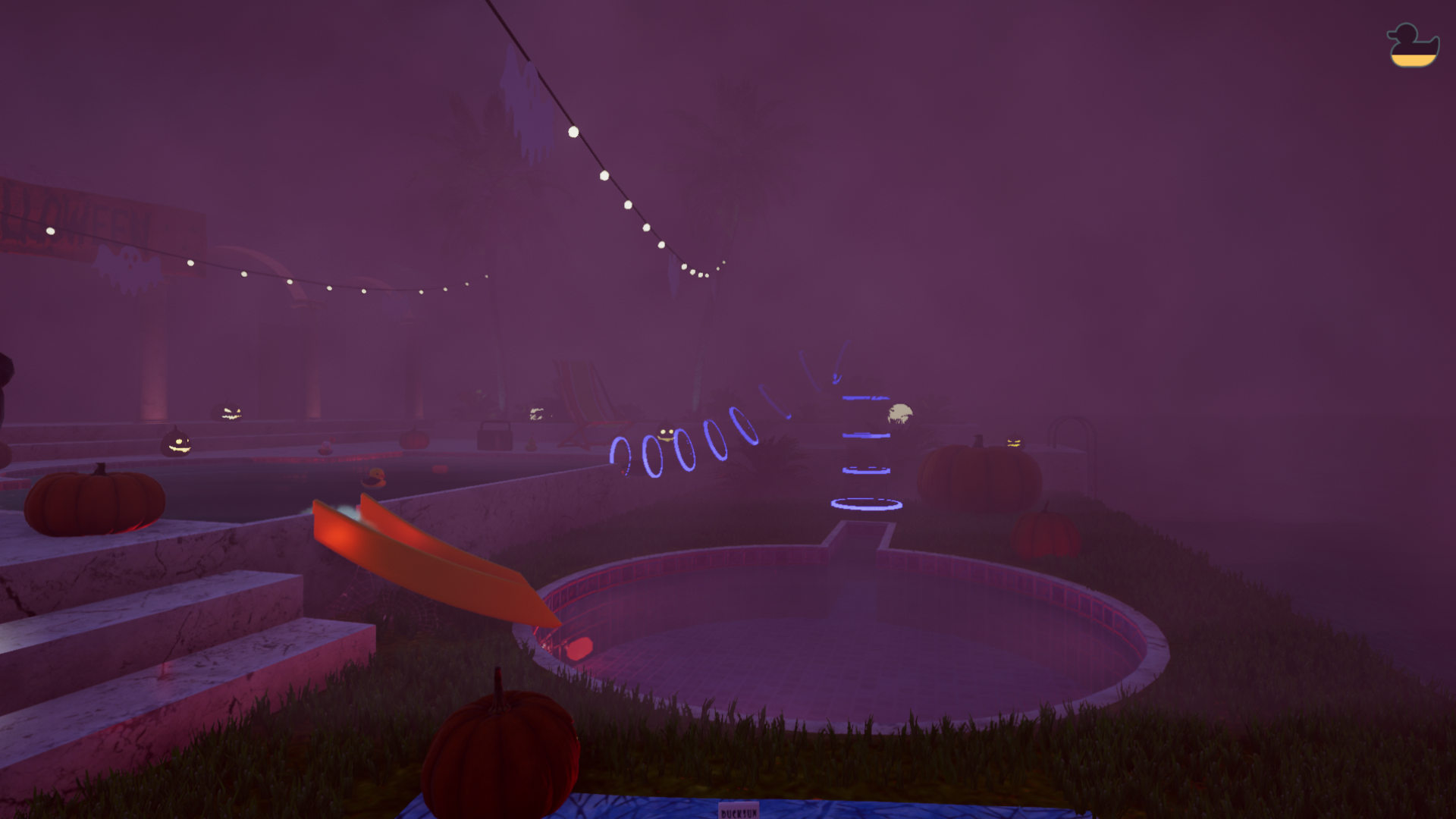
Switch your duck pool to nighttime
Choose nighttime for your single-player pool and enjoy its lights after dark.
Questions about game actions
- Can I use these actions in multiplayer?
- The time controls are available only during single-player play.
Using these features
Choose the feature in the Windows app after connecting your game. Check its requirements before making a change.
Setup for Placid Plastic Duck Simulator →