

Fly above Pikuniku's valley
Hover above the ground and choose where Piku goes next. Fly gives you direct sideways and vertical movement through the solo adventure.

Flight controls
Open Movement in Bytonian Mods and choose Fly. Press V to toggle it. A and D move sideways, W or Space rises, and S or Ctrl descends. Hold Shift for a speed boost. You can change the movement keys and speed in the controls.
Return to ordinary movement
Turn Fly off over clear ground so Piku can fall and move normally again. Flight also pauses while menus or conversations are open.
Available ability modifiers
MovementPremium
Fly and hover during the solo adventure. Use A and D sideways, W or Space to rise, S or Ctrl to descend, and Shift for a boost.
Open Movement, choose Fly and use its switch or press V. Turn it off over clear ground to resume normal movement.
Use during normal solo gameplay, outside menus and conversations.
Supported movement styles: Fly
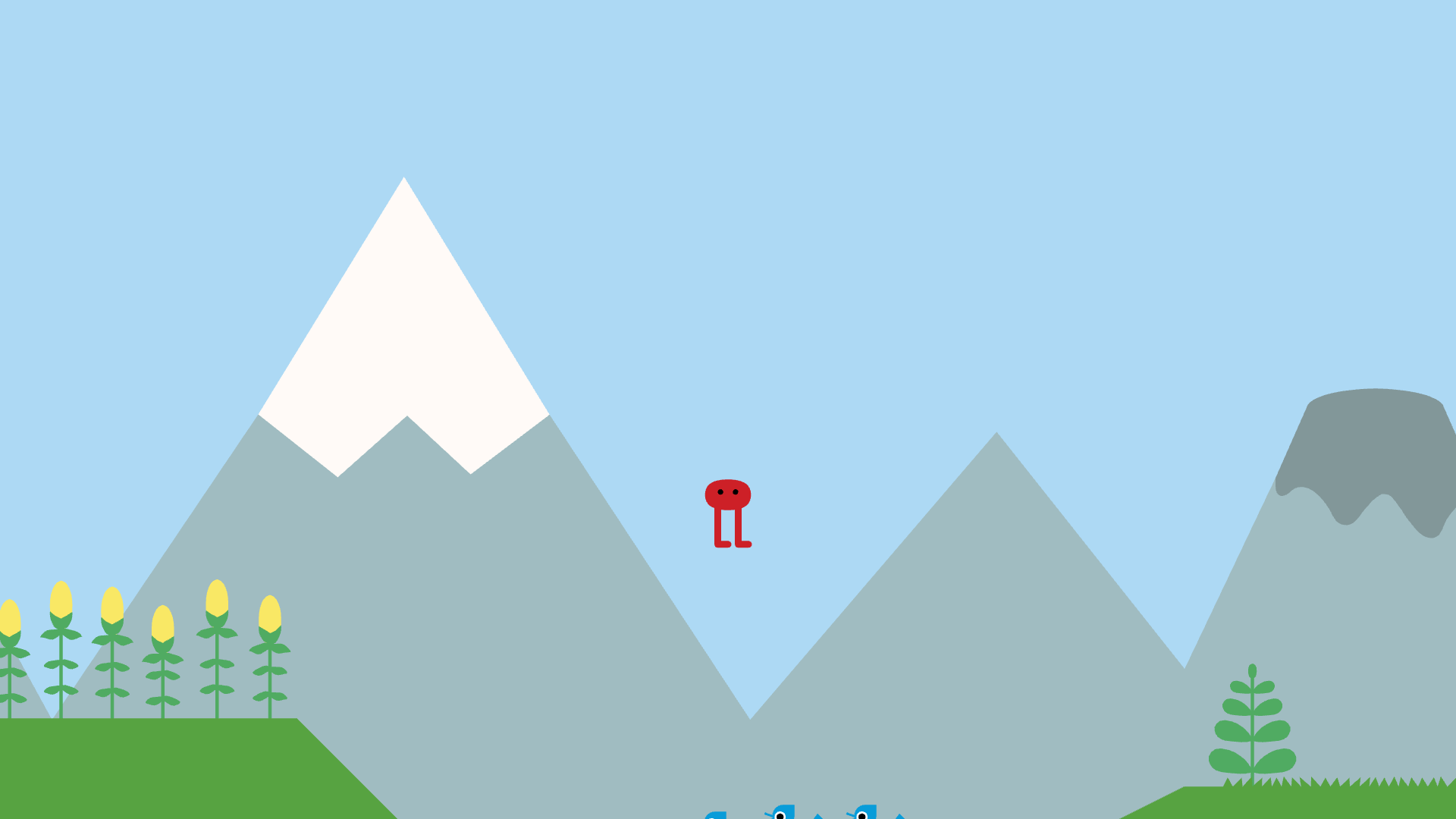
Fly above the valley
Hover and move freely through your solo adventure. Use A and D to move sideways, W or Space to rise, and S or Ctrl to descend. Hold Shift for a speed boost.
More ways to customise Pikuniku
- Pikuniku resources
Refresh your balance, set an amount, or add and remove coins.
- Pikuniku stat modifiers
Adjust movement speed from 50% to 300% and jump height from 50% to 400%.
Using these features
Choose the feature in the Windows app after connecting your game. Check its requirements before making a change.
Setup for Pikuniku →