
Presentation Mods
Use Larger Setup Guide to give the shop setup instructions and their buttons more room. The guide adjusts to the available game view. Turn the option off to return to the normal size.
Works with the Steam version of the game.

Available presentation modifiers
Larger Setup GuideFree
Enlarge the shop setup guide and its buttons when the game view has room.
Turn on Larger Setup Guide in Mods. Open the shop setup guide to see the larger text and buttons.
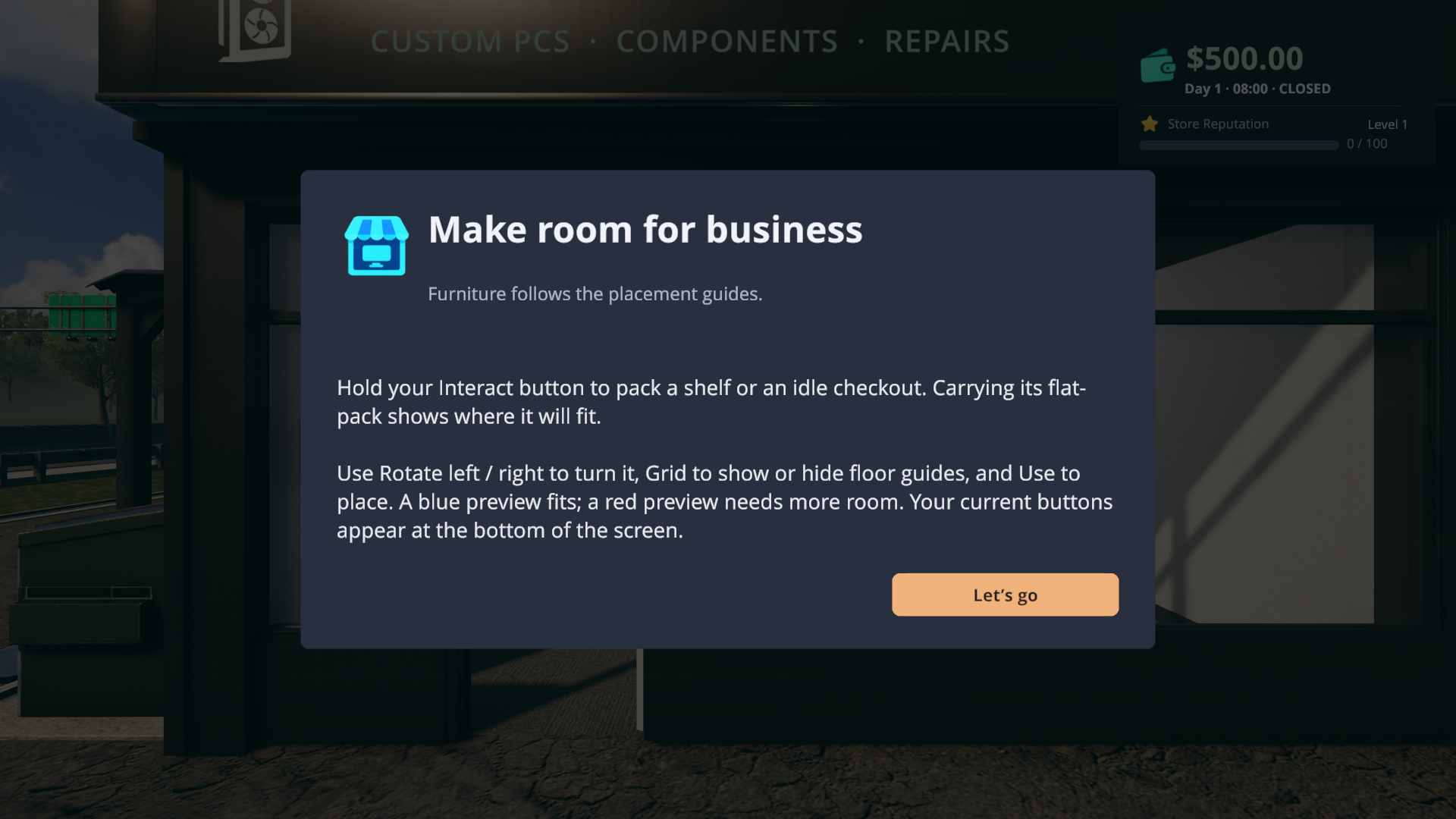
A larger shop setup guide
Enlarge the setup instructions and the Let’s go button to make them easier to read.
Using these features
Choose the feature in the Windows app after connecting your game. Check its requirements before making a change.
Setup for PC Store Together Demo →