

Resources
1 optionSet, add or remove gold with a manual refresh control.
View resources →Draw another card, restore hearts, add shields or adjust your gold as you tackle Pawnbarian's chess-inspired dungeon puzzles. Choose the help that fits your next move.

Start with free mods
Download Bytonian Mods for Windows and try these free features. Choose one to see how it works and any requirements.
Refill missing hearts up to your current maximum.
Use this action during your run when you can choose a move.
Use the gold control to set, add or remove gold. The action controls offer a health refill, extra shields, another card or one more maximum heart.
Install the Bytonian Mods Windows app, open Pawnbarian and enable the controls you want. Start a run and wait until you can choose a move before using an action.
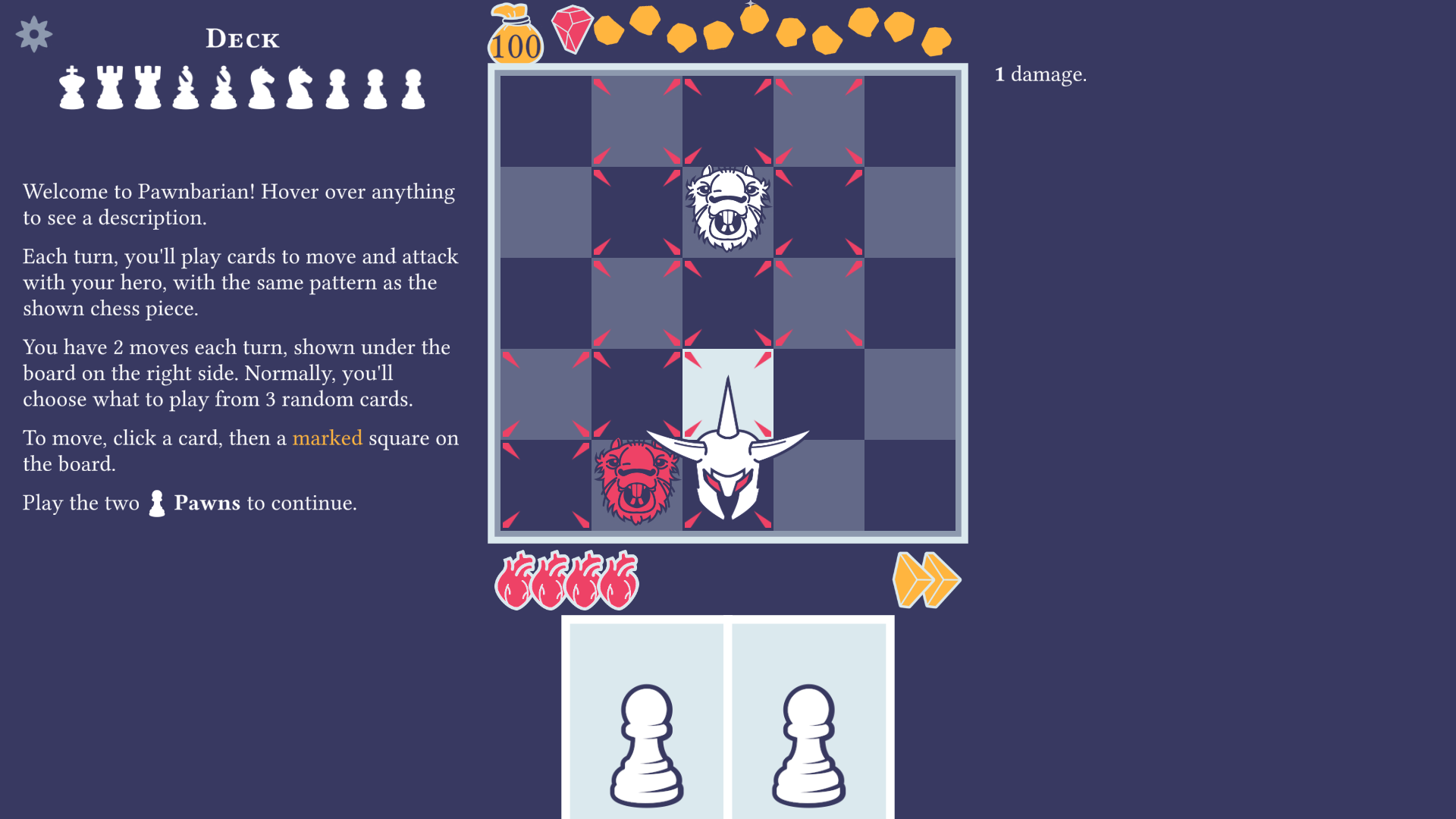
Pawnbarian with an adjusted gold balance
Set the gold carried in your current run. The example shows a balance of 100 on the tutorial board.
Set, add or remove gold with a manual refresh control.
View resources →Refill hearts, add protection, draw a card or gain another maximum heart.
View all game actions →Browse the Steam achievement names and descriptions for Pawnbarian. Choose and unlock achievements for free with Bytonian Mods in the Windows app.
View all achievements →Download the Windows app and follow the setup prompts.
Open Pawnbarian and select it in Bytonian Mods. Follow the app’s connection prompts.
Review the available options in the app and choose the ones that suit how you play.