

Visual controls
Background Blur lets you choose how strongly the game softens the view behind its menus. At 0%, the Options menu keeps the comic artwork sharp behind its controls.

Choose your blur strength
Enable Background Blur and set Blur strength between 0% and 100%. Use 0% for a clear background, 50% for half the original blur strength, or 100% for the original strength. Changes apply immediately while the control is on.
Return to the original effect
Switch Background Blur off or disable Comfort Tools to restore the normal blur. This is a visual setting for your own screen; your partner chooses their own display settings.
Available rule modifiers
Background BlurFree
Choose how much background blur appears behind menus.
Turn on Background Blur and adjust Blur strength from 0% to 100%. Switch off to restore the original effect.
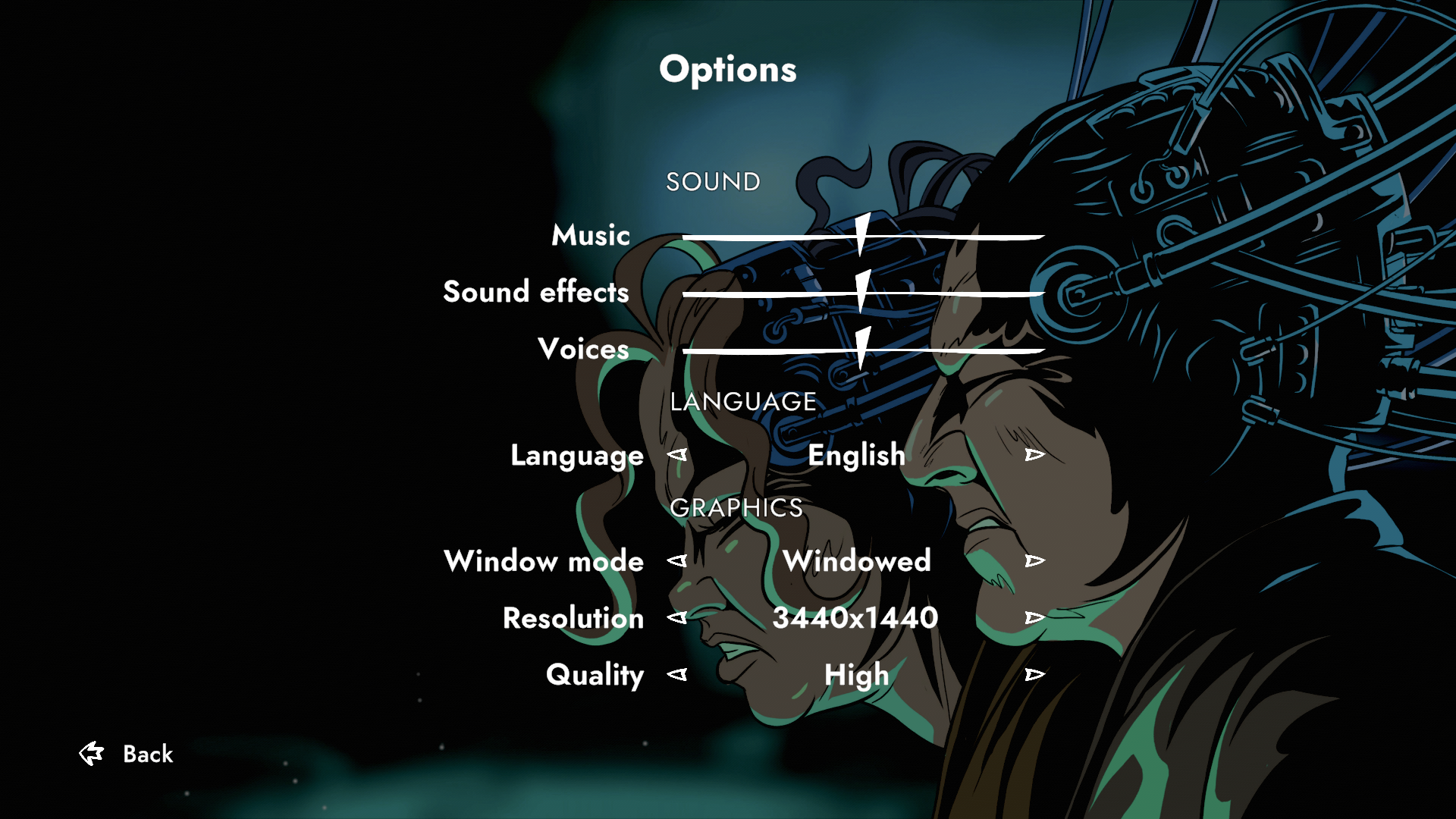
Keep the background clear
Set background blur to 0% to keep the artwork behind the Options menu sharp.
Using these features
Choose the feature in the Windows app after connecting your game. Check its requirements before making a change.
Setup for Parallel Experiment →