

Stat Modifiers
1 optionSet a longer working day for story-mode inspections.
View stat modifiers →Take a less hurried approach to the inspection desk. Papers, Please asks you to examine each visitor's documents while the working day ticks away. Longer Shifts gives you more time to work through those story-mode inspections.

Start with free mods
Download Bytonian Mods for Windows and try these free features. Choose one to see how it works and any requirements.
Give yourself more time to check documents during story shifts.
Turn on Longer Shifts and expand the card to choose Shift Length.
Story mode only. Changing or disabling this control recalculates the current hour using the selected shift length.
Longer Shifts lets you adjust the length of a story shift. Open the shift controls to choose how much extra time you want.
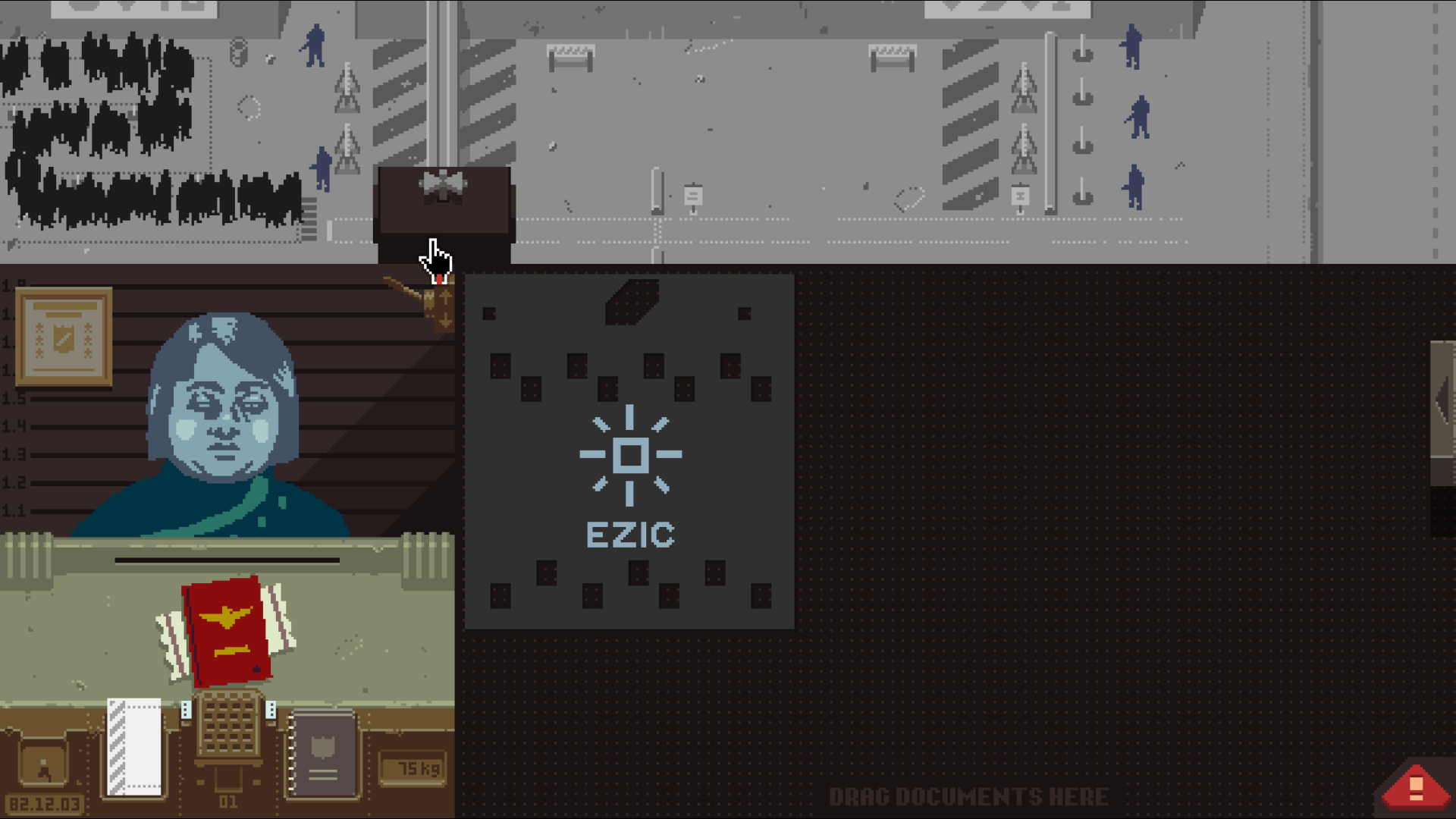
Document inspection in Papers, Please
Review a visitor's documents at your border checkpoint, with the queue and inspection desk in view.
Set a longer working day for story-mode inspections.
View stat modifiers →Browse the Steam achievement names and descriptions for Papers, Please. Choose and unlock achievements for free with Bytonian Mods in the Windows app.
View all achievements →Download the Windows app and follow the setup prompts.
Open Papers, Please and select it in Bytonian Mods. Follow the app’s connection prompts.
Review the available options in the app and choose the ones that suit how you play.