

Give your colony a timely boost
Refill selected crew needs, finish queued research, repair damaged completed buildings or replenish batteries. The free Spawn tab also lets you place available creatures, food, seeds, materials and supplies near your view.

Pick the action for the job
Crew Care lets you choose one need or all listed needs before applying it. Research Completion works on the queue you selected in the game. Repairs and battery charging affect eligible completed buildings.
Find useful items in Spawn
Browse creatures, eggs, food, material chunks, seeds, supplies and liquid or gas bottles. The available selection follows your game. Items appear on visible open ground near the center of your view.
Fix the cause as well as the symptom
A repaired battery can overheat again if its surroundings stay hot. Battery Charge adds stored energy, but does not build your power grid. Let the colony run briefly after placing a new battery before charging it.
Available game actions
Battery ChargeFree
Replenish stored energy in completed batteries.
Let the colony run briefly after constructing a new battery, then apply Battery Charge.
Adds stored energy; wiring and power consumers still need normal connections.
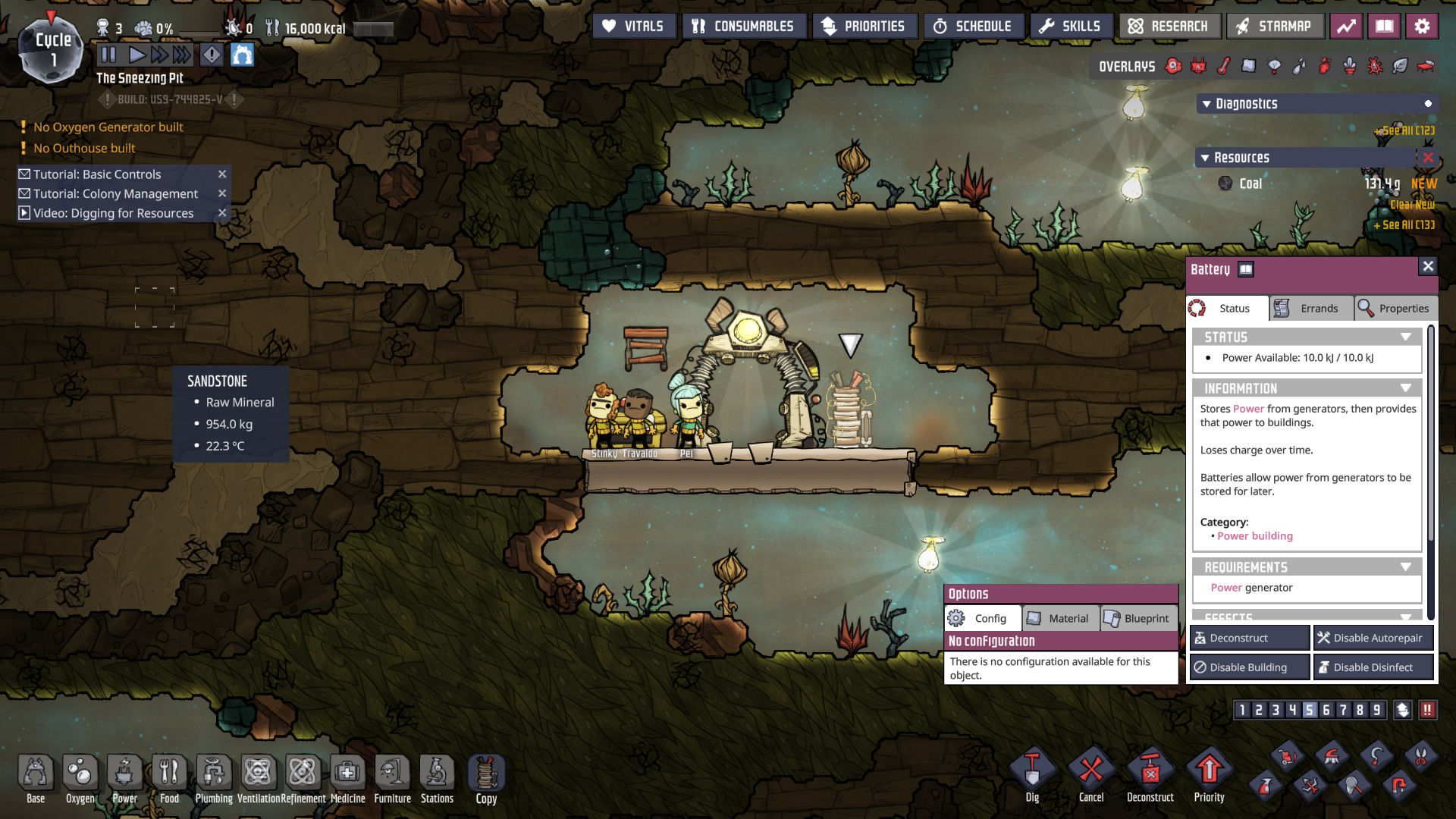
Refill your colony batteries
Battery Charge replenishes stored energy in your completed batteries. The selected battery now holds 10.0 kJ out of 10.0 kJ.
Building RepairFree
Restore the condition of damaged completed buildings while leaving ongoing hazards to be addressed.
Apply Building Repair when completed structures are damaged.
Heat and other ongoing hazards can damage buildings again.
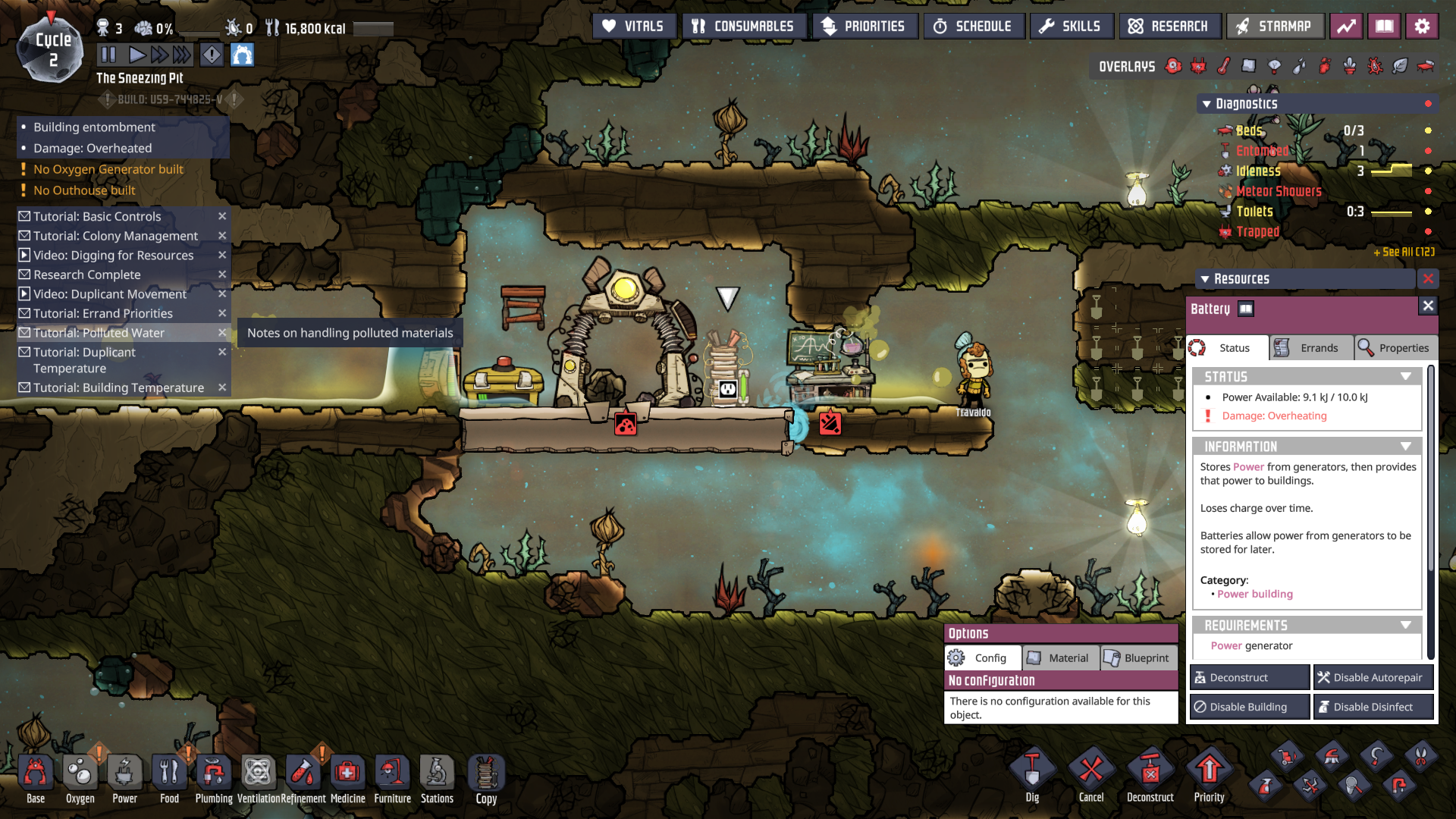
Repair completed buildings
Building Repair restores damaged buildings without waiting for repair deliveries. This battery no longer lists a repair delivery. Its overheating warning remains because it still needs cooling.
Crew CareFree
Refill selected crew needs or clear stress with a one-time action for living Duplicants.
Choose a care target, then press Crew Care. Choose All listed needs to apply the listed care options together.
Crew Care is a one-time action, so needs can change again as the colony runs.
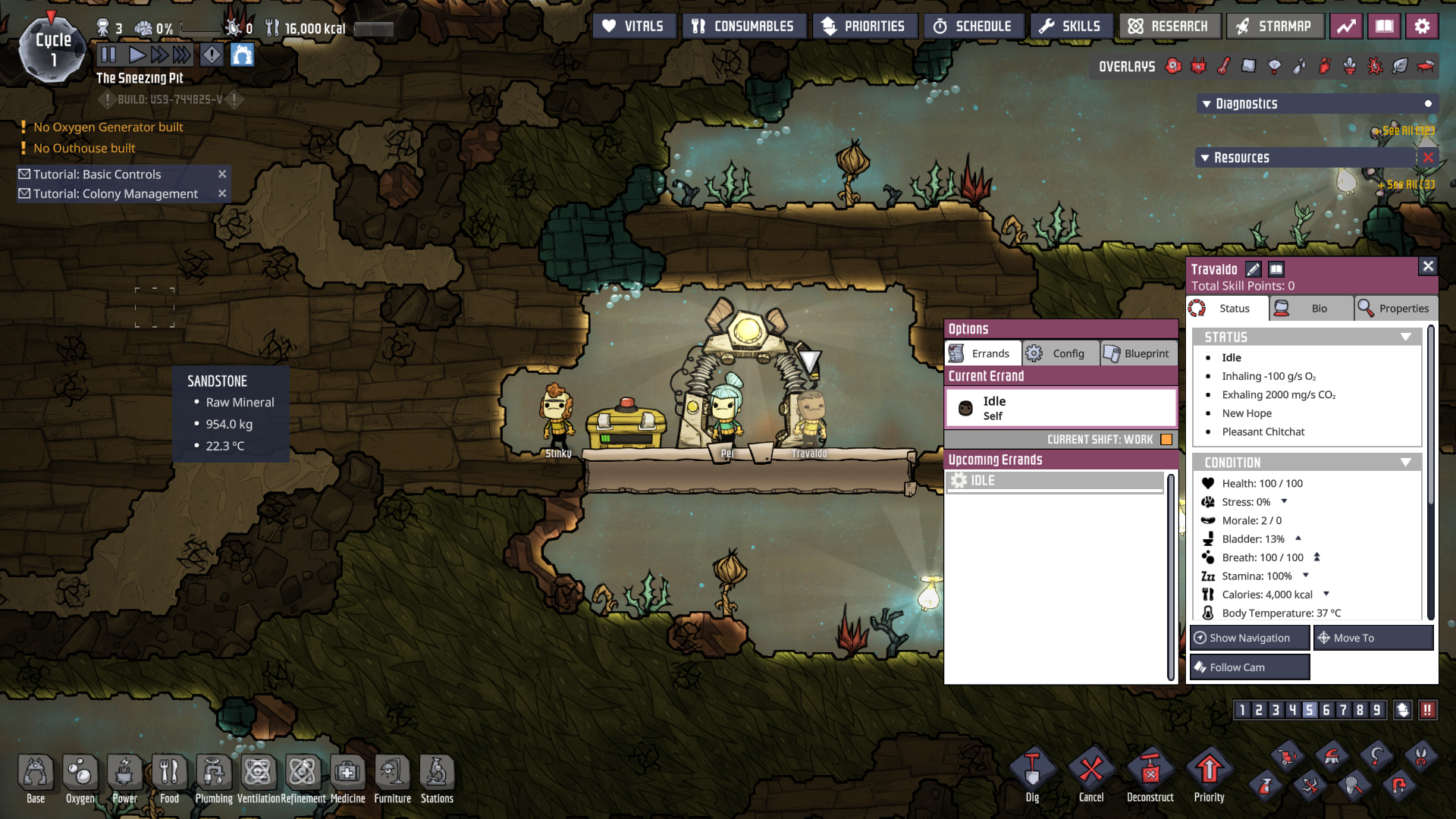
Refresh your duplicants' needs
Restore calories and stamina or clear stress for your living crew. Choose one need or apply care to all listed needs.
Research CompletionFree
Finish the research currently selected in your colony's queue.
Select research in the game, then apply Research Completion.
An empty research queue makes no changes.
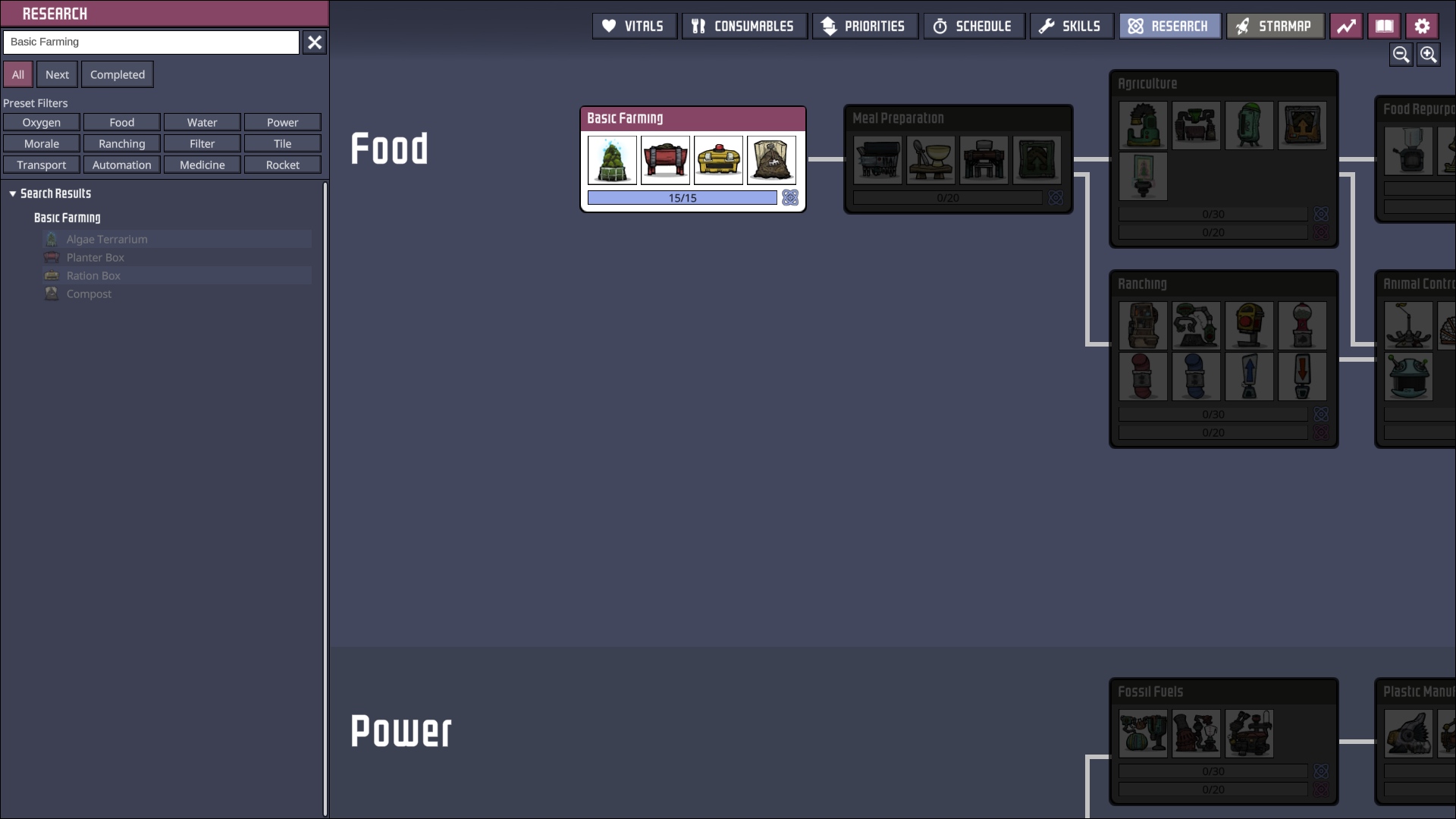
Finish the research you selected
Research Completion finishes your queued technologies. Basic Farming is complete here, opening the next step toward Meal Preparation.
SpawnFree
Browse available creatures, eggs, food, seeds, materials, supplies and bottled elements, then place them on visible ground near your view.
Open Spawn after loading your colony. Move your view to visible open ground, choose an item and select a quantity.
Hot materials retain their normal temperatures. The selection follows the items available in your game.
What you can spawn
- Liquid and gas bottles (80)
- Including Aluminum Gas, Biodiesel, Brackene, Brine, Carbon Dioxide.
- Critters (65)
- Including Abyss Bug, Abyss Nymph, Azure Bug, Azure Nymph, Biobot.
- Critter eggs (30)
- Including Abyss Bug Egg, Azure Bug Egg, Coral Bug Egg, Cuddle Pip Egg, Delecta Vole Egg.
- Food (33)
- Including Barbeque, Berry Sludge, Bristle Berry, Cooked Seafood, Curried Beans.
- Material chunks (118)
- Including Abyssalite, Aerogel, Algae, Aluminum, Aluminum Ore.
- Seeds (19)
- Including Arbor Acorn, Balm Lily Seed, Blossom Seed, Briar Seed, Buddy Bud Seed.
- Supplies and equipment (82)
- Including Allergy Medication, Archaic Tech, Atmo Suit, Balloon Friend, Balm Lily Flower.
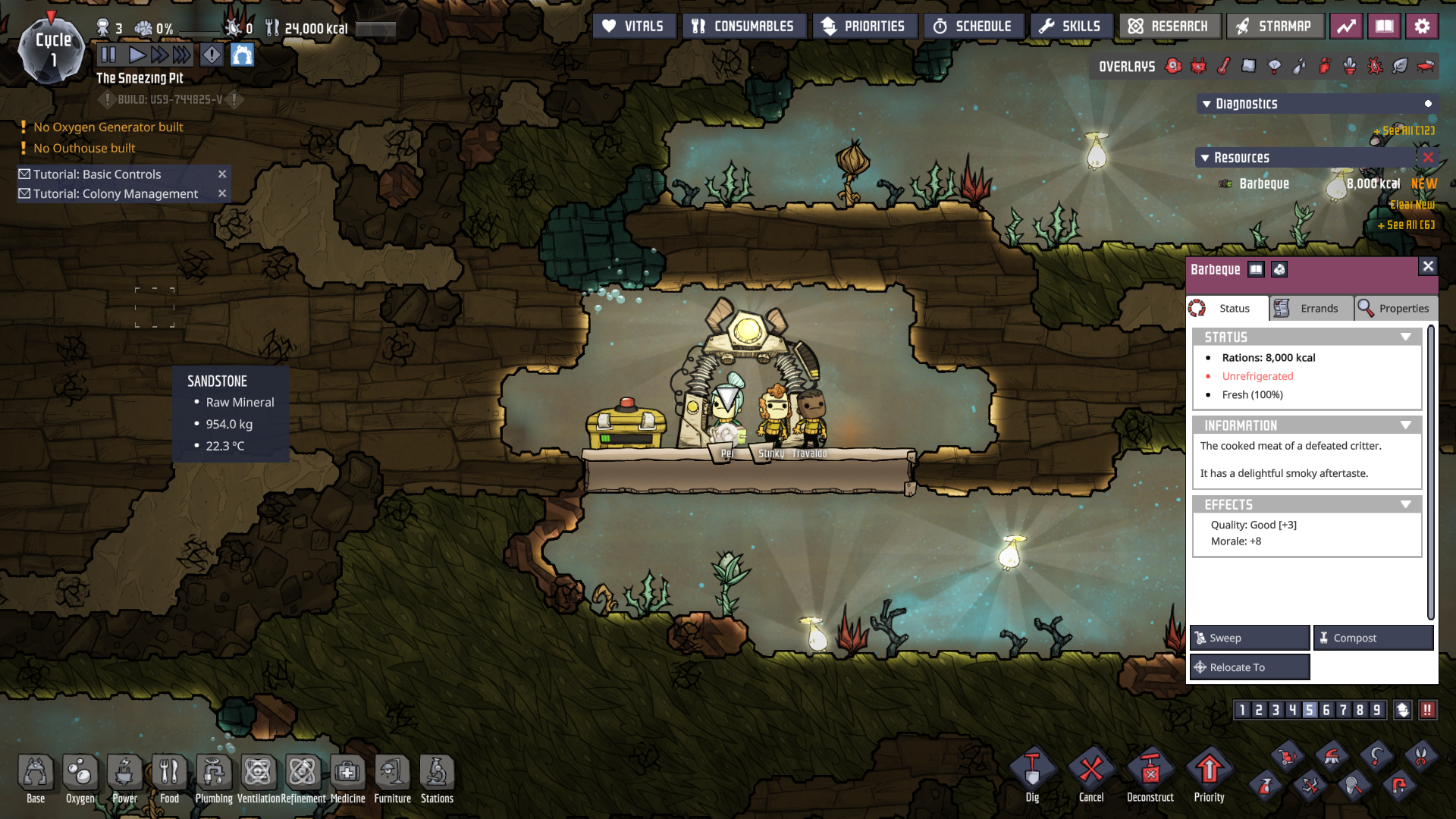
Add food and supplies to your colony
Browse food, seeds, critters, equipment, materials and bottles in the free Spawn menu. Here, two Barbeque portions add 8,000 kcal to the colony's food supply.
More ways to customise Oxygen Not Included
- Oxygen Not Included stat modifiers
Choose separate bonuses across ten crew attributes, including digging.
- Oxygen Not Included rule modifiers
Protect crew needs, use instant construction and adjust the pace of your colony.
- Oxygen Not Included ability modifiers
Add carrying capacity so Duplicants can haul larger loads.
- Oxygen Not Included perspective modifiers
Extend the camera range for close inspection and wider colony overviews.
Questions about game actions
- Does Research Completion unlock every technology at once?
- It finishes the research in your selected queue. Choose the technology you want in the game first; an empty queue makes no changes.
Using these features
Choose the feature in the Windows app after connecting your game. Check its requirements before making a change.
Setup for Oxygen Not Included →