

Stat Modifiers
2 optionsChange walking pace and prevent incoming damage during exploration.
View stat modifiers →Ziggy wakes up in a Swedish neighbourhood with a gap in his memory and a day that keeps repeating. Follow clues, solve puzzles and use what you learn to change the next loop. These mods give you more control over how you explore, with adjustable walking pace, protection from incoming damage and flight.

Start with free mods
Download Bytonian Mods for Windows and try these free features. Choose one to see how it works and any requirements.
Prevent incoming damage to Ziggy while exploring.
Switch the card on when you want protection from hits.
The time loop continues normally.
Adjust Ziggy's walking speed or protect him from incoming damage during ordinary exploration. Choose Fly, Free Walk or Board for different ways to move around Orten.
Install the Bytonian Mods Windows app, open your copy of Orten Was The Case and choose the mod you want to use. Expand a card to find its extra settings.
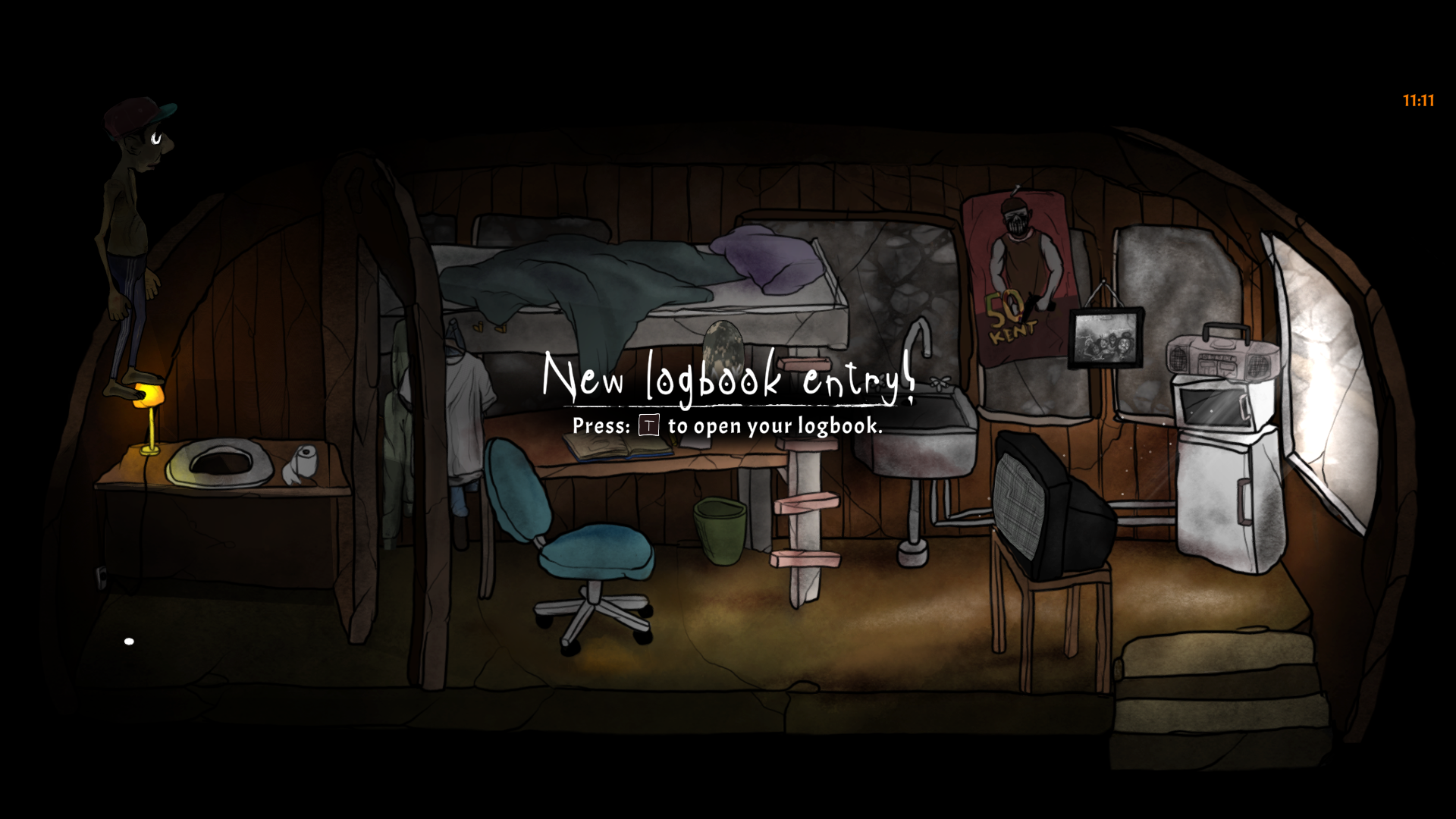
Fly above the bedroom
Lift Ziggy above the bedroom floor and explore from a different angle with the Fly mod. Adjust the flight controls and speed to suit you.
Change walking pace and prevent incoming damage during exploration.
View stat modifiers →Choose flight, free walking or board movement with adjustable controls.
View ability modifiers →Browse the Steam achievement names and descriptions for Orten Was The Case. Choose and unlock achievements for free with Bytonian Mods in the Windows app.
View all achievements →Download the Windows app and follow the setup prompts.
Open Orten Was The Case and select it in Bytonian Mods. Follow the app’s connection prompts.
Review the available options in the app and choose the ones that suit how you play.