

Choose a retro screen look
Turn on Retro Screen Effect for a noisy display style, then switch it off to restore the previous screen effect state.
Works with the Steam version of the game.

Set the look you prefer
Enable Retro Screen Effect when you want the extra visual noise and colour separation. Disable the toggle to return to the previous display.
Available presentation modifiers
Retro Screen EffectFree
Add a noisy retro screen effect.
Turn the option off to restore the previous screen effect state.
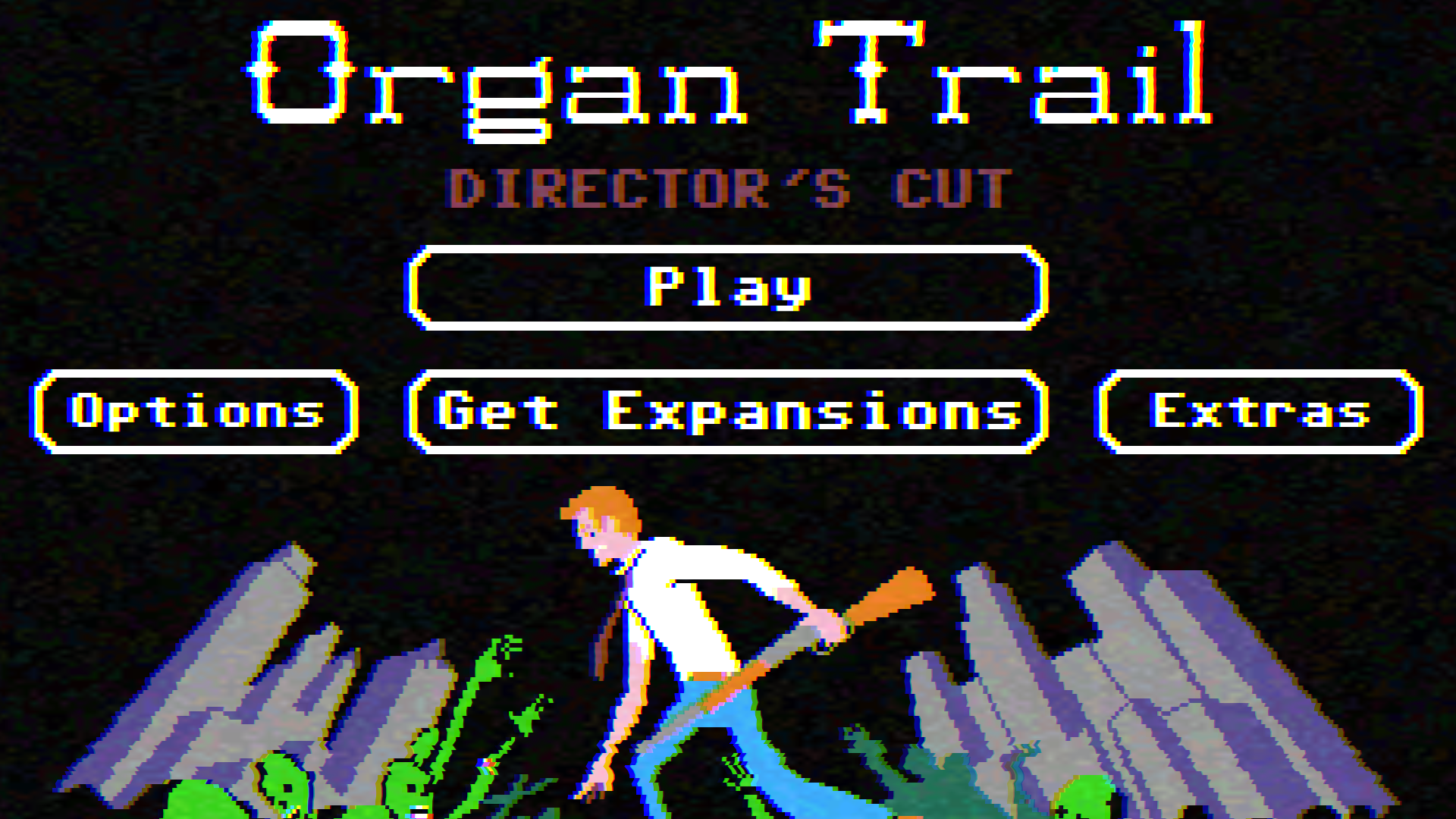
Retro Screen Effect
Give Organ Trail a noisy retro screen appearance.
Using these features
Choose the feature in the Windows app after connecting your game. Check its requirements before making a change.
Setup for Organ Trail: Director's Cut →