

Tune your engine thrust
Give your ship stronger acceleration by adjusting its engine thrust percentage.

Choose a thrust setting
Enable Engine Thrust and adjust the percentage during a local race. The setting changes engine force; doubling thrust does not mean your ship's speed will double. Turn it off to return to the ship's original thrust.
Available stat modifiers
Engine thrustPremium
Adjust your ship's engine thrust for stronger acceleration.
Enable the control, then choose a thrust percentage. Turn it off to restore original thrust.
Thrust percentage is not a speed multiplier.
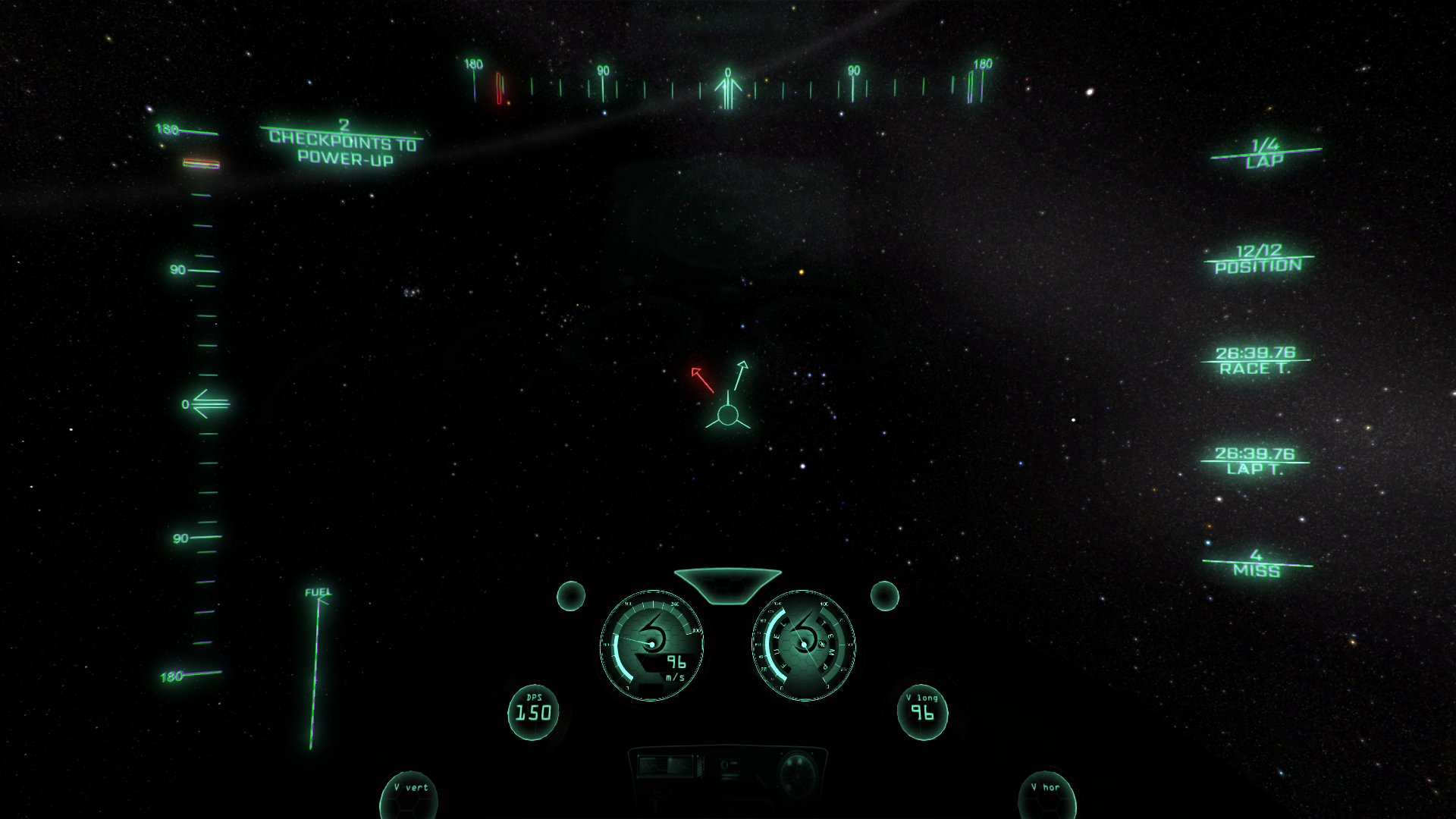
Tune your ship's thrust
Adjust engine thrust to change how strongly your ship accelerates.
More ways to customise Orbital Racer
- Orbital Racer resources
Refill the current racer's fuel with one action.
- Orbital Racer rule modifiers
Keep the local racer's shield full while protection is enabled.
- Orbital Racer game actions
Get a power-up or launch five native items from Spawn.
Using these features
Choose the feature in the Windows app after connecting your game. Check its requirements before making a change.
Setup for Orbital Racer →