
Resources
3 optionsChoose a balance or add and subtract resources within normal game caps.
View resources →Prepare for your next dungeon choice in One More Floor. Adjust gold for merchants, food for rooms or a living adventurer's health before the next fight.
Start with free mods
Download Bytonian Mods for Windows and try these free features. Choose one to see how it works and any requirements.
Set gold from 0 to 20, or add and subtract gold before your next merchant visit.
Finish the current room choice or animation and unpause the run before editing. Enter an amount, then set, add or subtract it.
Merchants still deduct the normal purchase price.
Set health before a fight, add gold for a merchant purchase or replenish food before a costly room. Each control lets you set a balance or add and subtract an amount within the game's usual limit.
Combat still deals damage, merchants still charge gold and rooms still consume food. These controls change your current balance when you use them.
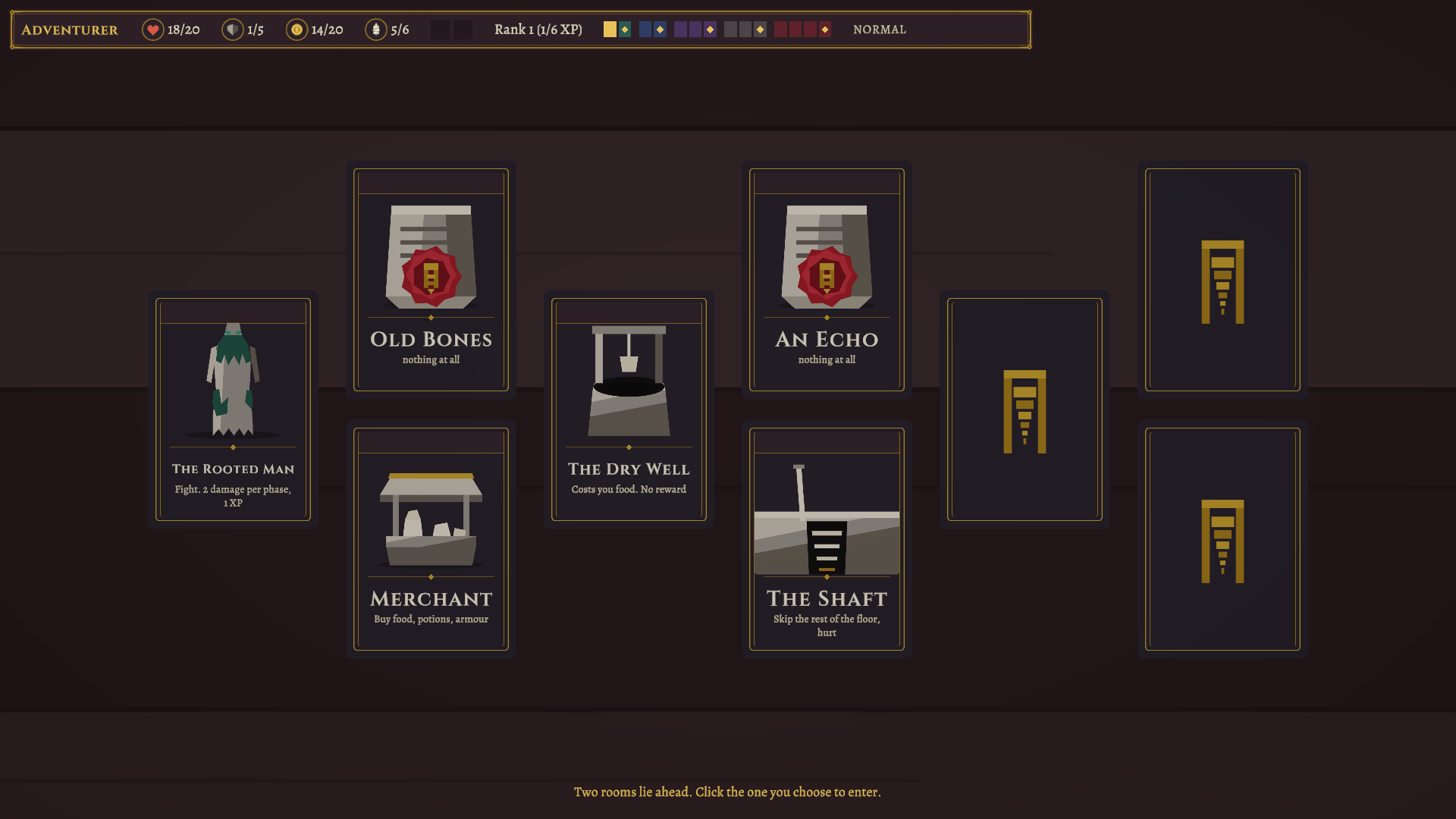
Choose your next room
Manage health, gold and food as you choose a route through One More Floor's dungeon.
Choose a balance or add and subtract resources within normal game caps.
View resources →Browse the Steam achievement names and descriptions for One More Floor. Choose and unlock achievements for free with Bytonian Mods in the Windows app.
View all achievements →Download the Windows app and follow the setup prompts.
Open One More Floor and select it in Bytonian Mods. Follow the app’s connection prompts.
Review the available options in the app and choose the ones that suit how you play.