
Wider Field of View
Widen your view to see more of the walls and floor around you in desktop play.
Works with the Steam version of the game.

Available perspective modifiers
Wider Field of ViewFree
Show more of the puzzle room by widening the desktop camera view.
Turn on Wider Field of View for a broader view, then turn it off to restore the default.
For desktop play without a VR headset.
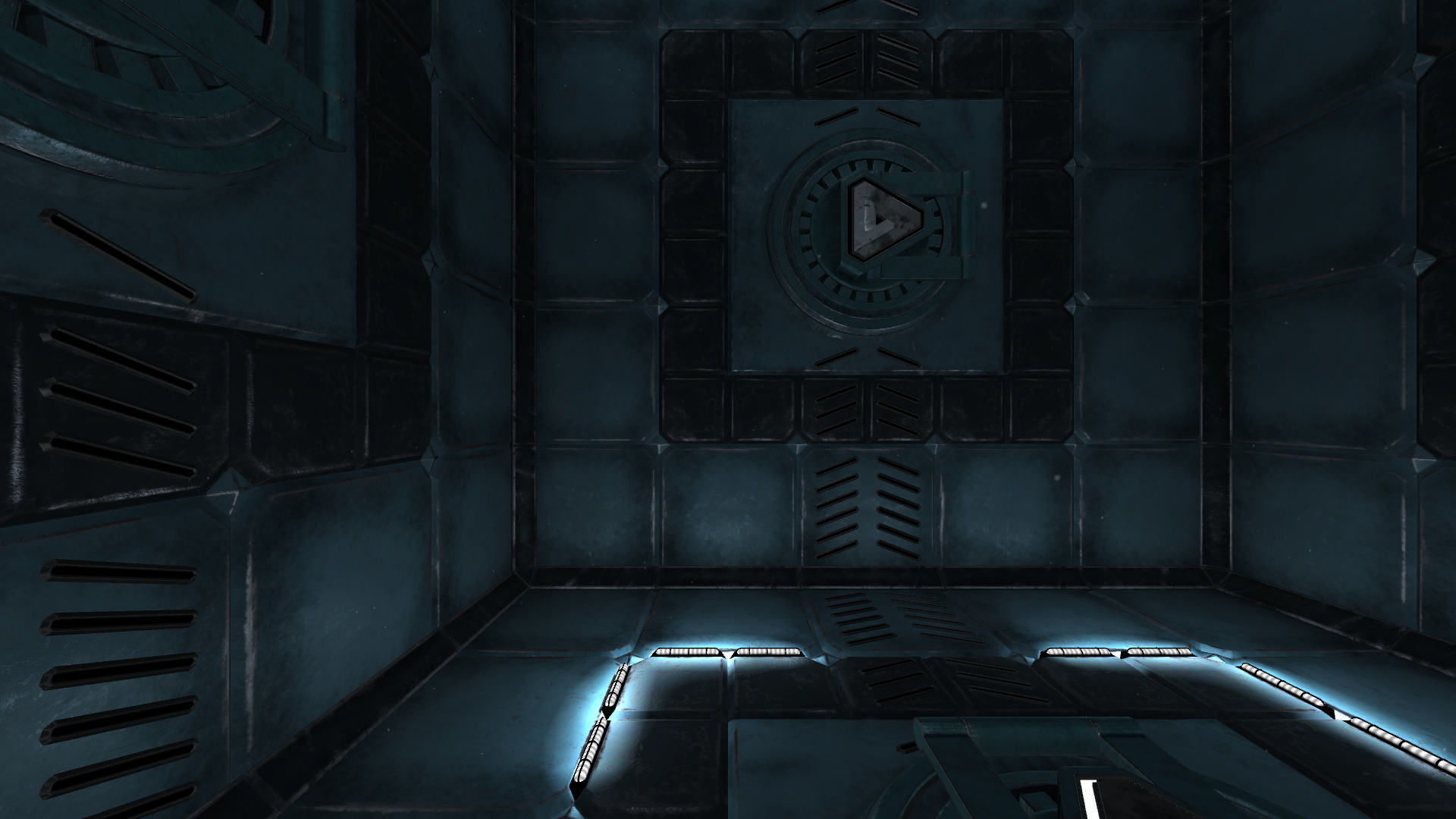
A wider view of the opening room
Wider Field of View shows more of the side walls and floor on a desktop display.
Using these features
Choose the feature in the Windows app after connecting your game. Check its requirements before making a change.
Setup for Neverout →