

Game Actions for NecroWorm
Choose Add 5 Seconds during an active puzzle to take time off the elapsed clock in one step. Use it when you need another moment to plan around a corner or a locked door.
Works with the Steam version of the game.

Available game actions
Add 5 SecondsFree
Take up to five seconds off the elapsed time while solving a puzzle.
Choose Add 5 Seconds while a puzzle is active and unpaused.
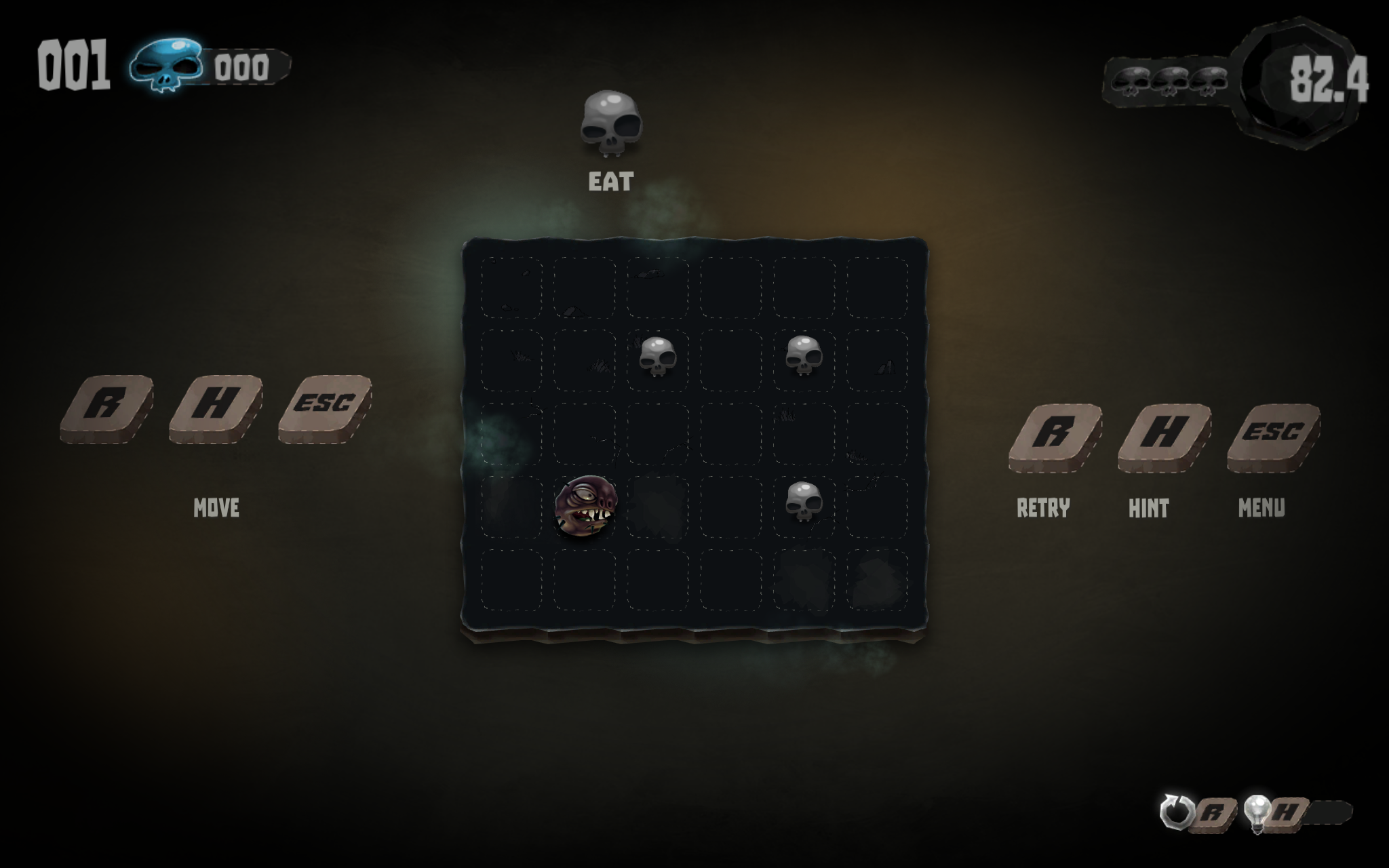
Take time off the puzzle clock
Use Add 5 Seconds during an active puzzle to take up to five seconds off the elapsed time.
Using these features
Choose the feature in the Windows app after connecting your game. Check its requirements before making a change.
Setup for NecroWorm →