
Necroking resource controls
Choose the resources you need for your next route or battle. Gold and Provision work on the world map; Mana and Souls work during regular battles after the tutorial.
Gold and provision on the world map
Gold pays for normal shop purchases. Provision is consumed when travelling between map tiles. Return to the world map to adjust either balance, then continue using the game's usual shops, routes and deck rules.
Mana and souls in battle
Summoning units uses mana and souls. Use the resource controls during a regular battle to set a balance, add an amount or subtract an amount. Mana cannot be set above its current capacity.
Refresh before changing a balance
Enable the resource you want and refresh its displayed balance. Enter a whole-number amount, then use Set or Add. Negative Add amounts subtract from the balance. Changes that would make a balance negative or exceed its supported limit are refused.
Available resources
GoldFree
Set, add or subtract gold on the world map.
Return to the world map, refresh your balance and enter a whole-number amount.
Balances must stay between zero and one million.
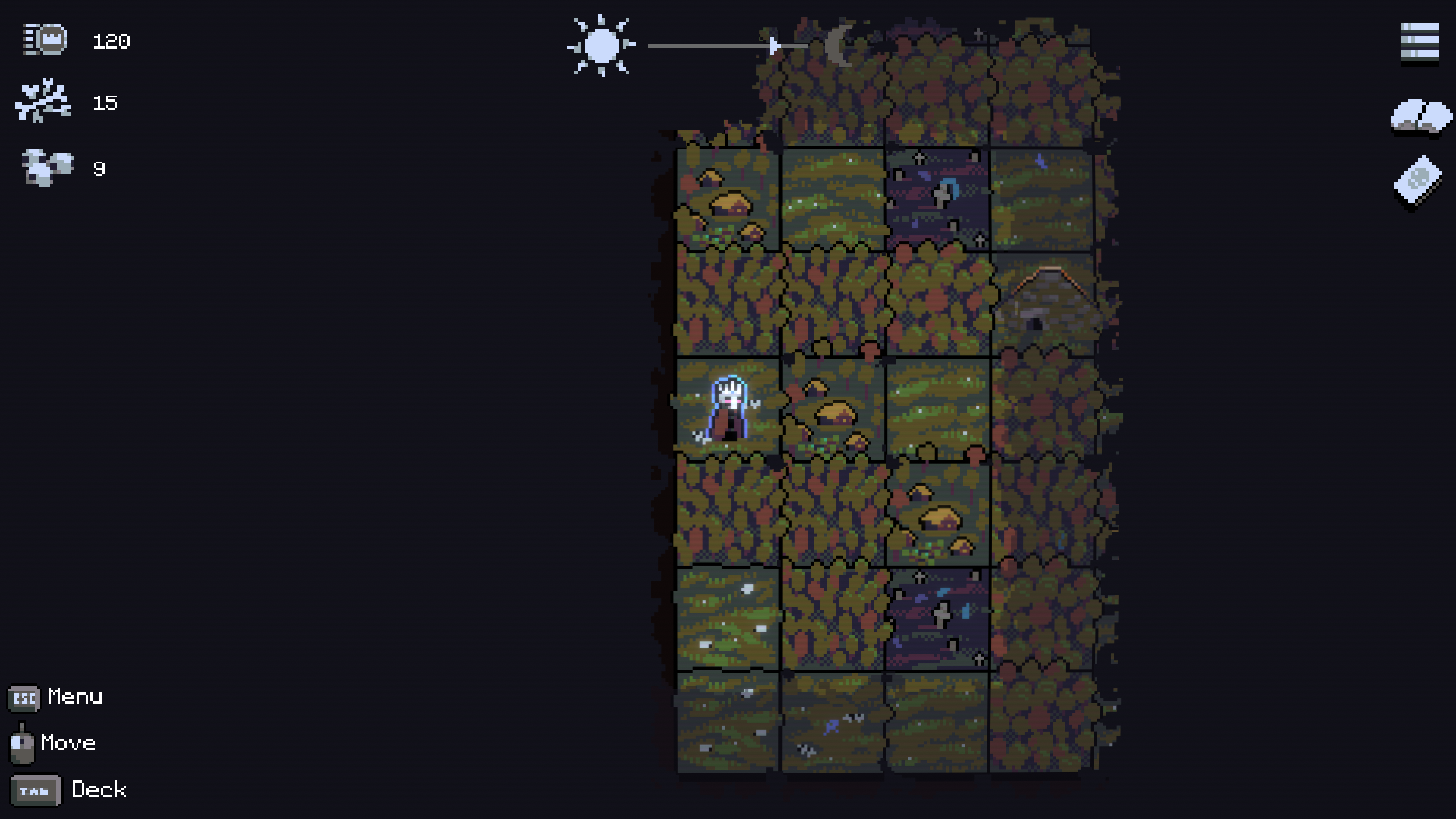
Adjust gold on the world map
Set, add or subtract gold while planning your route. The gold display here shows 120.
ManaFree
Adjust the mana available for summoning during a regular battle.
Enter a regular battle after the tutorial, refresh the balance and choose your amount.
Changes cannot exceed your current mana capacity.
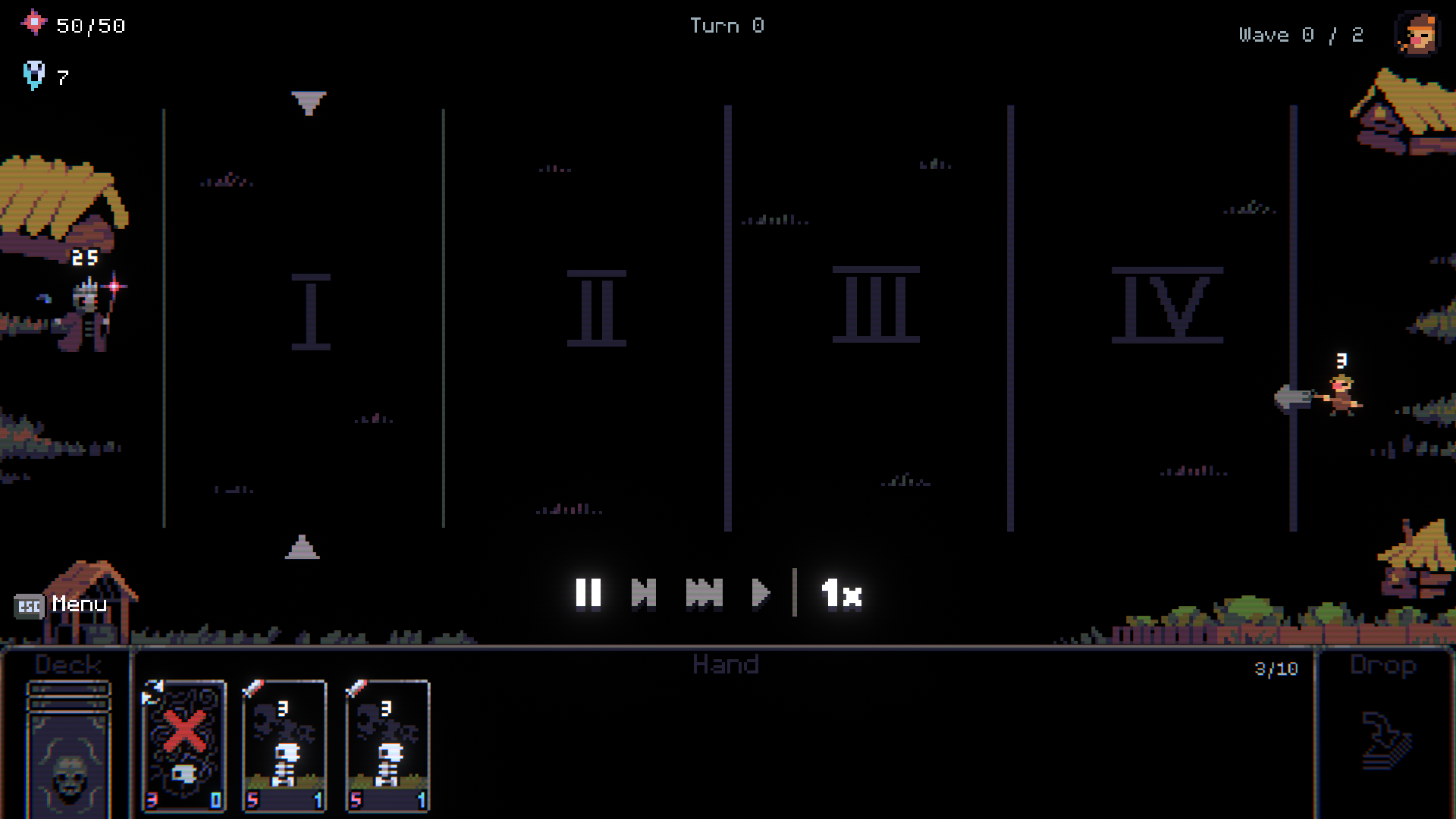
Fill your mana before summoning
Adjust mana during a battle, up to your current capacity. Here the mana display shows 50 out of 50.
ProvisionFree
Adjust provision for your next world-map route.
Refresh the current balance, then set it or add a whole-number amount.
Changes must stay between zero and your current provision capacity.
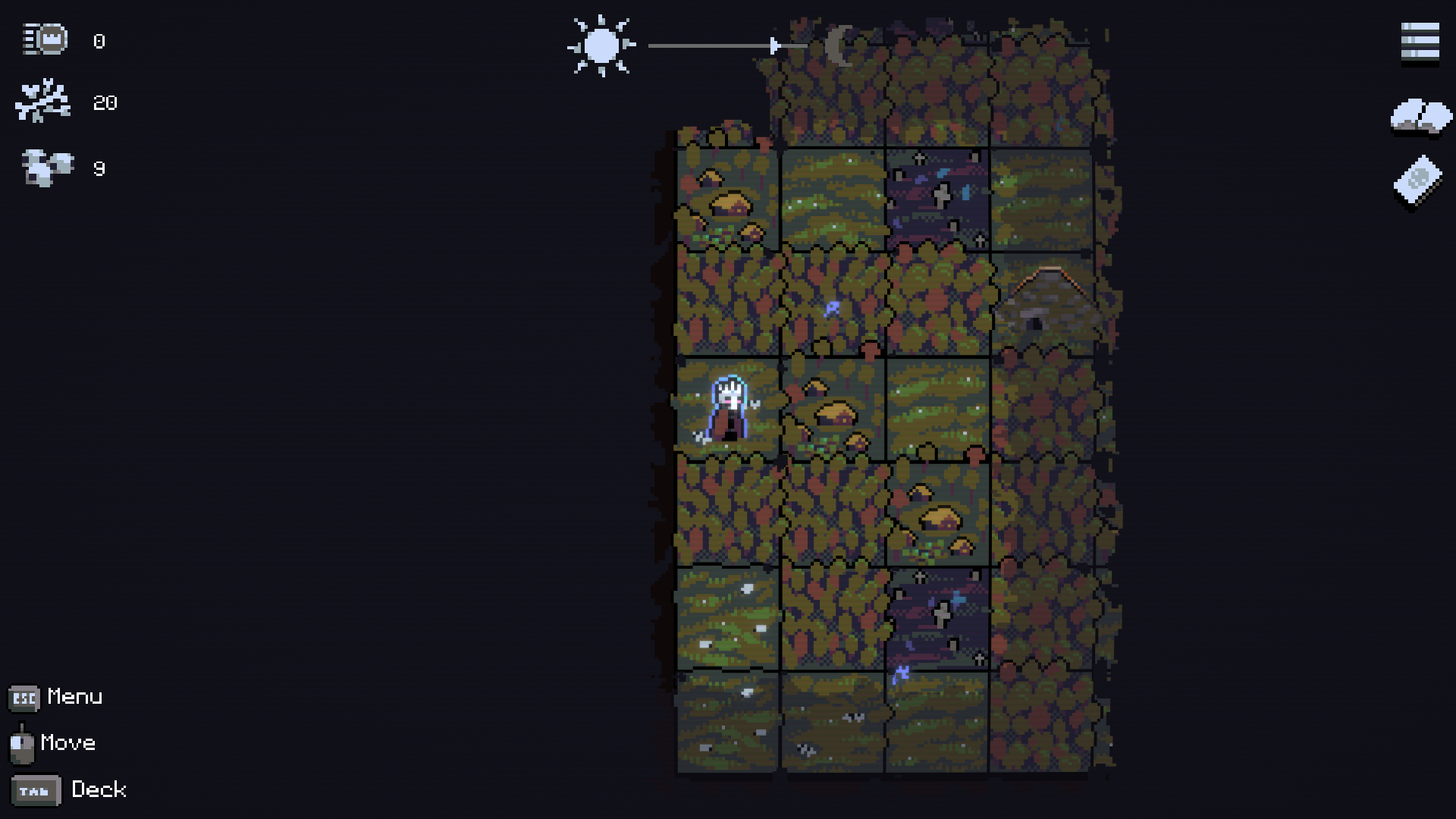
Refill provision for your route
Adjust provision on the world map without exceeding your current capacity. This route starts with 20 provision.
SoulsFree
Adjust the souls available for summoning during a regular battle.
Enter a regular battle after the tutorial, refresh the balance and choose a whole-number amount.
Balances must stay between zero and one million.
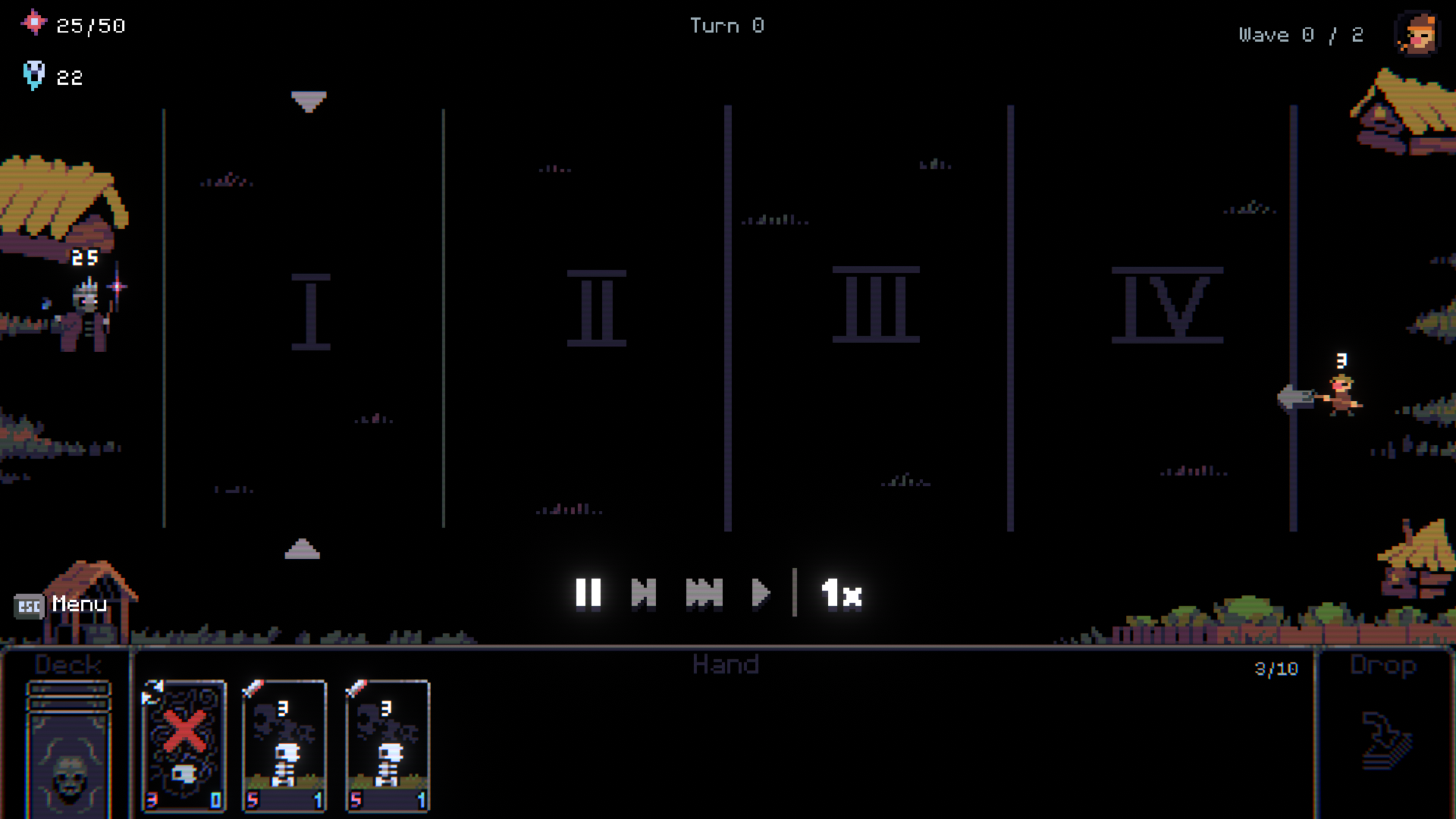
Choose your available souls
Adjust the souls available for summoning during a battle. This battle shows a balance of 22 souls.
More ways to customise Necroking
- Necroking stat modifiers
Set your character's map travel speed from 50% to 300%.
Questions about resources
- Does changing a resource unlock units?
- No. These controls adjust balances. The game's normal unit unlocks, deck rules and shop requirements still apply.
Using these features
Choose the feature in the Windows app after connecting your game. Check its requirements before making a change.
Setup for Necroking →