

Explore Muck with three movement styles
Fly above the island, choose Free Walk for movement with collisions, or use Board for momentum-based travel. The movement card keeps the style, keys and tuning controls together.

Choose a style and its controls
Use W, A, S and D for direction. Space rises in Fly and jumps in physical styles. Ctrl descends in Fly and brakes in Board; Shift provides a movement boost.
Adjust the base speed, fast Fly speed, acceleration, Board steering, braking and jump strength. The Classic board appearance is available.
Return to normal movement
Disable the card to return control to the game. Menus, death, loading and changes to the active player release movement.
Use physical styles on land. They release when the game reports that your player is underwater and do not provide water travel.
These controls work in Survival and Creative with a living local player. They are unavailable in Versus and wait while your player is loading or in a menu.
Available ability modifiers
MovementFree
Choose Fly, Free Walk or Board for your active character.
Enable the card, choose a style and use its grouped movement keys. Disable it to return to normal movement.
Survival and Creative only. Physical styles are for land and release underwater.
Supported movement styles: Fly, Free Walk, Board
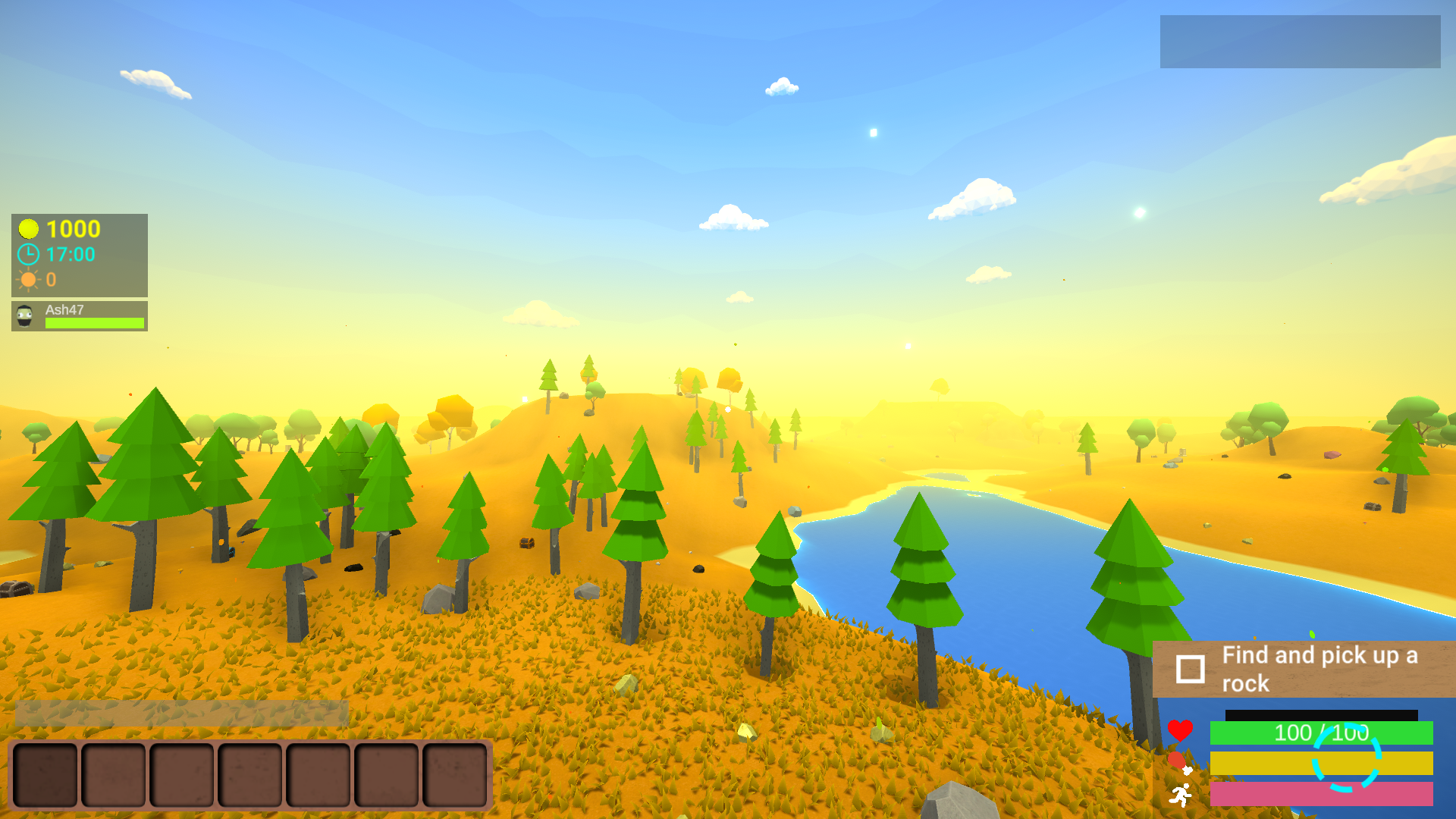
Explore the island from above
Fly above the island in a Survival session to survey forests and nearby water.
More ways to customise Muck
- Muck resources
Set your current inventory coins between 0 and 999999.
- Muck stat modifiers
Separate controls for health protection, hunger and stamina.
Using these features
Choose the feature in the Windows app after connecting your game. Check its requirements before making a change.
Setup for Muck →