
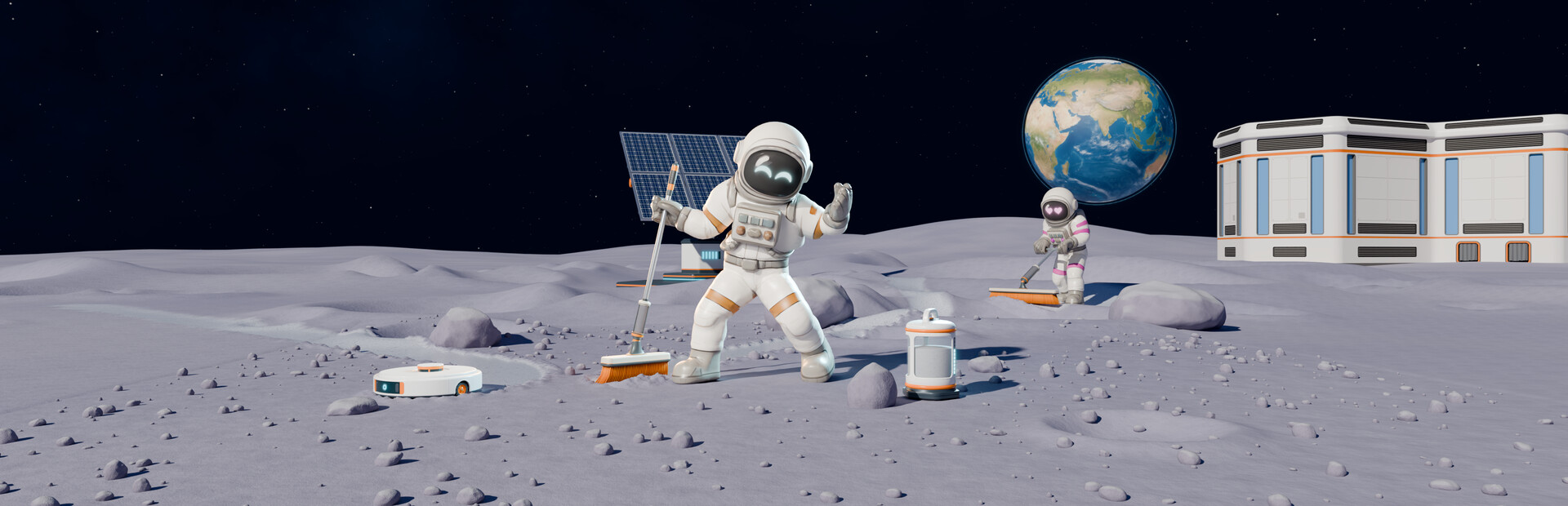
See what still needs cleaning
Give remaining dust a contrasting tint, read bearings and section progress, or follow the two edges of a vehicle pass. Camera, HUD and lighting controls help you see the worksite or frame a photograph.

Available presentation modifiers
Dust VisibilityFree
Give the remaining dust a contrasting tint and adjust its contrast so missed patches stand out against cleaned ground.
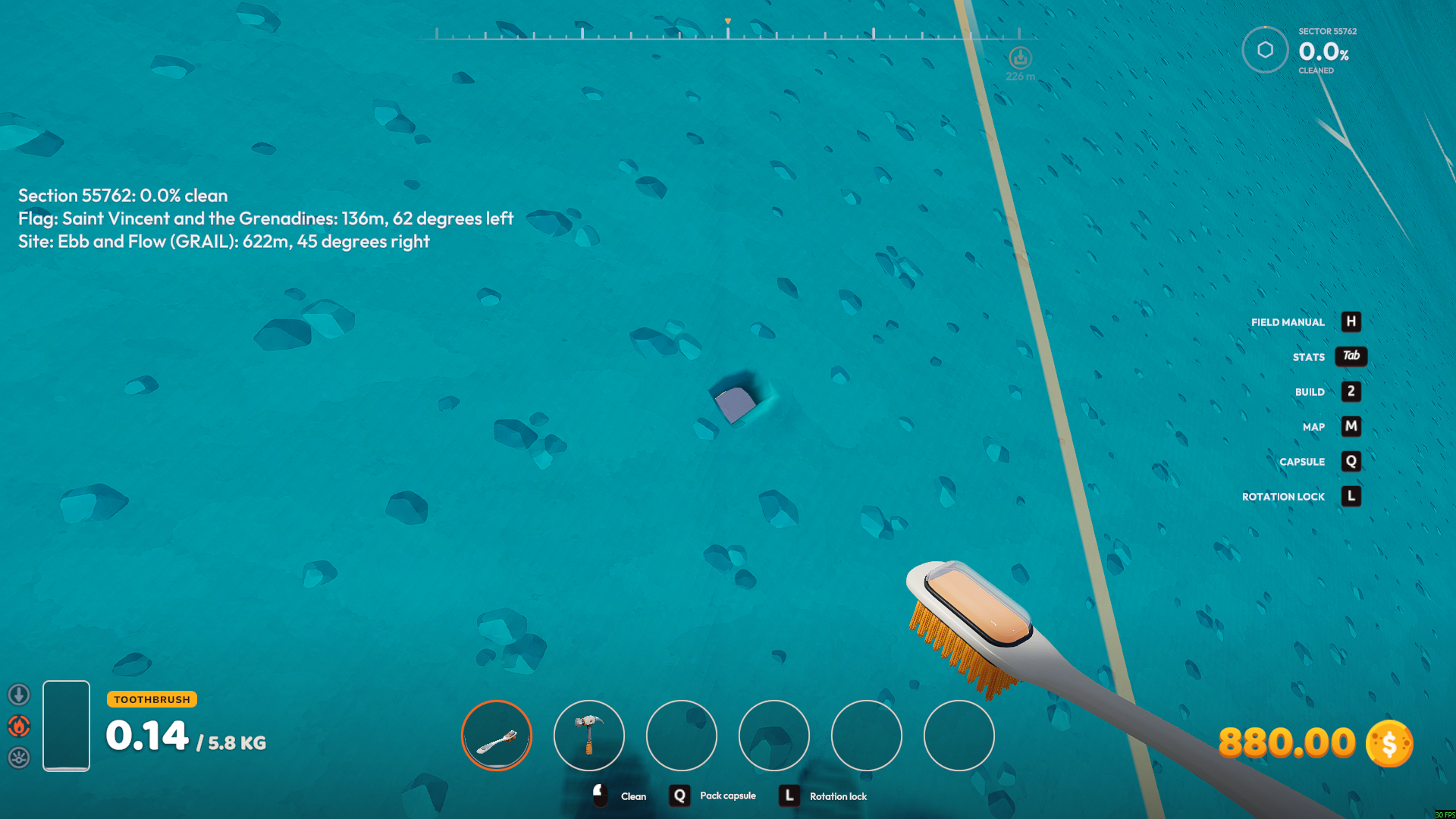
Spot remaining dust and nearby landmarks
Cyan dust stands apart from the cleaned patch, with nearby flag and site distances shown on the survey overlay.
Lunar SurveyFree
Spot missed dust with a contrasting tint and follow bearings to flags, sites, robots, parked vehicles and unloading stations. Keep section progress and nearby work information in view.
Vehicle Cleaning GuidesFree
Mark both edges of your vehicle’s cleaning path with cyan lines. The guides follow the current cleaning width, helping you overlap passes without leaving thin strips behind.
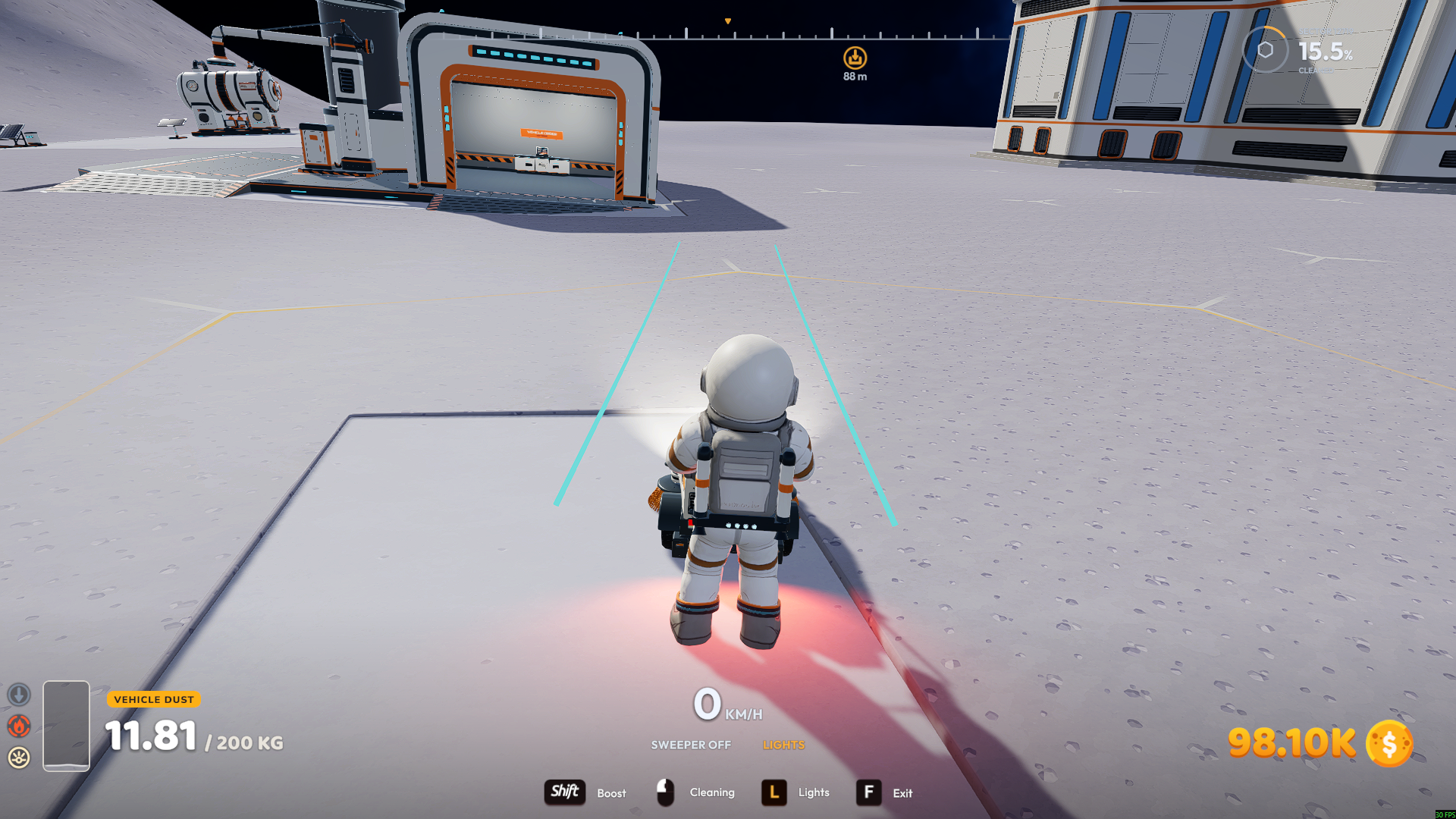
Line up your next cleaning pass
Cyan guides mark both edges of your vehicle's cleaning path. Follow the lines to overlap passes and avoid leaving narrow strips of dust.
View and LightingFree
Frame the view with camera distance and height, hide the HUD for photographs and make dark nights easier to see. Adjust helmet-lamp brightness, range and flicker.
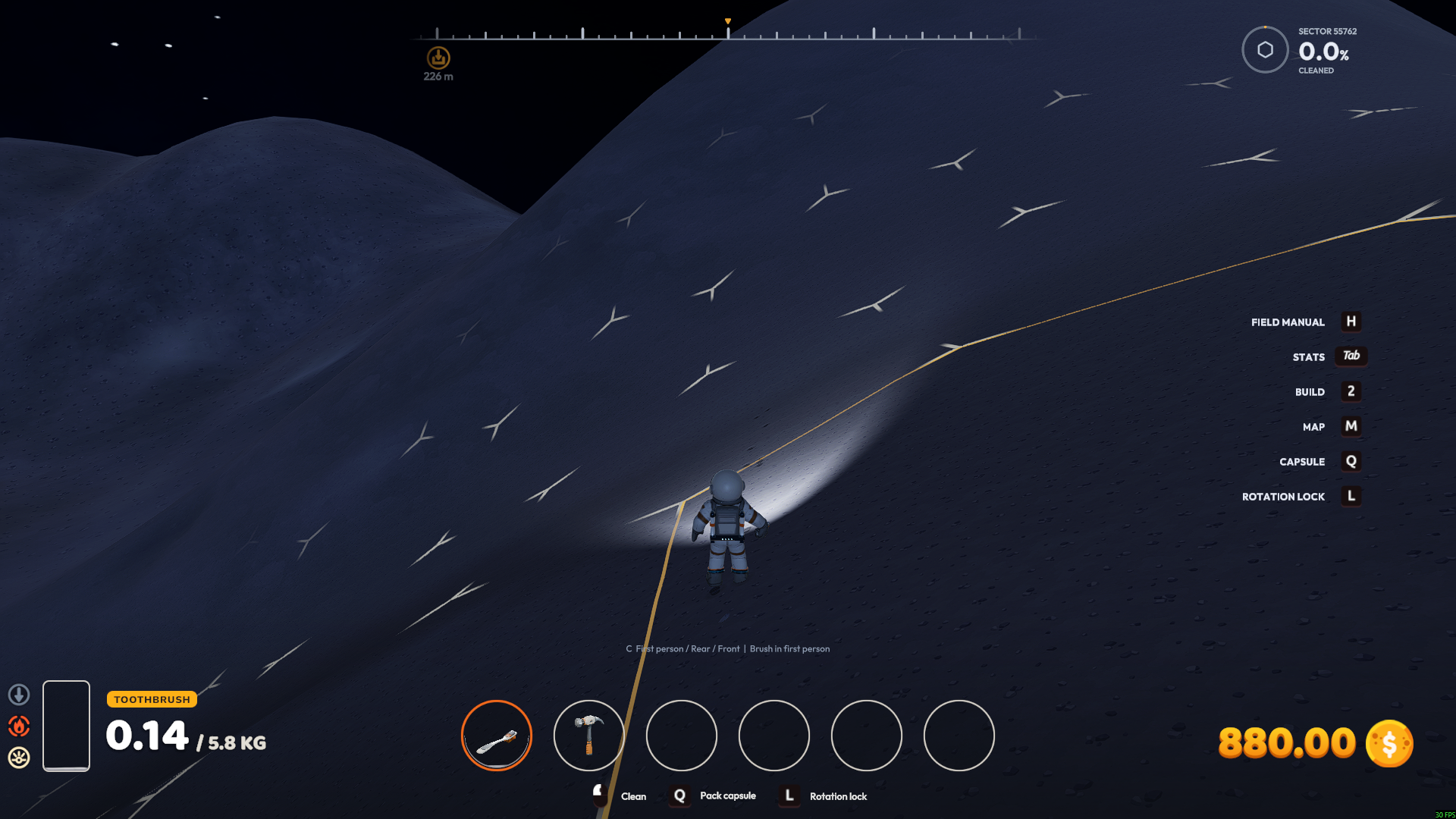
See lunar nights more clearly
Brighter night lighting and a wider third-person view make the astronaut and nearby ground easier to see while keeping the game HUD visible.
More ways to customise Moon Sweepers
- Moon Sweepers resources
Set the balance you want for your next lunar project.
- Moon Sweepers unlocks
Unlock tools and upgrade the vehicles you already own.
- Moon Sweepers stat modifiers
Adjust travel, carrying and cleaning performance.
- Moon Sweepers rule modifiers
Tune the worksite economy, power supply and next hosted lobby.
- Moon Sweepers ability modifiers
Fly to awkward places or reshape a handheld cleaning pass.
- Moon Sweepers world modifiers
Spend more of your shift in the light you prefer.
- Moon Sweepers system modifiers
Keep dust moving and put common actions where you want them.
- Moon Sweepers game actions
Deliver a garage vehicle, travel to a destination or finish nearby work.
- Moon Sweepers utilities
Choose the soundtrack for your own lunar shift.
Using these features
Choose the feature in the Windows app after connecting your game. Check its requirements before making a change.
Setup for Moon Sweepers →