

Quick resource actions
Give your party extra opals or refill health and energy when you want to continue exploring. Each action applies once, so you decide when to use it.

Opals for the active party
Choose an amount and use Add Party Opals during adventure play. Moon Hunters shares this currency gain across the active party, so the control adds to each party balance rather than just one hero.
Keep living heroes ready
Restore Health and Restore Energy refill locally controlled, living heroes to their normal maximums. These actions do not revive fallen heroes or raise the game's maximum resource values.
Available game actions
Add Party OpalsFree
Add a chosen amount of opals to every active party balance.
Choose the amount, close menus and use the action during normal adventure play.
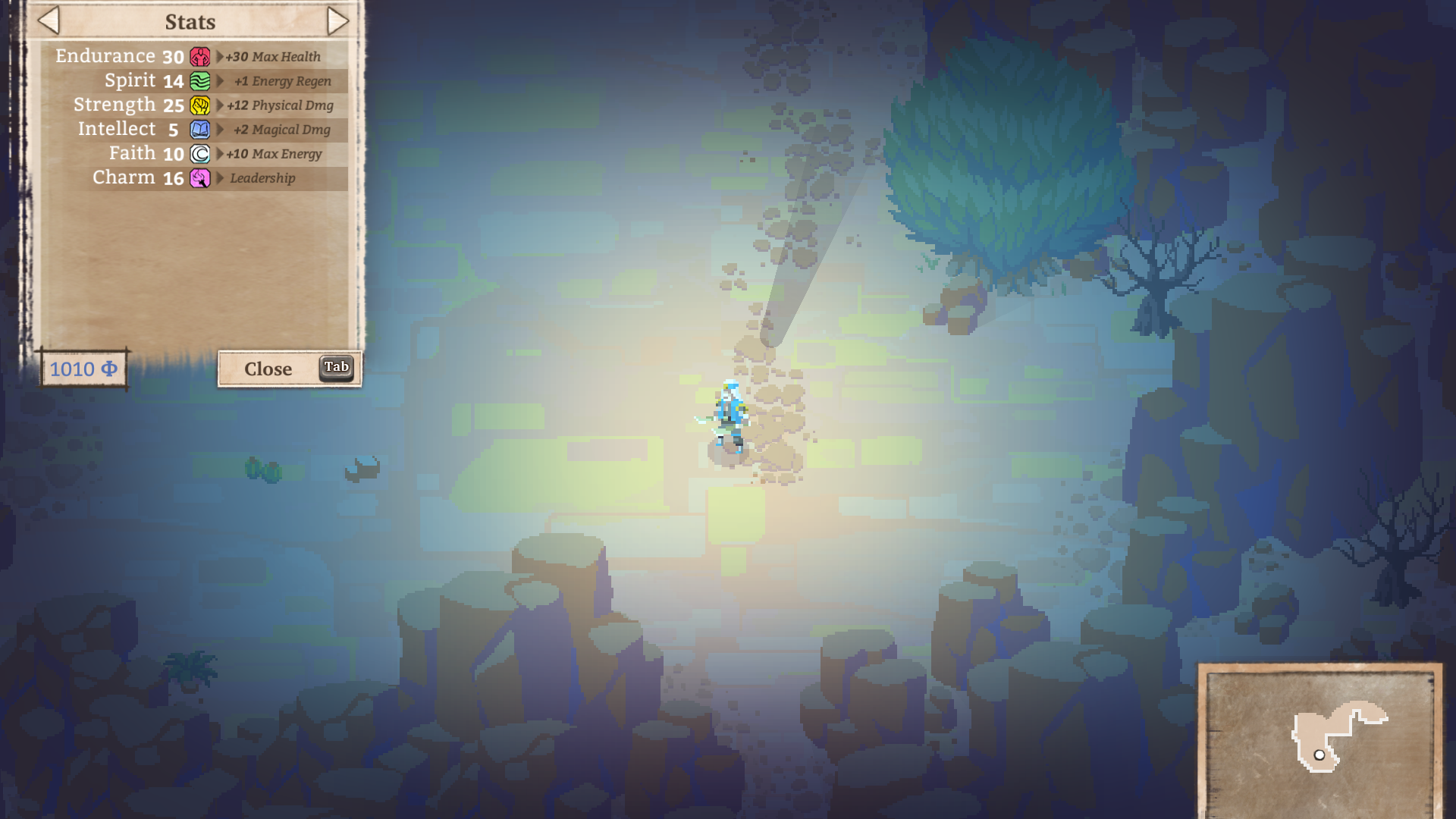
More opals for your adventure
Add party opals, then check your balance in the character stats panel.
Restore EnergyFree
Refill living, locally controlled heroes' energy to its normal maximum.
Use for a one-time energy refill during normal adventure play.
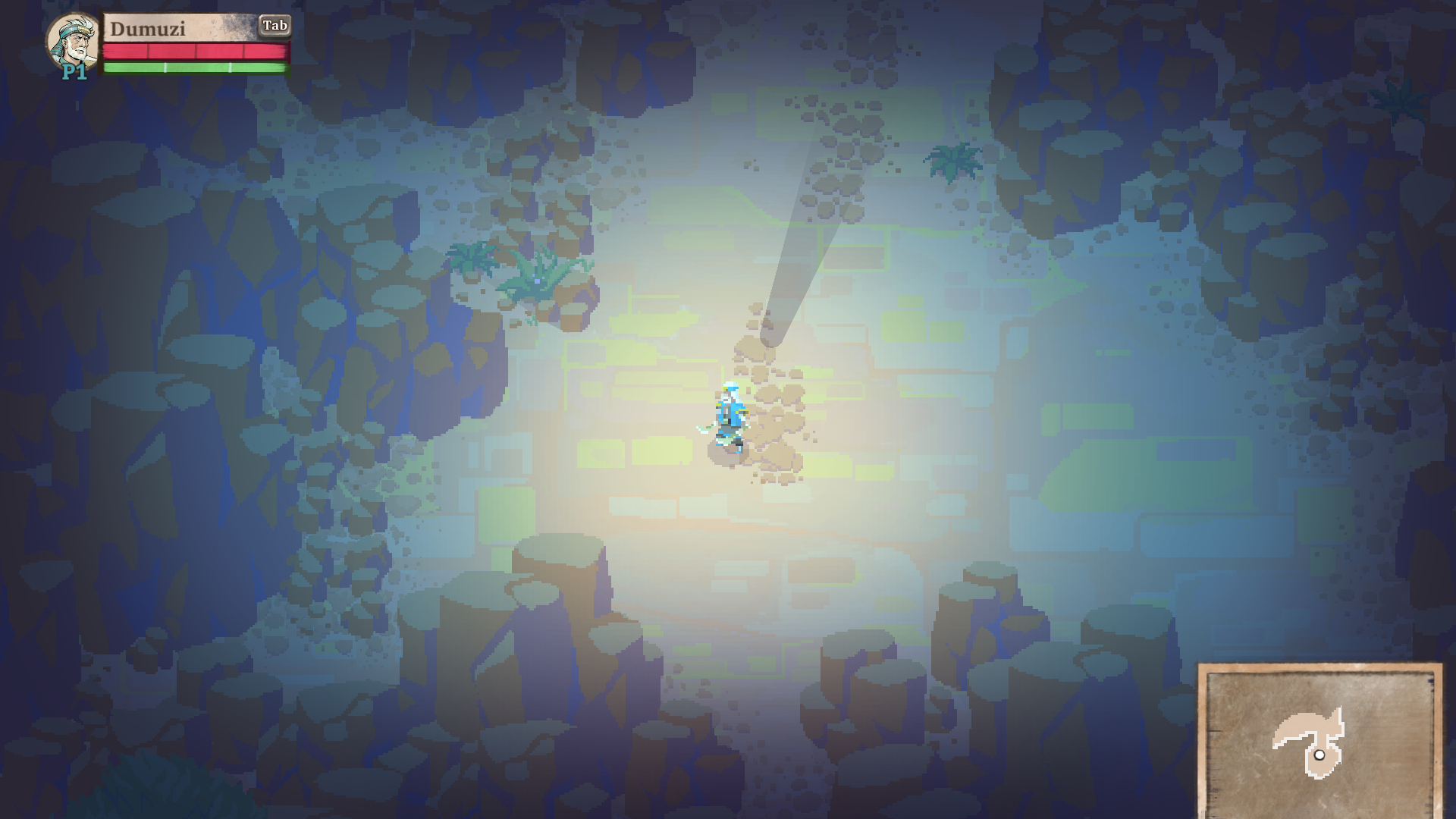
Refill your energy
Restore your local hero's energy to its normal maximum.
Restore HealthFree
Restore living, locally controlled heroes to their normal maximum health.
Use during normal adventure play after closing menus.
This action does not revive fallen heroes.
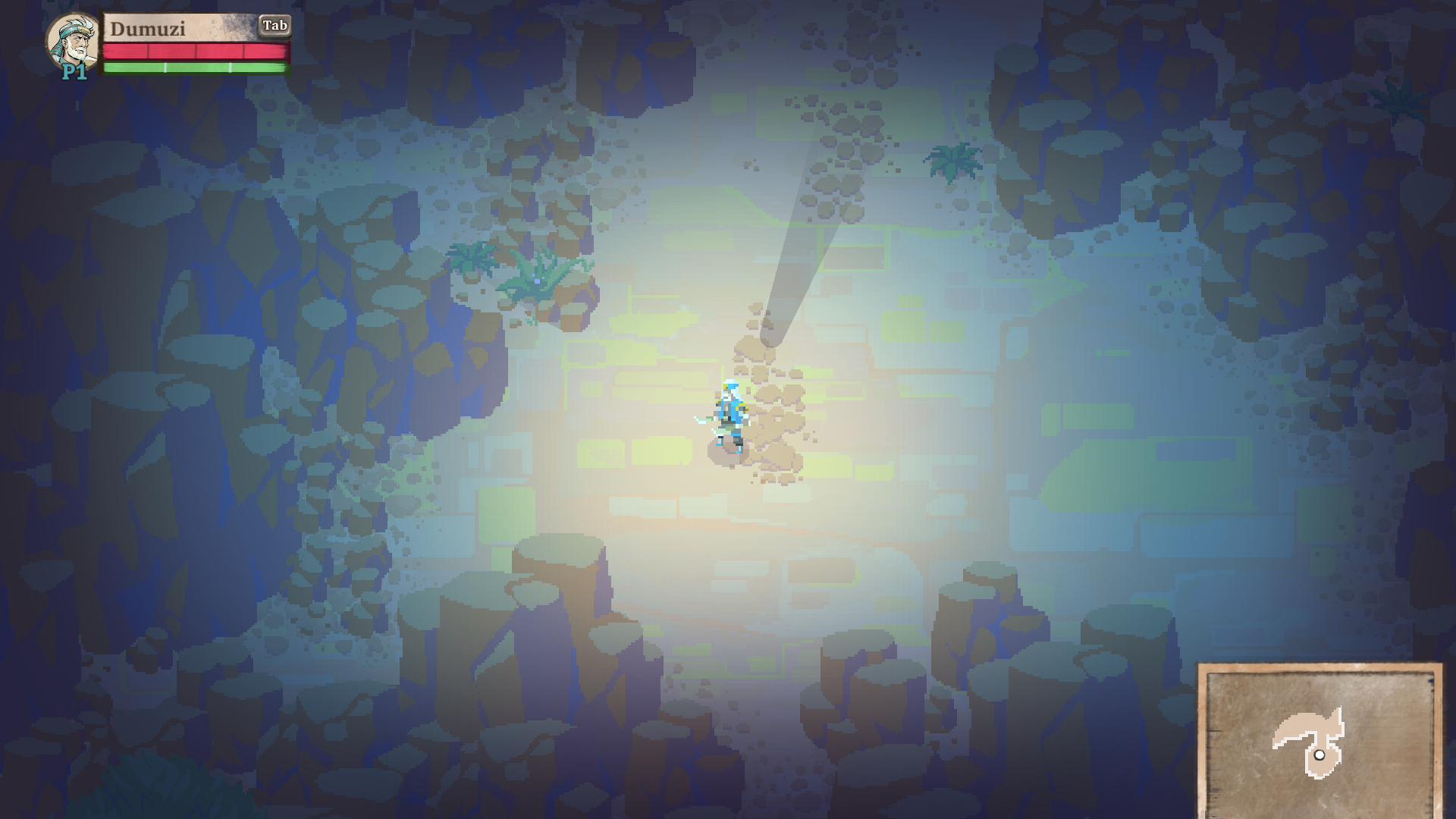
Restore your hero's health
Refill a living hero's health to its normal maximum and carry on exploring.
More ways to customise Moon Hunters
- Moon Hunters stat modifiers
Choose 50% to 300% movement speed and switch back to normal whenever you like.
- Moon Hunters rule modifiers
Top up energy automatically and protect local heroes from ordinary hits.
Questions about game actions
- How many opals can I add at once?
- Choose a whole number from 1 to 10,000. Each resulting party balance must stay at or below 1,000,000.
Using these features
Choose the feature in the Windows app after connecting your game. Check its requirements before making a change.
Setup for Moon Hunters →