
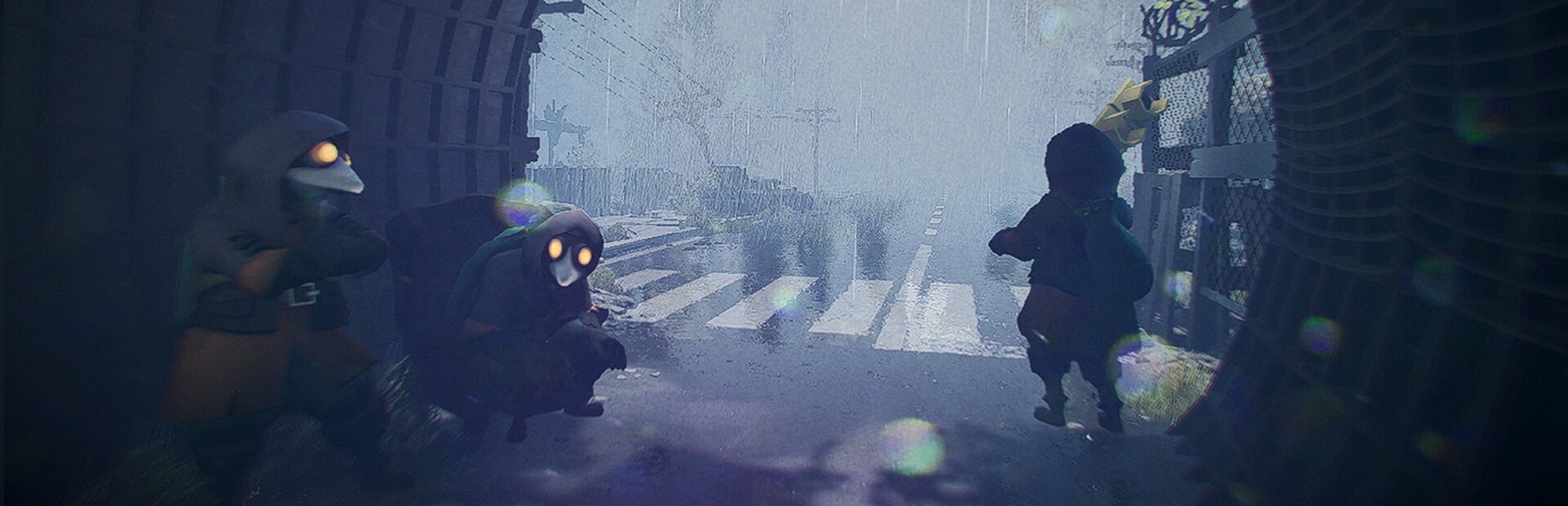
A more comfortable gameplay view
Adjust the normal gameplay field of view between 50 and 110 while keeping normal scripted zooms in control.

Choose your view
Enable Camera Comfort and move the field-of-view slider. Disable it to restore the view controlled by the game.
Available presentation modifiers
Camera comfortFree
Adjust normal gameplay field of view for a more comfortable view.
Enable Camera Comfort and choose a value between 50 and 110.
Normal scripted zooms keep control.
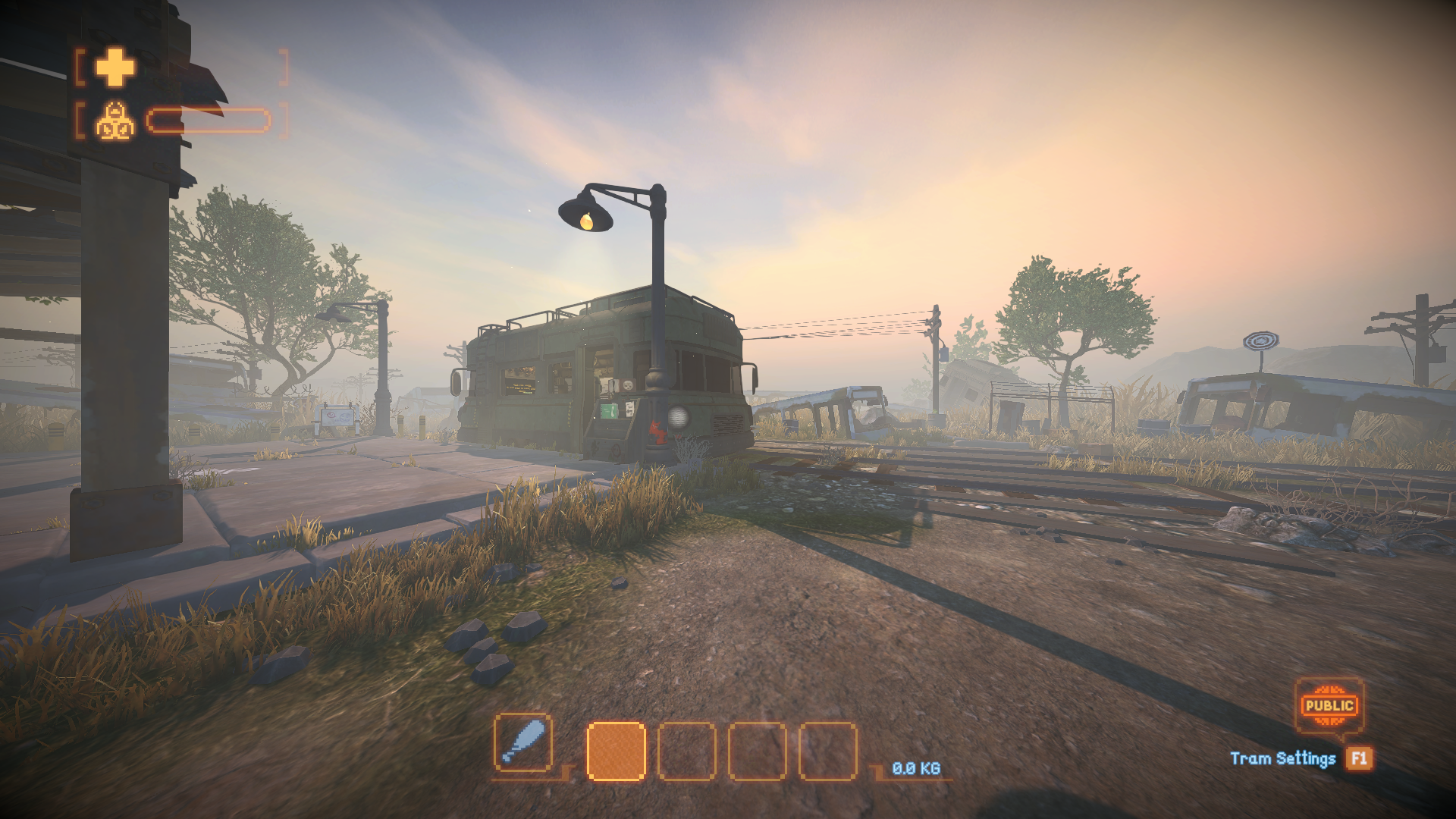
Choose a wider view
Adjust your field of view to see more of the surroundings while exploring.
More ways to customise MIMESIS
- MIMESIS stat modifiers
Use Survival Protection and adjustable creature walking speed in your hosted MIMESIS co-op session.
- MIMESIS ability modifiers
Choose Fly, Free Walk or Board with speed settings and editable movement keys for hosted MIMESIS co-op.
- MIMESIS game actions
Recover health, clear contamination, browse 147 supplies and equip original Gear in hosted MIMESIS co-op.
Using these features
Choose the feature in the Windows app after connecting your game. Check its requirements before making a change.
Setup for MIMESIS →