

Explore your mall from above
See your shopping centre from a new angle. Fly lifts you above Mall Simulator's entrance and skylights, lets you pass through solid floors and keeps your view with you as you explore.
Choose your route and pace
Open Movement in Bytonian Mods and select Fly. Adjust your regular and boosted speeds, then use the direction, rise and descend controls to explore the mall.
Switch Movement off above safe ground to return to normal movement.
Available ability modifiers
MovementPremium
Explore above the mall and pass through solid floors with adjustable flight and boost speeds.
Open Movement, select Fly and switch it on. Use the direction keys to move, Space to rise, Ctrl to descend and Shift to boost. You can change these keys in Bytonian Mods. Switch Movement off above safe ground.
Supported movement styles: Fly
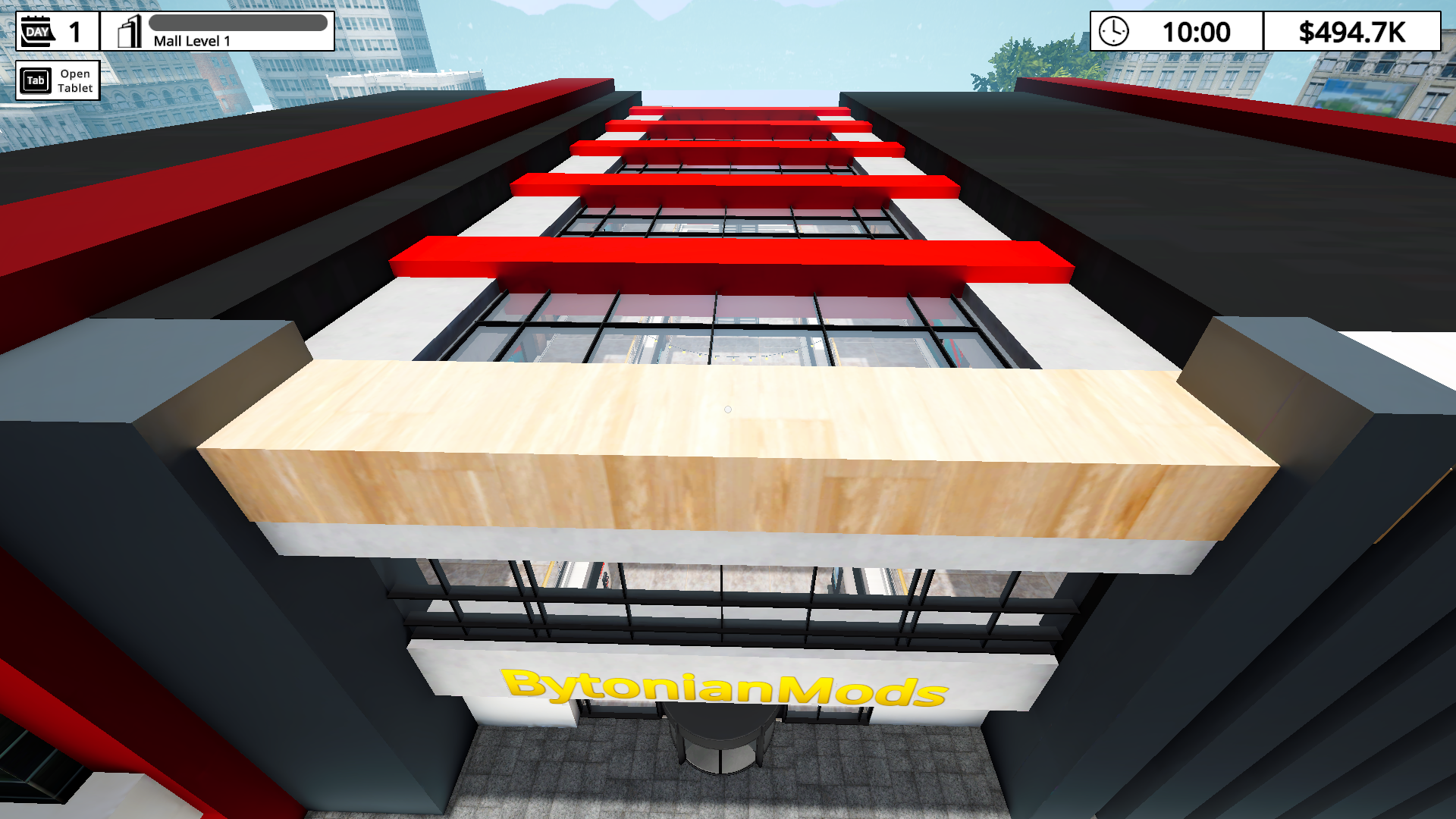
Explore above your mall
Fly above the entrance and skylights to see your mall from a new angle.
More ways to customise Mall Simulator
- Mall Simulator resources
Change your money balance in Mall Simulator.
- Mall Simulator progression systems
Add mall experience toward your next level.
Using these features
Choose the feature in the Windows app after connecting your game. Check its requirements before making a change.
Setup for Mall Simulator →