

Control your dungeon view
Change the dungeon's framing with Toggle close view. One press brings the scene closer; another restores your previous view.
Works with the Steam version of the game.

Toggle close view
Use this control while a dungeon is open. It brings the scene closer without resizing the preparation controls.
Return to your previous framing
Select the control again when you want the wider view back. Disabling Dungeon Zoom also restores the view.
Available game actions
Toggle close viewFree
Bring the dungeon and its characters closer. Use again to restore your previous view.
Enable Dungeon Zoom, open a dungeon, then select Toggle close view.
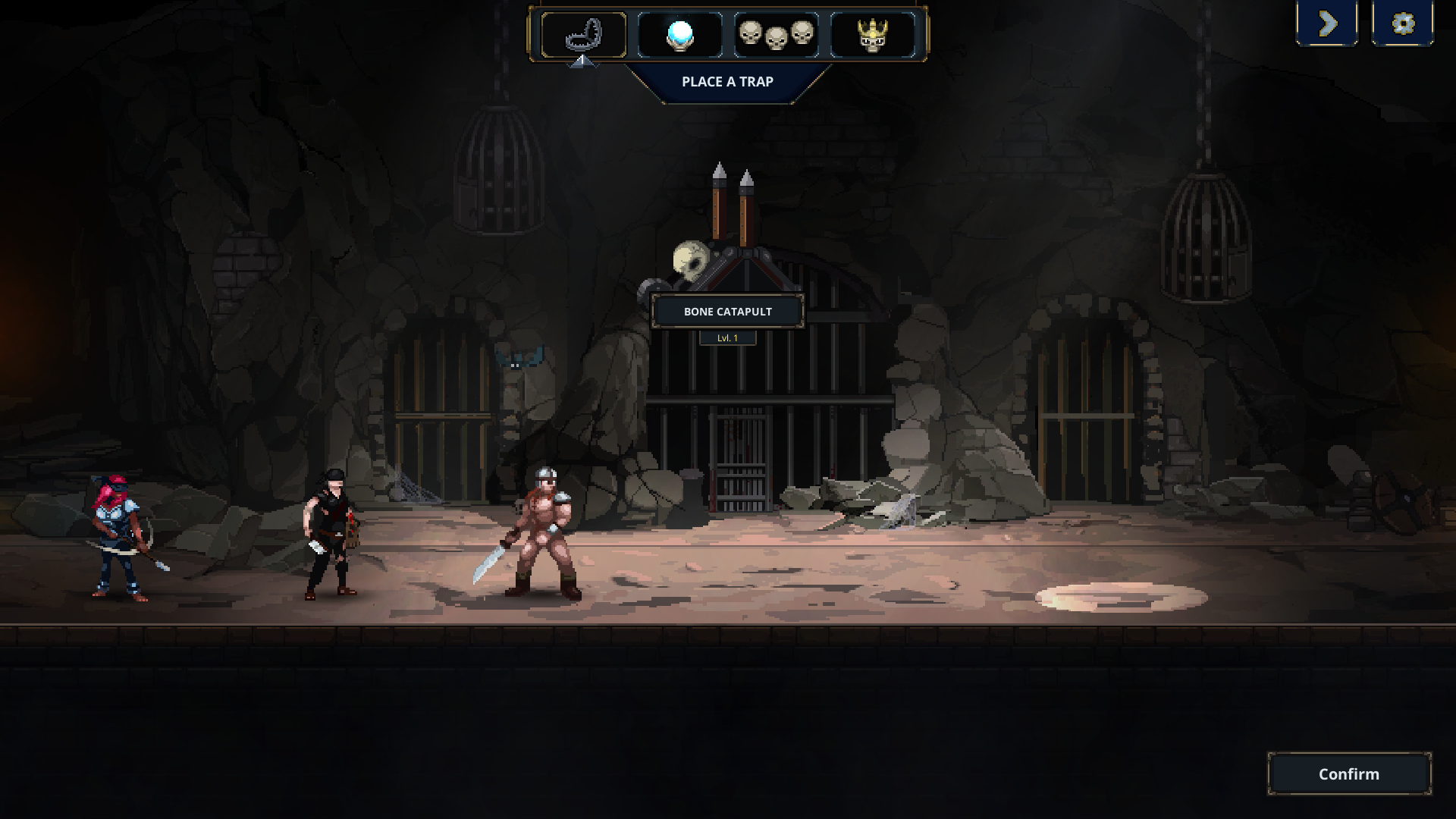
A closer dungeon view
Bring the dungeon and its characters closer while keeping the preparation controls in place.
Questions about game actions
- Where can I use the zoom control?
- Use it while a dungeon is open. At the main menu, open a dungeon first.
Using these features
Choose the feature in the Windows app after connecting your game. Check its requirements before making a change.
Setup for Legend of Keepers →