

Stat Modifiers
1 optionAdjust walking and running speeds independently.
View stat modifiers →Set walking and running speeds independently in Lacuna. Choose a faster pace for exploring its sci-fi noir world, then switch the free control off to restore your previous speeds.

Start with free mods
Download Bytonian Mods for Windows and try these free features. Choose one to see how it works and any requirements.
Enable the configured walking and running speed adjustments.
Turn this on to apply your selected multipliers.
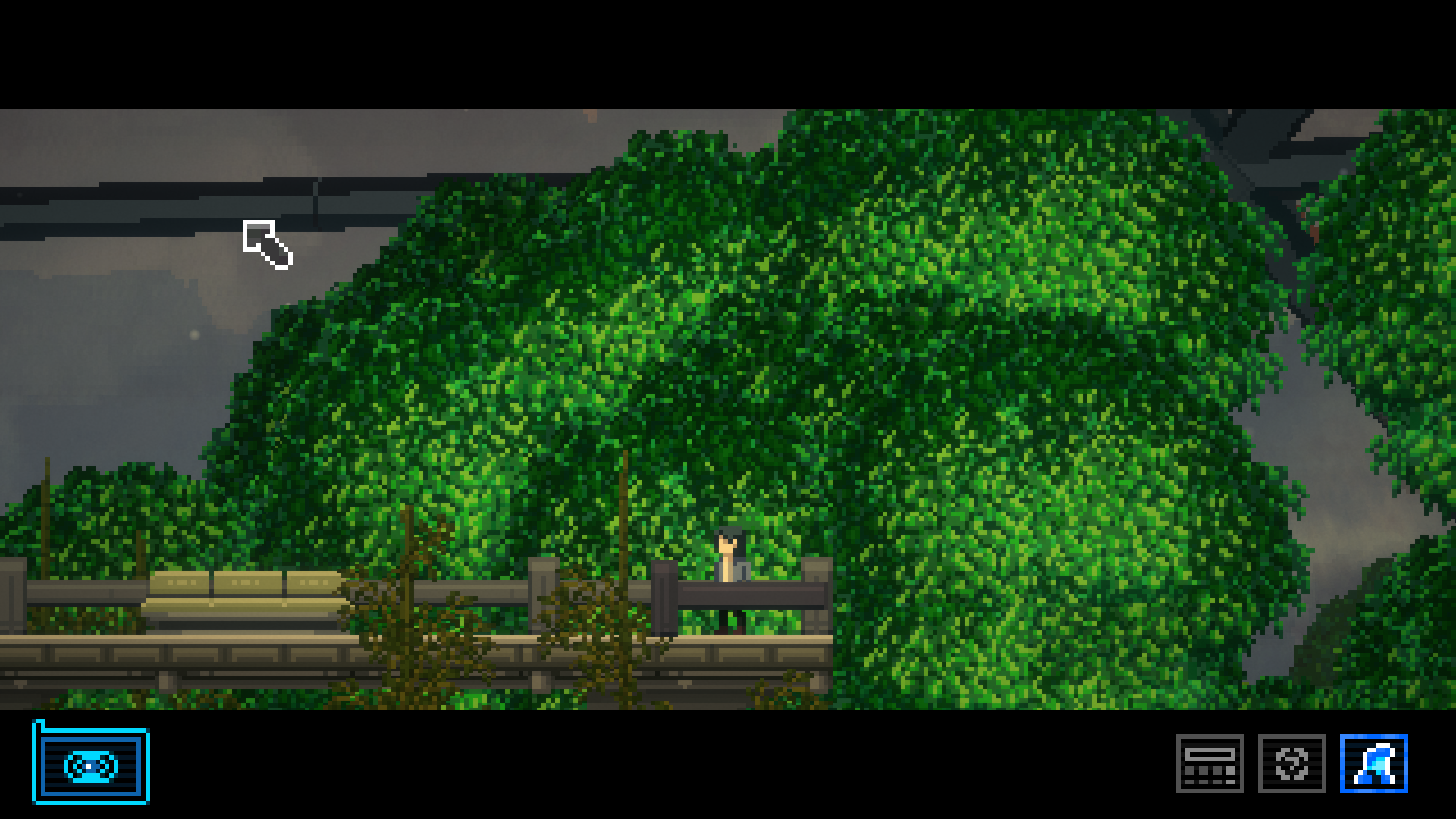
Explore Drovia
Explore Lacuna’s atmospheric pixel-art world.
Set separate walking and running multipliers, then enable the control when you want to use them.
Adjust walking and running speeds independently.
View stat modifiers →Browse the Steam achievement names and descriptions for Lacuna – A Sci-Fi Noir Adventure. Choose and unlock achievements for free with Bytonian Mods in the Windows app.
View all achievements →Download the Windows app and follow the setup prompts.
Open Lacuna – A Sci-Fi Noir Adventure and select it in Bytonian Mods. Follow the app’s connection prompts.
Review the available options in the app and choose the ones that suit how you play.