

Resources
8 optionsSeparate balance controls for eight resources.
View all resources →Explore a ruined realm, solve puzzles and rebuild its villages in Kingsgrave. Choose the supplies you carry, recover health when you need it or change your travel pace as you guide the King through his kingdom.

Start with free mods
Download Bytonian Mods for Windows and try these free features. Choose one to see how it works and any requirements.
Restore the living King's health to its current maximum.
Explore this free feature →View and change how much Wood the King carries.
View the balance, set a total or add and subtract an amount.
Inventory space and stack limits still apply.
View and change how much Stone the King carries.
View the balance, set a total or add and subtract an amount.
Inventory space and stack limits still apply.
Resource controls let you adjust each material separately. Restore Health offers a quick recovery, No Damage prevents ordinary damage and Movement Speed changes your pace.
Install the Bytonian Mods Windows launcher, select Kingsgrave and choose the controls you want to use. Enter normal gameplay with the living King before applying changes.
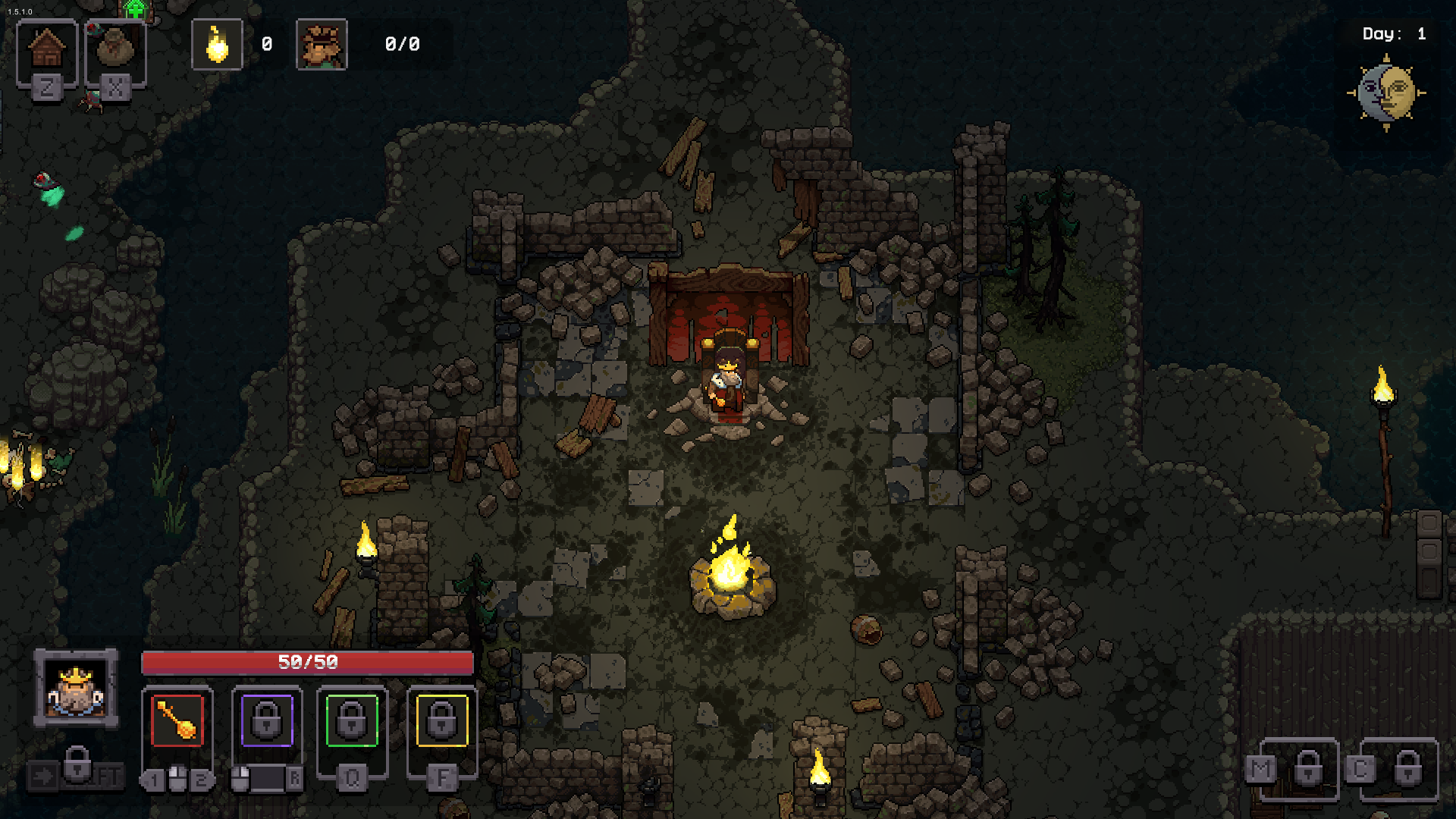
Return to a kingdom in ruins
Begin the King's journey among the remains of his throne room.
Separate balance controls for eight resources.
View all resources →Adjust the King's normal movement from 50% to 300%.
View stat modifiers →Toggle ordinary damage prevention for the King.
View rule modifiers →A one-click recovery for the living King.
View game actions →Browse the Steam achievement names and descriptions for Kingsgrave. Choose and unlock achievements for free with Bytonian Mods in the Windows app.
View all achievements →Download the Windows app and follow the setup prompts.
Open Kingsgrave and select it in Bytonian Mods. Follow the app’s connection prompts.
Review the available options in the app and choose the ones that suit how you play.