
Keeplanet Camera Mods
Set how close the planet looks when you zoom all the way in. Lower settings make the planet fill more of the screen.
Works with the Steam version of the game.

Available perspective modifiers
Closer planet zoomFree
Bring the planet closer at the near end of Keeplanet’s camera zoom.
Switch on Closer planet zoom and choose a percentage of the original closest view. Lower percentages make the planet larger. Switch off to restore the original limit.
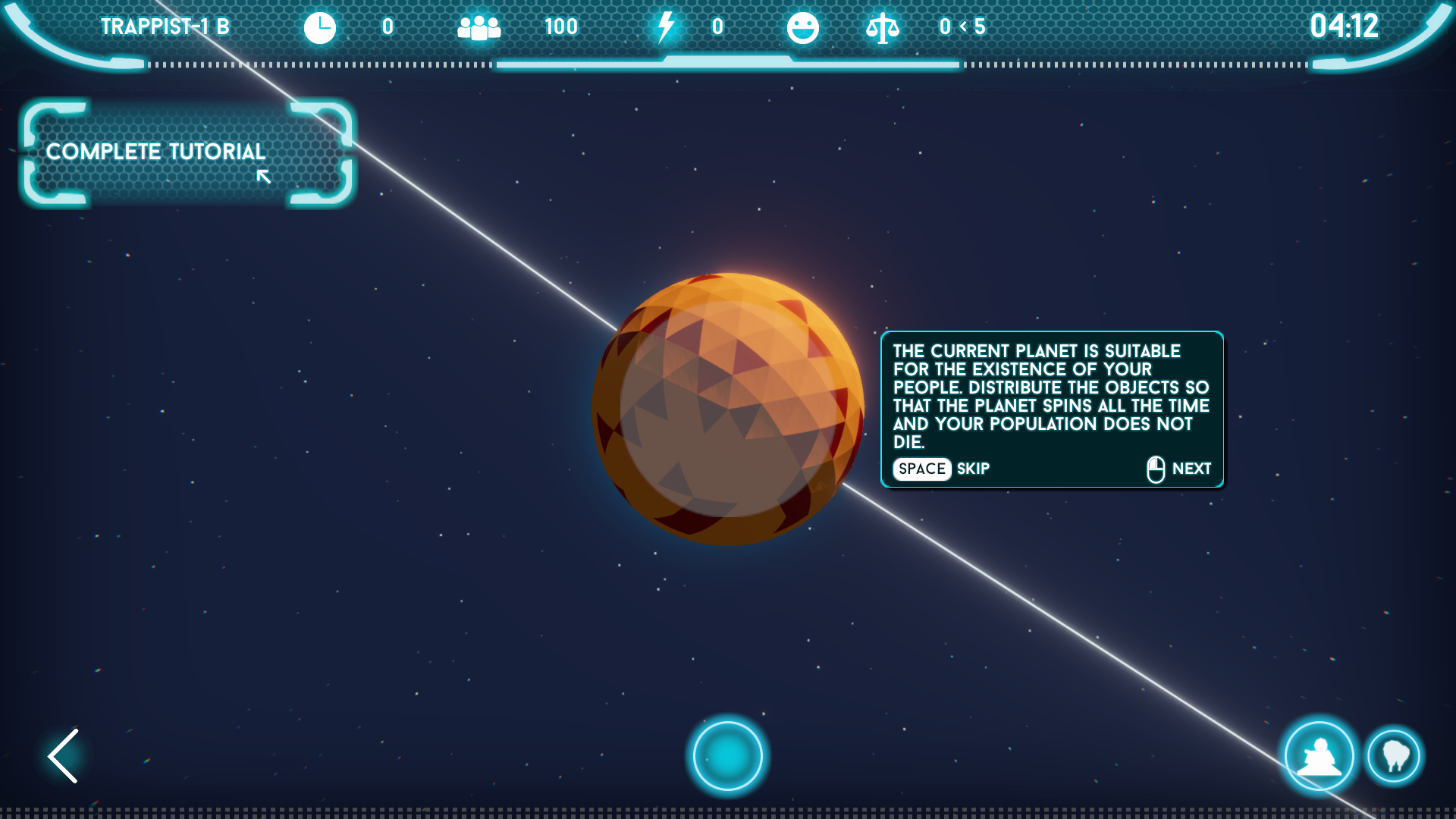
A closer look at TRAPPIST-1 B
The planet fills more of the screen at the 75% zoom limit. The status bar and tutorial controls are still in view.
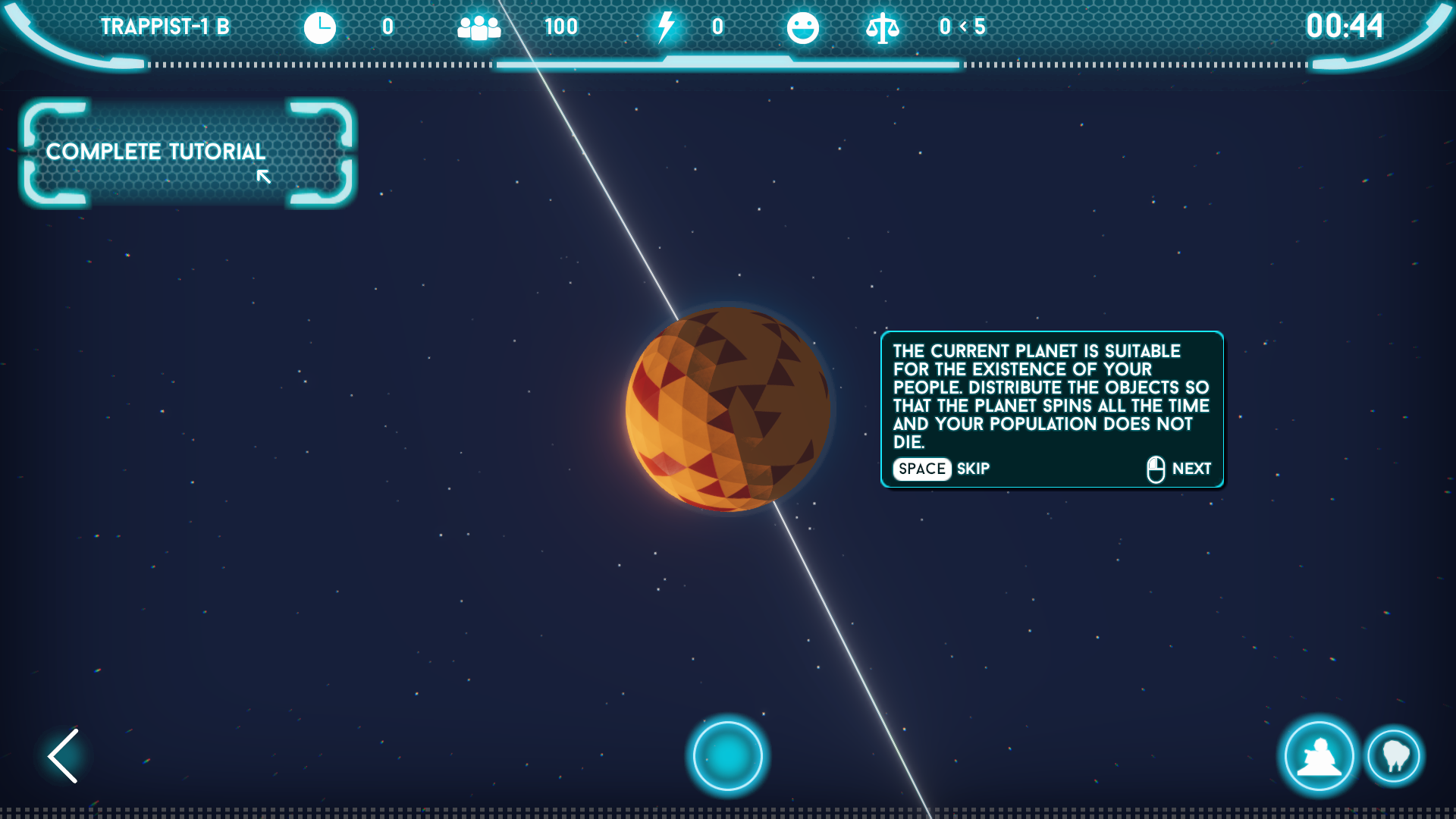
TRAPPIST-1 B at the stock zoom limit
The original closest view of the same planet, for comparison with Closer planet zoom.
1 / 2
Using these features
Choose the feature in the Windows app after connecting your game. Check its requirements before making a change.
Setup for Keeplanet →