

Ability Modifiers
1 optionOptional help with seated passengers' preference scores.
View ability modifiers →Seat waiting passengers with one action or give seated passengers maximum preference scores in Is This Seat Taken? Demo. Arrange the passengers yourself as you work through the seating puzzle.
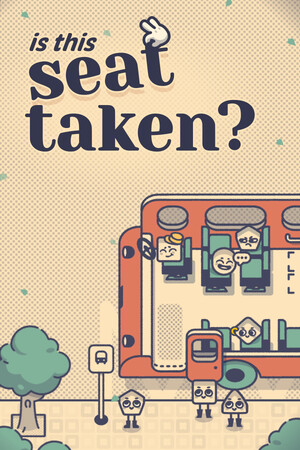
Start with free mods
Download Bytonian Mods for Windows and try these free features. Choose one to see how it works and any requirements.
Put waiting passengers into available seats.
Use during the puzzle when seats are free, then adjust the arrangement as needed.
Does not choose seats that satisfy everyone's preferences.
Use Seat waiting passengers to fill available spaces, then adjust the arrangement yourself. Happy passengers gives seated passengers maximum preference scores while switched on.
Install Bytonian Mods for Windows, select Is This Seat Taken? Demo and enable the controls you want. Open a seating puzzle before using them.
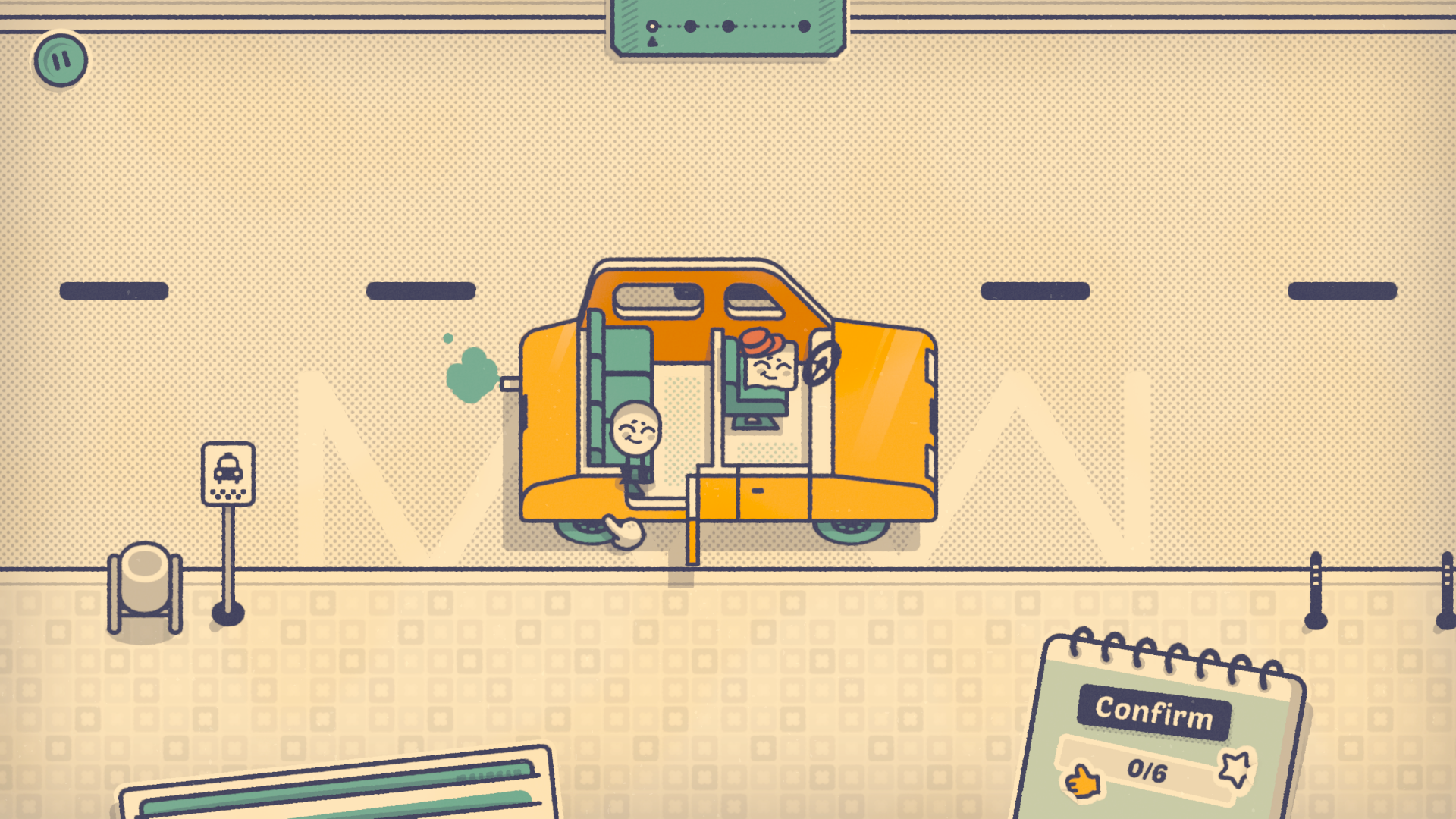
Find a seat in the taxi
Arrange passengers in the taxi as you work through the demo's seating puzzles.
Optional help with seated passengers' preference scores.
View ability modifiers →Move the queue into empty seats.
View game actions →Download the Windows app and follow the setup prompts.
Open Is This Seat Taken? Demo and select it in Bytonian Mods. Follow the app’s connection prompts.
Review the available options in the app and choose the ones that suit how you play.