
Presentation Modifiers
1 optionIncrease the maximum camera zoom distance in the single-player campaign.
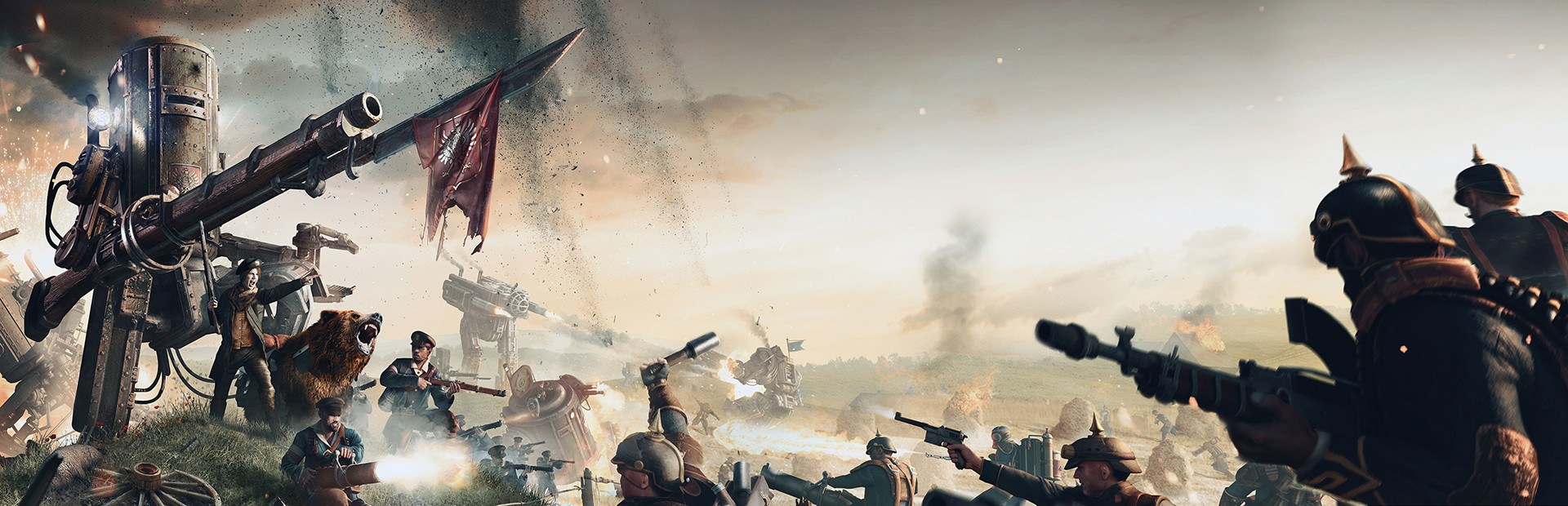
View presentation modifiers →Command units across the battlefields of Iron Harvest and adjust your campaign camera to take in more of the action.
Start with free mods
Download Bytonian Mods for Windows and try these free features. Choose one to see how it works and any requirements.
Extend the maximum camera zoom distance in the single-player campaign.
Enable the feature and set the maximum zoom distance between 100% and 200%, then zoom out with the game controls.
Available during the single-player campaign.
Camera Zoom Range lets you adjust how far the camera can zoom out, giving you a wider view of the campaign map.
Increase the maximum camera zoom distance in the single-player campaign.
View presentation modifiers →Browse the Steam achievement names and descriptions for Iron Harvest. Choose and unlock achievements for free with Bytonian Mods in the Windows app.
View all achievements →Download the Windows app and follow the setup prompts.
Open Iron Harvest and select it in Bytonian Mods. Follow the app’s connection prompts.
Review the available options in the app and choose the ones that suit how you play.