
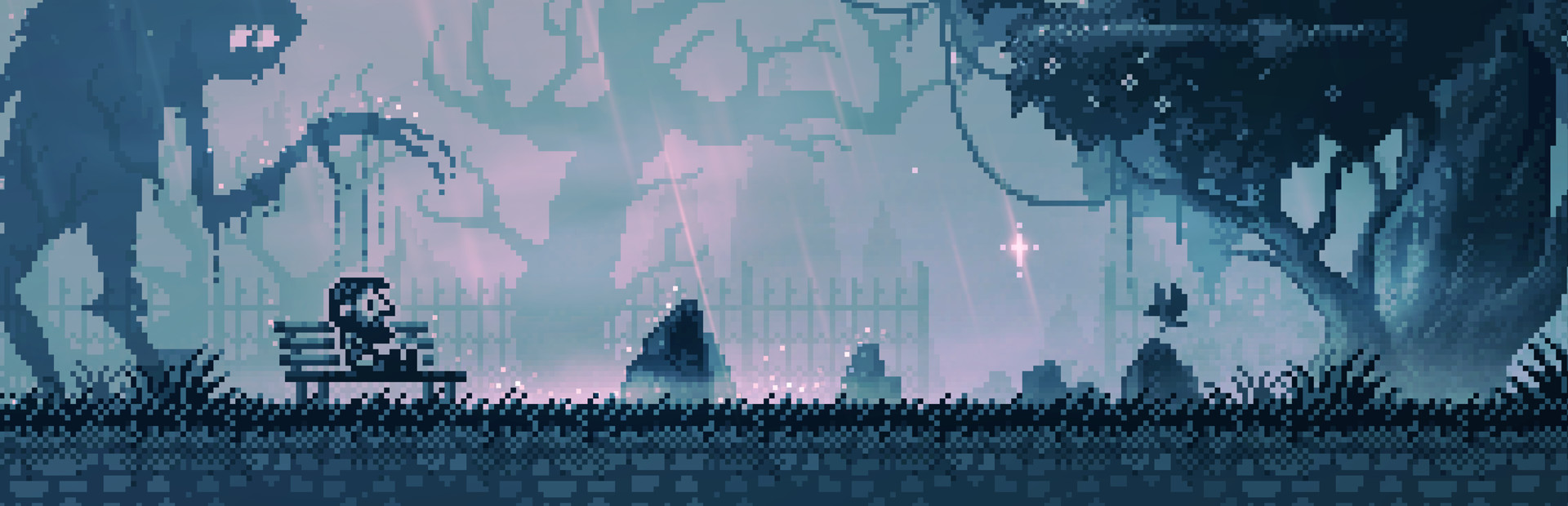
Explore above the floor with Fly
Fly lets you rise above the furniture and move sideways or vertically while exploring. Set separate normal and faster flight speeds, then use the controls that suit you.

Use the flight controls
Open Movement, select Fly and turn Movement on. Use A and D to move sideways, W or Space to rise, and S or Ctrl to descend. Hold Shift for faster flight. V toggles Movement, and its settings let you change the speeds and bindings.
Return to ordinary movement
Land in an open space before turning Fly off. The game can still reposition your character in some areas.
Available ability modifiers
MovementPremium
Rise above the floor and explore with directional flight.
Open Movement, select Fly and turn it on. Use A/D sideways, W or Space to rise, S or Ctrl to descend and Shift for faster flight. Adjust speeds and bindings in its settings; V toggles Movement.
Land in an open space before switching off. The game can still reposition your character in some areas.
Supported movement styles: Fly
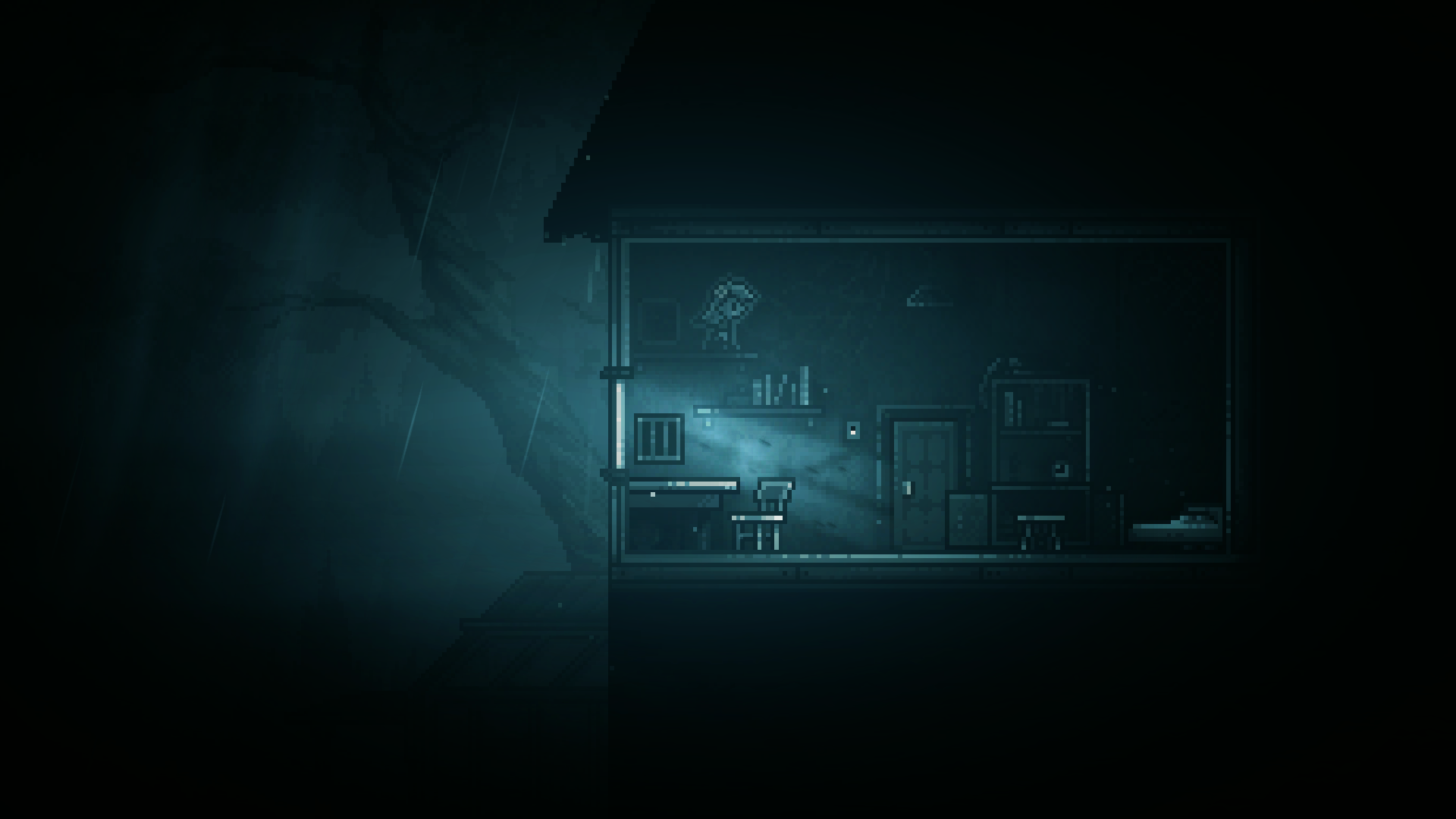
Explore above the floor
Use Fly to move above the furniture and explore the room from a higher position.
More ways to customise INMOST
- INMOST stat modifiers
Set a walking-speed percentage and explore at your preferred pace.
Using these features
Choose the feature in the Windows app after connecting your game. Check its requirements before making a change.
Setup for INMOST →