

Hyperbolica movement settings
Fine-tune how you walk and jump during exploration. Walking speed and jump strength have separate controls, so you can change one without changing the other.

Choose your walking pace
Turn on Walking speed and expand its card to choose from 50% to 300%. Lower values slow your pace, while higher values help you move through the landscape faster.
Adjust jump strength
Turn on Jump strength and expand its card to choose from 50% to 250%. This changes jump strength rather than guaranteeing an exact multiple of jump height.
Return to normal movement
Switch either card off to restore its normal setting. The controls pause during menus and scripted interactions, then resume during normal exploration.
Available stat modifiers
Jump strengthPremium
Adjust jump strength independently of your walking pace.
Turn on the card, then expand it to set jump strength from 50% to 250%. Switch it off to restore normal jump strength.
Pauses during menus and scripted interactions. The percentage controls strength, not an exact multiple of jump height.
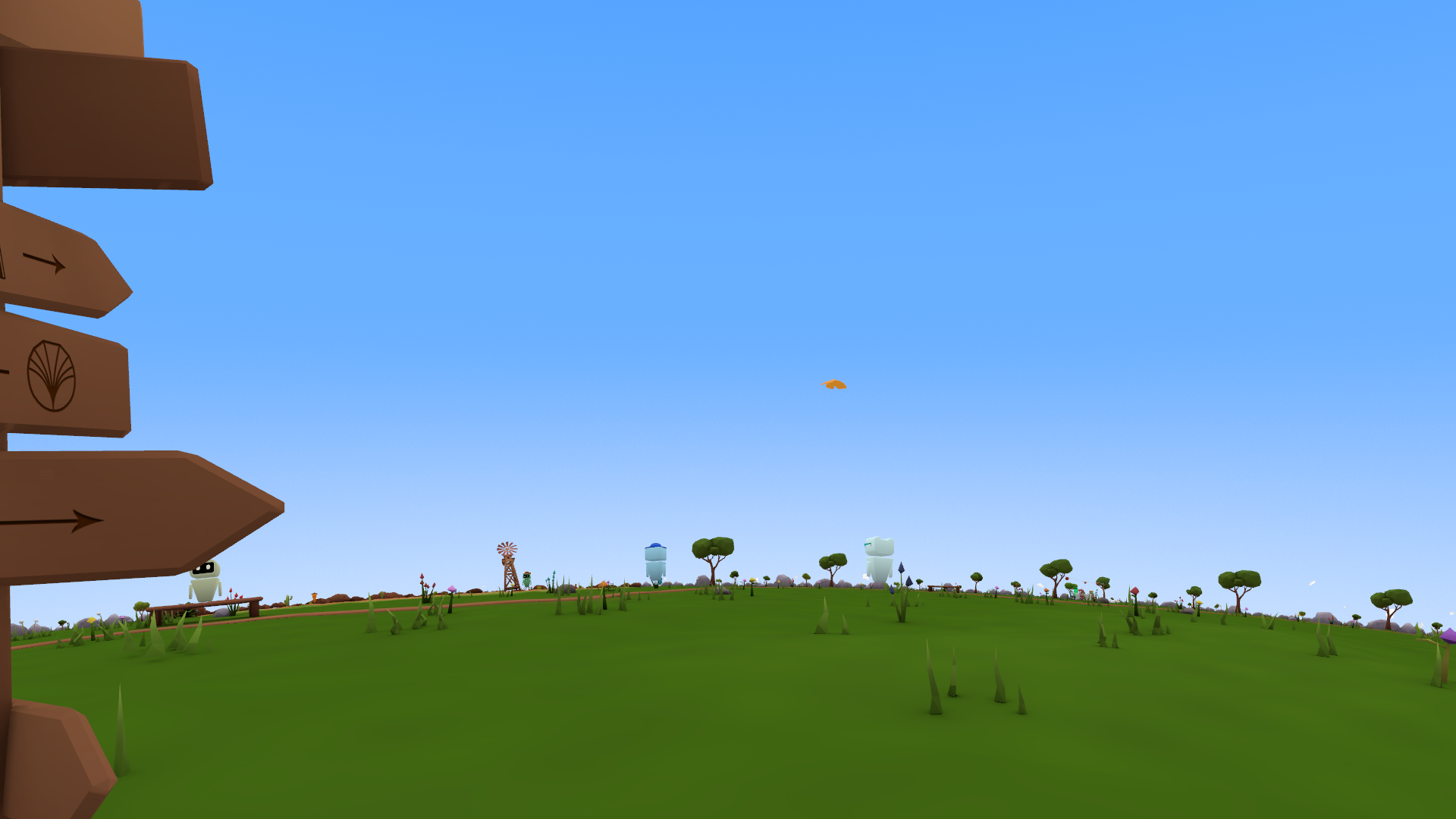
Set your jump strength
Adjust jump strength for your travels through Hyperbolica.
Walking speedFree
Choose a walking pace that suits your exploration.
Turn on the card, then expand it to set walking speed from 50% to 300%. Switch it off to restore normal walking speed.
Pauses during menus and scripted interactions.
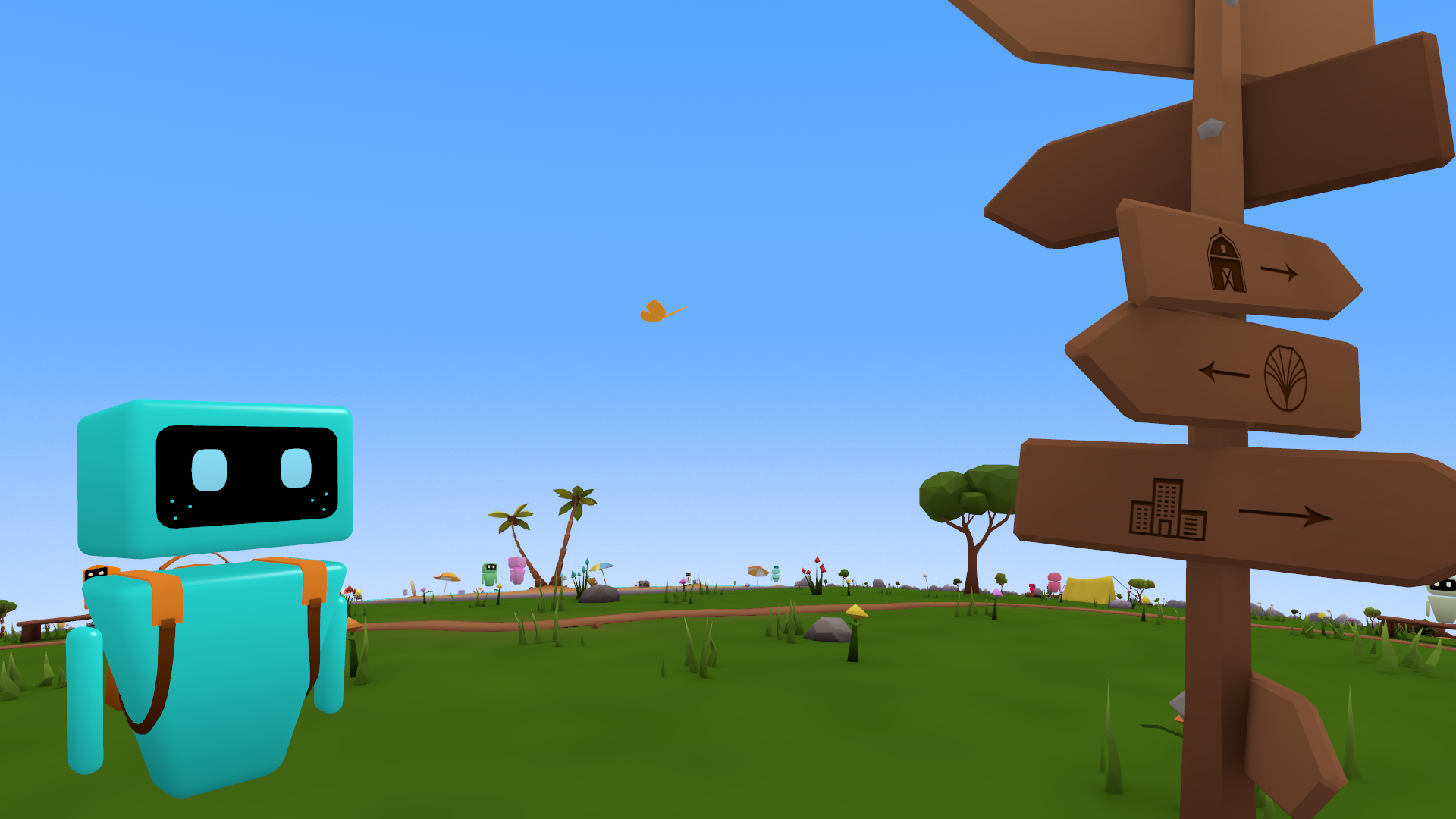
Explore Hyperbolica at your own pace
Choose your walking pace while exploring Hyperbolica's curved landscape.
Using these features
Choose the feature in the Windows app after connecting your game. Check its requirements before making a change.
Setup for Hyperbolica →