
Resources
5 optionsSet the shared Money or Euros balance, refill Health or Fullness, and choose a bait quantity.
View all resources →Choose your supplies, travel controls and fishing changes for your next How to Fish outing. Explore islands, fish and face creatures in a game you host.
Start with free mods
Download Bytonian Mods for Windows and try these free features. Choose one to see how it works and any requirements.
Browse creatures, weapons and supplies, then spawn your selection nearby in a game you host.
Search or browse the Spawn tab and choose an item or creature.
Extend the maximum line length on the fishing rod you are holding. Use in a game you host.
Explore this free feature →Bring your boat to nearby water or put it upright. Host controls affect the shared boat. Use in a game you host.
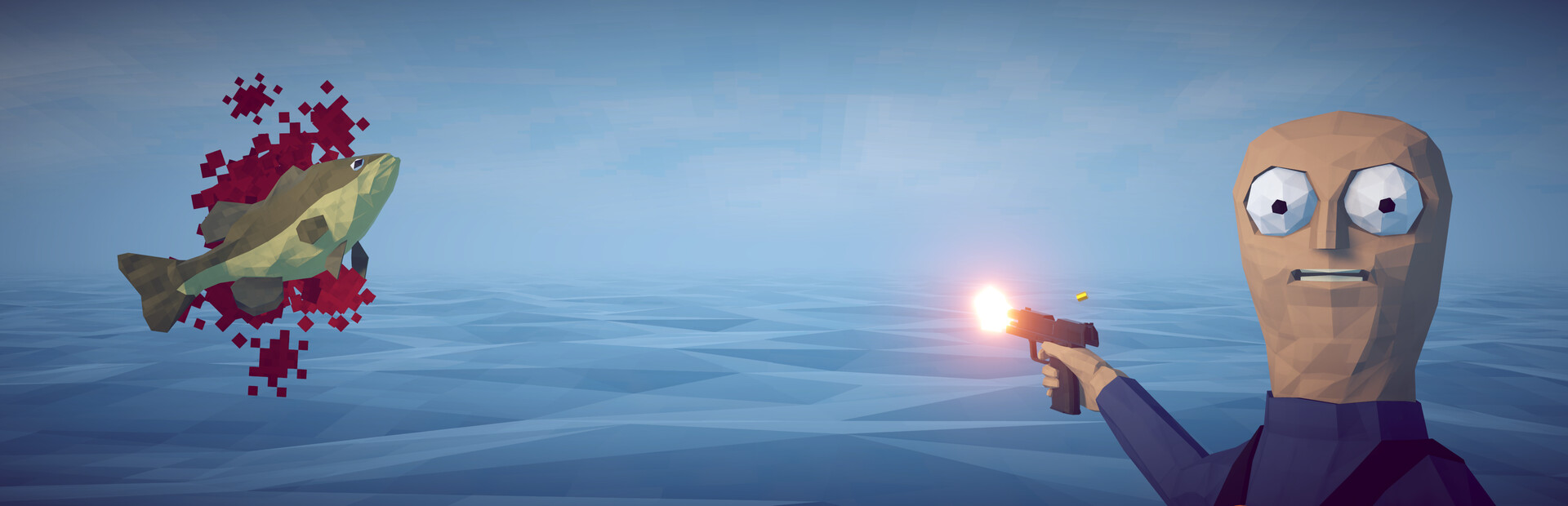
Explore this free feature →Take an original automatic rifle into creature encounters, on foot or while driving a kart.
Hold the primary action to fire, use the secondary action to aim and reload between magazines.
Use in a game you host.
Resources covers your balances, food, health and bait. Stat Modifiers lets you tune traversal, creature damage and your fishing rod. Rules changes weapon kick, loaded ammunition, damage protection and equipment retention.
Unlocks brings island routes, extra pockets and cosmetic collections together. Game Actions covers boat recovery, ailment removal, returning to land and spawning selected items. The Movement page offers eleven styles, including flight, a surfboard, a rolling ball, an arcade kart and a grapple.
Install the Bytonian Mods Windows app, open How to Fish and enter a game you host. Enable the packages you want, then use their cards to choose values, switch effects or run an action.
Boat recovery, island travel and shared balances affect your hosted world. Coordinate those changes with friends playing alongside you.
Bytonian Gear adds original tools, weapons and gadgets. Open Spawn, choose Bytonian Gear and equip a favourite alongside your movement style.
Explore the islands from above
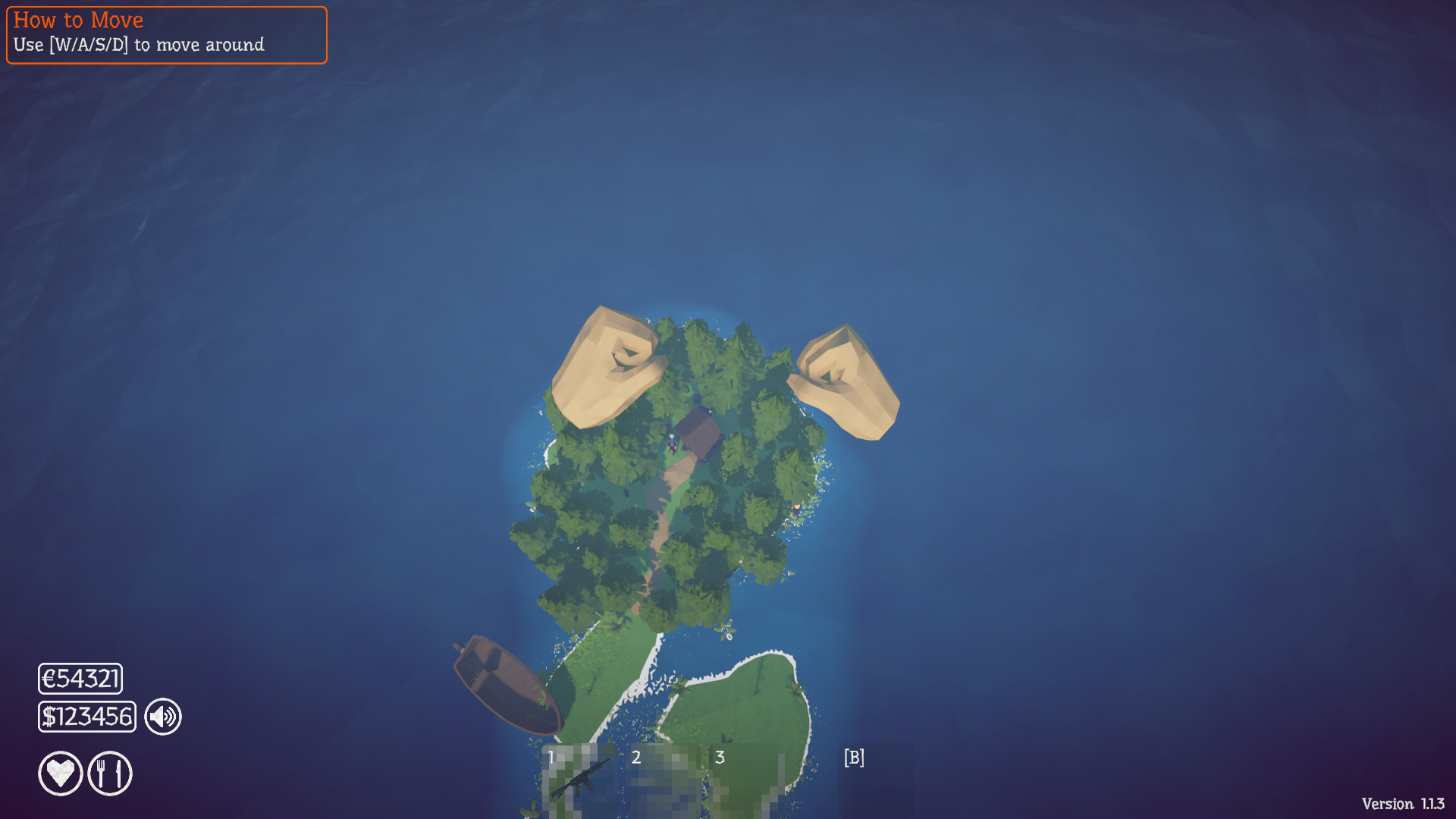
Fly above an island in How to Fish, with paths, buildings and the shoreline below.
Set the shared Money or Euros balance, refill Health or Fullness, and choose a bait quantity.
View all resources →Open island routes, extra pockets, radar, wishbone upgrades and cosmetic collections.
View all unlocks →Adjust walking, sprinting, jumping, fishing line capacity, reeling pace and creature damage.
View all stat modifiers →Control damage protection, weapon kick, loaded ammunition and equipment retention.
View all rule modifiers →Eleven movement styles, from flight and surfing to a rolling ball, kart, grapple and pogo.
View ability modifiers →Recover your boat, clear ailments, return to shore, spawn native items or equip Bytonian Gear.
View all game actions →Browse the Steam achievement names and descriptions for How to Fish. Choose and unlock achievements for free with Bytonian Mods in the Windows app.
View all achievements →Download the Windows app and follow the setup prompts.
Open How to Fish and select it in Bytonian Mods. Follow the app’s connection prompts.
Review the available options in the app and choose the ones that suit how you play.