
Manage health and currency
Read your current amount and choose the total you want for the next part of your journey. Health uses a percentage; Rosaries and Shell Shards use whole amounts.
Refill masks within your capacity
Health changes the number of filled masks, not your maximum mask capacity. Choose 100% to fill the masks you already have.
Percentages round to whole masks. With five masks, a 50% request becomes three filled masks and reads back as 60%.
Choose a currency total
Set Rosaries from 0 to 9,999,999, or Shell Shards from 0 to 400. These controls keep the game’s currency limits.
Refresh the current amount before applying a new total. Apply changes once Hornet is available and pending currency changes have finished.
Available resources

HealthFree
Set current health from 0% to 100% of existing mask capacity. Percentages round to whole masks.
Refresh the current amount, enter a percentage and apply it. Zero health can trigger death.
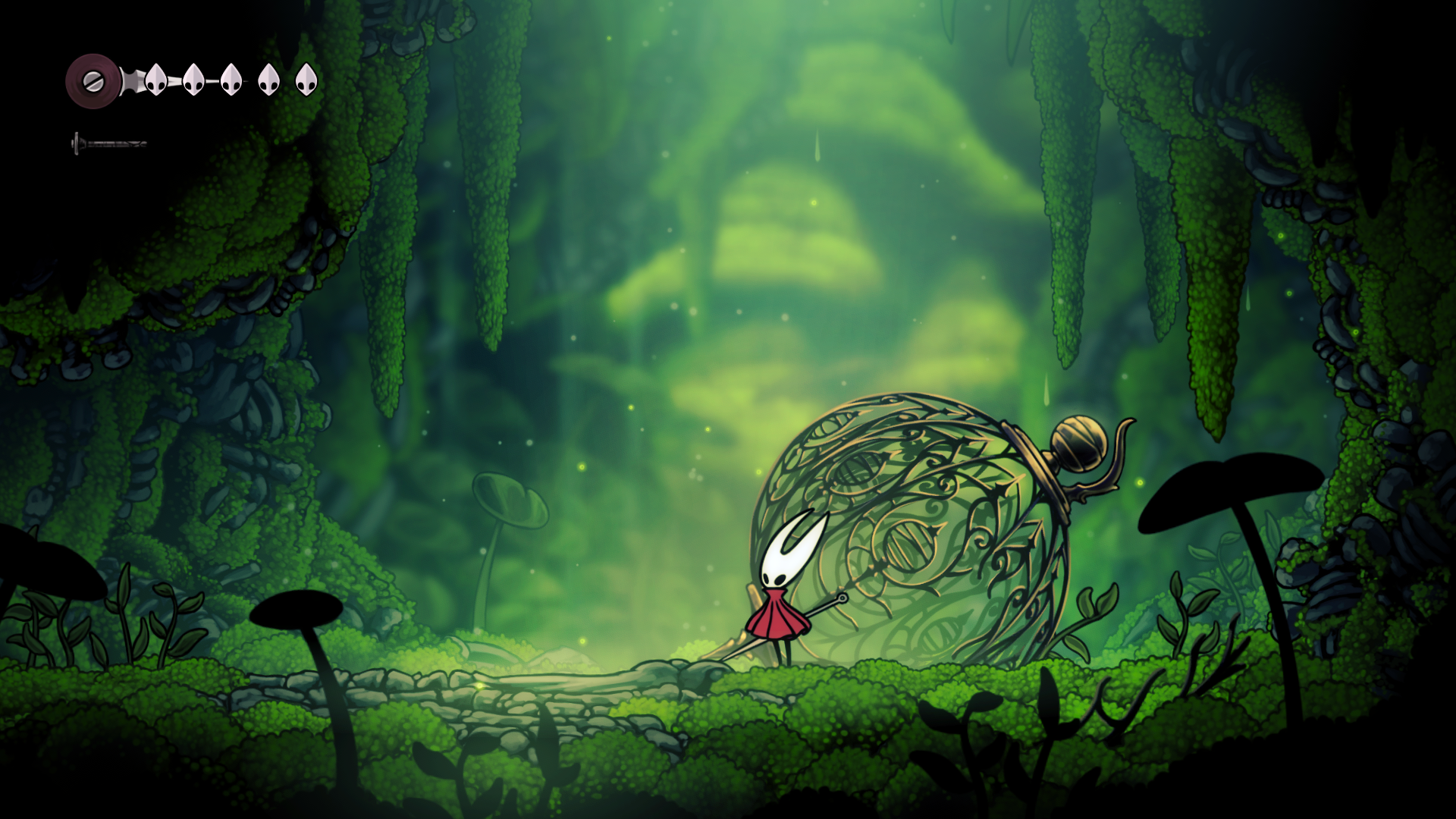
Refill your masks
Set current health within your existing mask capacity.
RosariesPremium
Read and set Rosaries from 0 to 9,999,999.
Refresh the current amount before applying a new total.
Set your Rosaries
Choose the Rosary amount for your current game.
Shell ShardsFree
Read and set Shell Shards from 0 to 400.
Refresh the current amount before applying a new total.
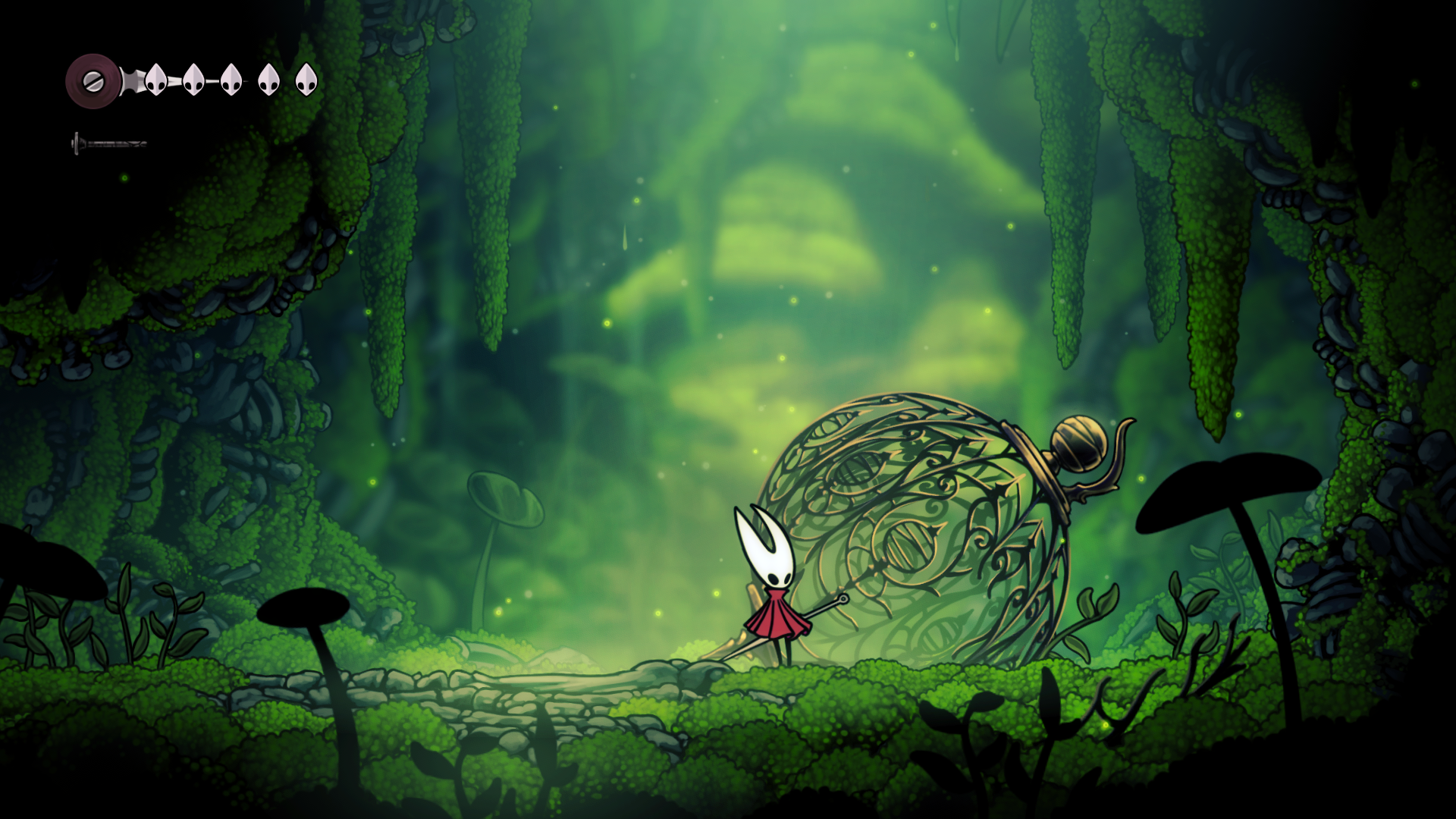
Manage your Shell Shards
Set Shell Shards within the game's capacity of 400.
More ways to customise Hollow Knight: Silksong
- Hollow Knight: Silksong unlocks
Four movement abilities and temporary menu-access switches.
- Hollow Knight: Silksong stat modifiers
A damage percentage and an optional lethal-attack switch.
- Hollow Knight: Silksong rule modifiers
Damage protection and tool changes away from benches.
- Hollow Knight: Silksong game actions
A deliberate action that ends Hornet’s current life.
- Hollow Knight: Silksong challenges
Longer enemy fights or a lethal-hit challenge for Hornet.
Using these features
Choose the feature in the Windows app after connecting your game. Check its requirements before making a change.
Setup for Hollow Knight: Silksong →