

Game Actions
1 optionA free action opens locked level choices without solving puzzles.
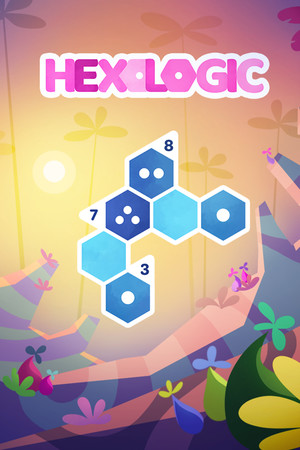
View game actions →Hexologic asks you to arrange dots across connected hexagons so their sums match the totals at the edges. The free Windows level unlock action opens more choice over which puzzle to tackle next.
Start with free mods
Download Bytonian Mods for Windows and try these free features. Choose one to see how it works and any requirements.
Make locked level choices available so you can pick the puzzle you want to play.
Open the level-selection map, then run Unlock all levels.
Opens access without solving puzzles or marking them complete. Unloading the mod restores previously locked choices.
Choose your next Hexologic puzzle
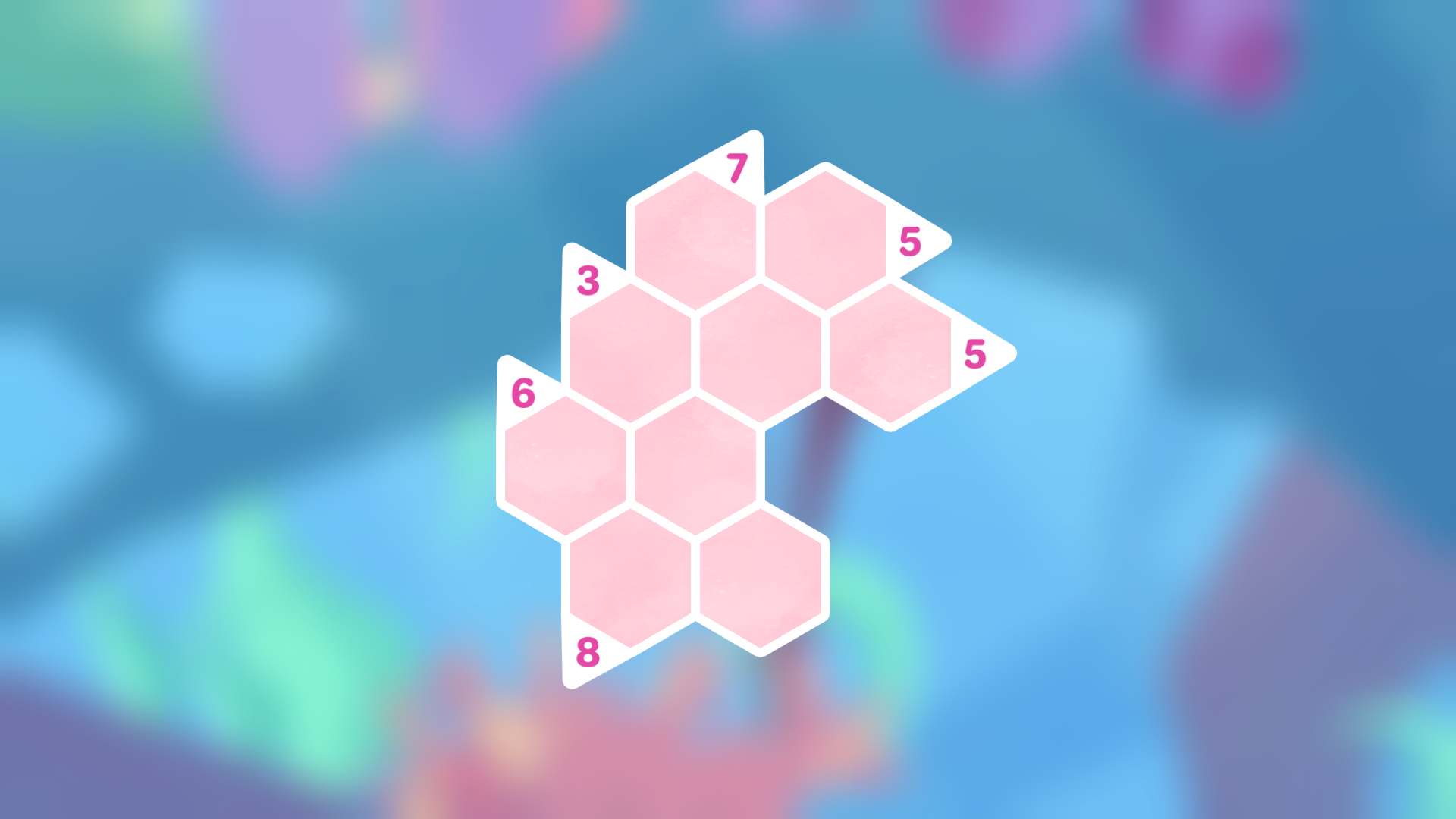
Arrange dots across connected hexagons so each row matches its edge total.
Game Actions contains Unlock all levels. It opens locked level choices so you can select a different challenge; you still work out each puzzle yourself.
Install Bytonian Mods, launch Hexologic and select the game in the app. Follow the connection prompts, open the game's level-selection map and run the unlock action.
A free action opens locked level choices without solving puzzles.
View game actions →Browse the Steam achievement names and descriptions for Hexologic. Choose and unlock achievements for free with Bytonian Mods in the Windows app.
View all achievements →Download the Windows app and follow the setup prompts.
Open Hexologic and select it in Bytonian Mods. Follow the app’s connection prompts.
Review the available options in the app and choose the ones that suit how you play.